Business App Screenshot Template — Career Path
Create a coordinated screenshot campaign for a business app: optimistic blue, cream and soft orange, editable ascending steps and briefcase, and five layouts for discovery, filters, job detail, saved jobs and applications.
- 5 slides · 5 screenshot slots
- Editable headlines, descriptions, background and 3 SVG decoration types
- Verified: iPhone 6.9″ portrait master (1320 × 2868 px).
- No account needed — opens in your browser; nothing is uploaded.
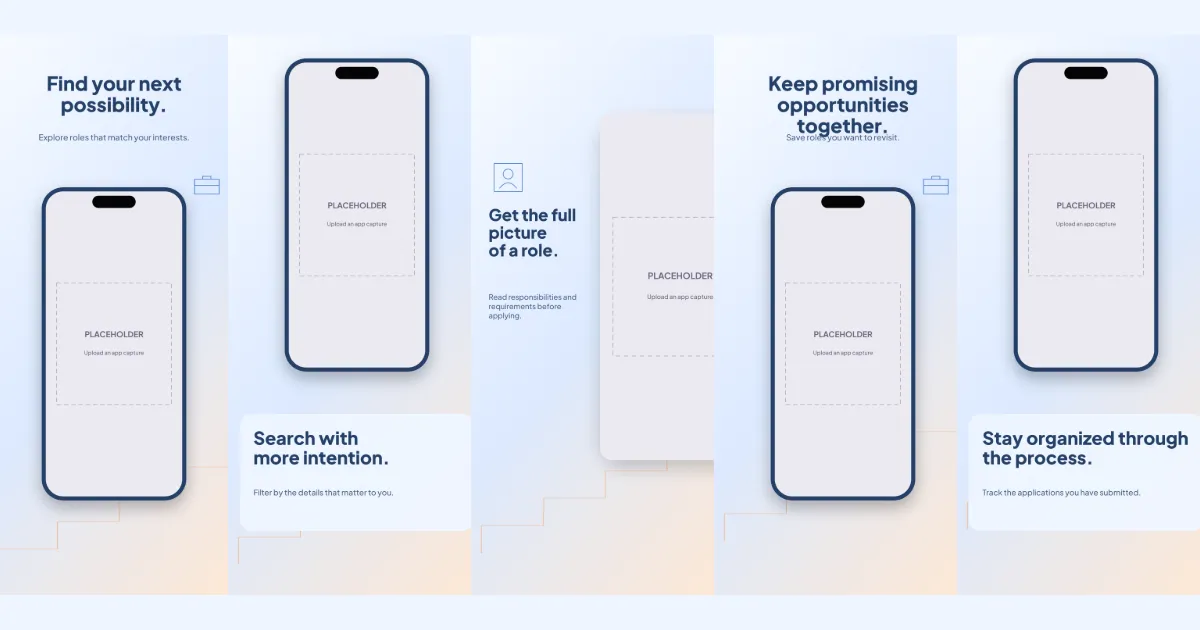
All five slides, in order
Swipe or use the slide links
1 · Promise
Find your next possibility.
Explore roles that match your interests.
2 · Primary feature
Search with more intention.
Filter by the details that matter to you.
3 · Secondary feature
Get the full picture of a role.
Read responsibilities and requirements before applying.
4 · Personalisation
Keep promising opportunities together.
Save roles you want to revisit.
5 · Closing
Stay organized through the process.
Track the applications you have submitted.
The story the slides tell
Alternating split (L2): steps rise across the campaign while text moves between top, lower third and side.
- Slide one — promise: shows discovery, decorated with ascending steps and briefcase. Example copy: “Find your next possibility.” / “Explore roles that match your interests.”
- Slide two — primary feature: shows filters, decorated with ascending steps. Example copy: “Search with more intention.” / “Filter by the details that matter to you.”
- Slide three — secondary feature: shows job detail, decorated with ascending steps and profile frame. Example copy: “Get the full picture of a role.” / “Read responsibilities and requirements before applying.”
- Slide four — personalisation: shows saved jobs, decorated with ascending steps and briefcase. Example copy: “Keep promising opportunities together.” / “Save roles you want to revisit.”
- Slide five — closing: shows applications, decorated with ascending steps. Example copy: “Stay organized through the process.” / “Track the applications you have submitted.”
How to use Career Path
- Open the template in Screenshot Studio. “Use this template” opens a new-project dialog in your browser; nothing is saved until you choose Create.
- Upload and map your app screenshots. Slots are named Discovery, Filters, Job detail, Saved jobs, Applications.
- Edit the headlines and supporting descriptions. Click any text on the canvas or use the copy table for every language.
- Apply your colours, fonts and target sizes. Brand kits and per-size adjustments keep the master layout intact.
- Preview, validate and export. Validation flags empty slots, overflowing text and missing fonts before the PNG export.
Advice for this template
- Use a discovery screen for slide one, a filters screen for slide two, a job detail screen for slide three, then saved jobs and applications screens for slides four and five.
- 1 slot is a zoomed close-up; supply a separate capture (or the same one, then pan the crop) so the detail stays sharp.
Questions
- Which app screens work best in this template?
- In order: discovery, filters, job detail, saved jobs and applications. Each slide has a named screenshot slot so captures map by position.
- Can I replace the device frame?
- Yes. Each screenshot slot can switch between the generic drawn frame styles (including frameless cards). Realistic manufacturer device artwork is not bundled.
- Can I change the gradient colors?
- Yes. The background is an ordinary editable gradient; the template also offers a matching solid colour and an alternate light/dark treatment.
- Can I use this design for both platforms?
- Yes. Projects can target App Store and Google Play sizes together. The master layout is 1320 × 2868; other sizes are resized proportionally, and you can adjust any size individually.
- Which parts remain editable?
- Every headline and description, screenshot slot, background and SVG decoration is an ordinary named layer you can edit, recolour, move, hide or delete.
Related templates
Start from Career Path
Opens a new project in your browser with all five slides editable. Your existing projects are not changed.
Use this template