Business operations app screenshot templates
Operational layouts for inventory, point of sale, restaurants, bookings, field service, logistics, scheduling and document approvals.
Screenshot advice for this kind of app
- Tablet-first products should use the tablet frame templates so counter or kitchen screens stay legible.
- Show the workflow in order — record, act, review — across the five slides.
- Avoid compliance or legal-sufficiency wording; describe what the app records.
9 templates · page 1 of 1
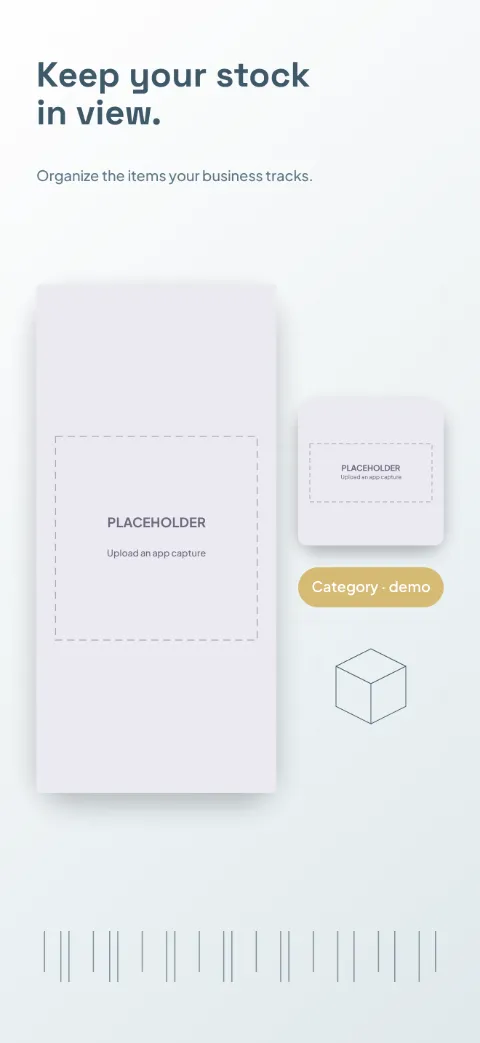
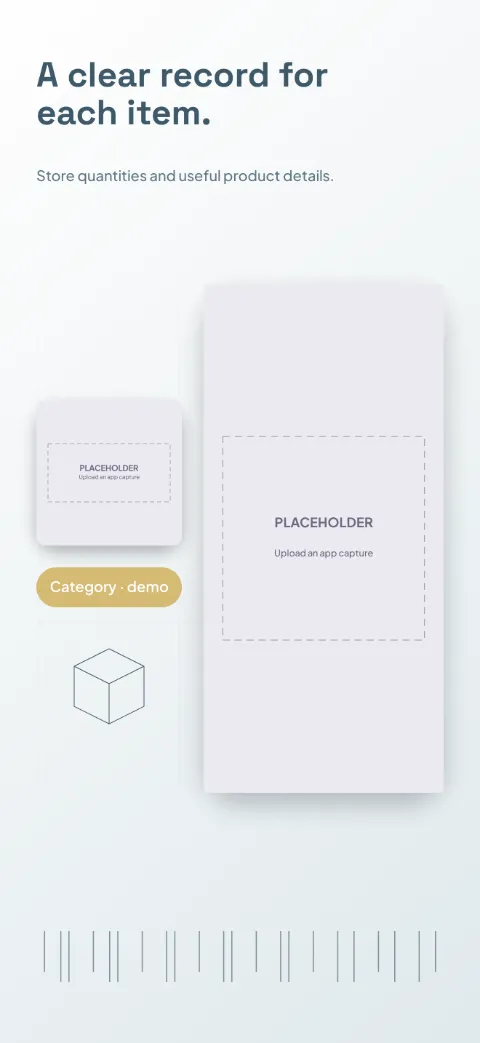
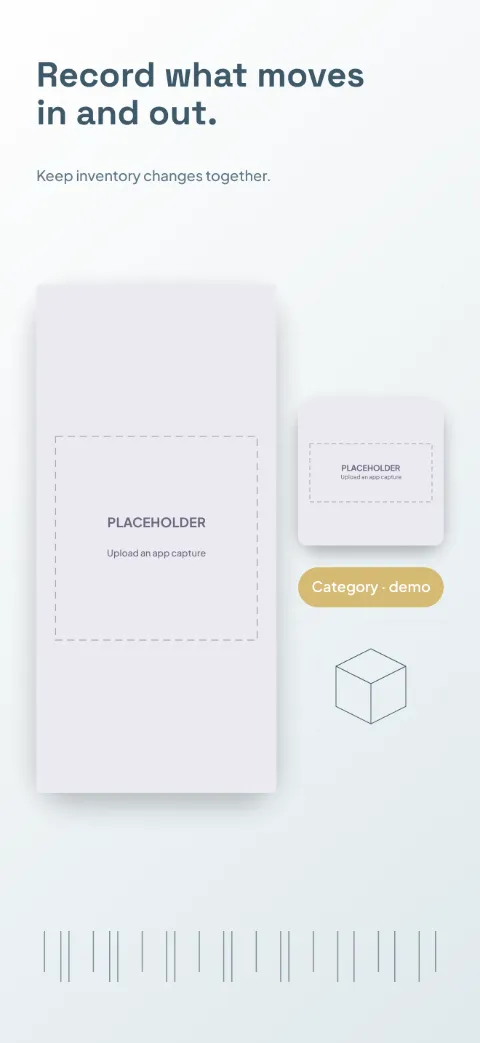
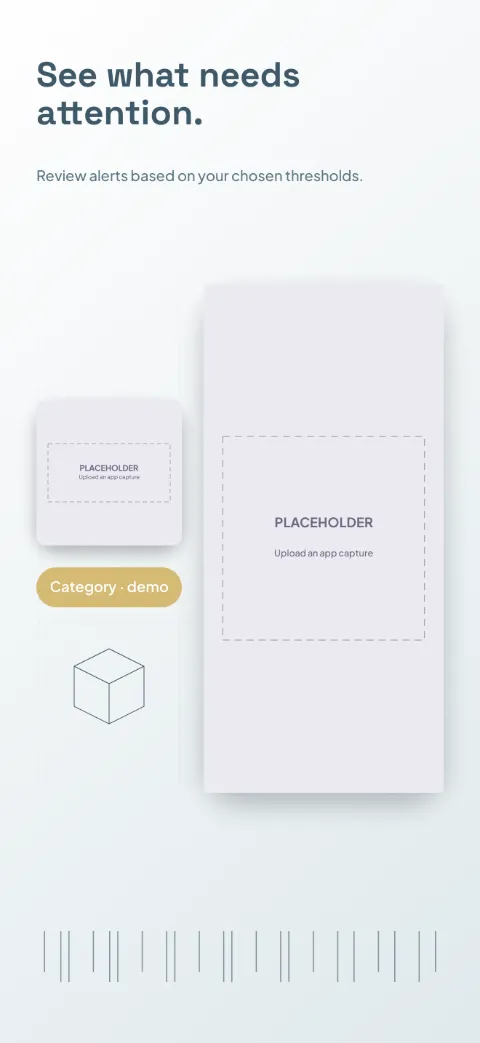
Stock Room
Inventory Management · Minimal · Light
White and slate blue with mustard category accents; inventory dashboard plus item spotlights.
Counter Point
Retail POS · Dark · Dark
Charcoal and warm ivory with coral action buttons; tablet-first counter screen.
Service Board
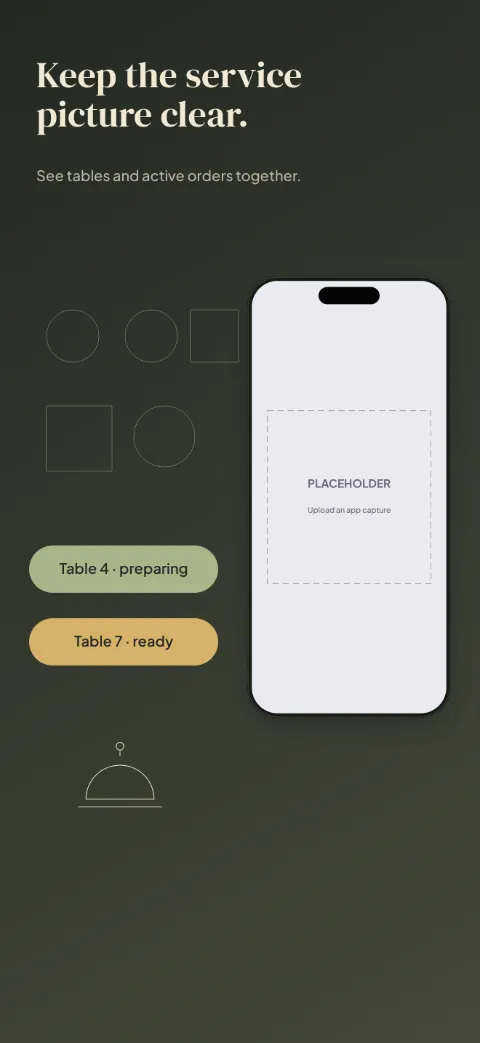
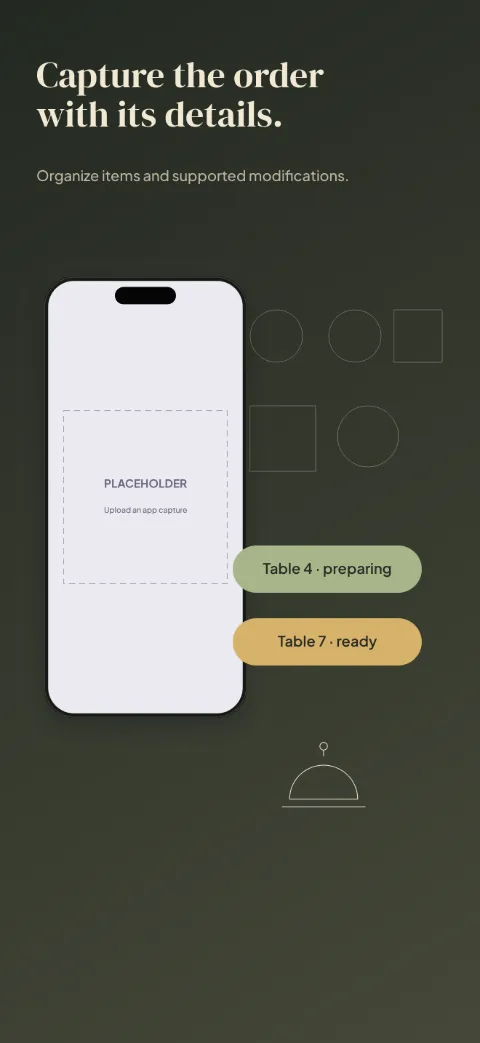
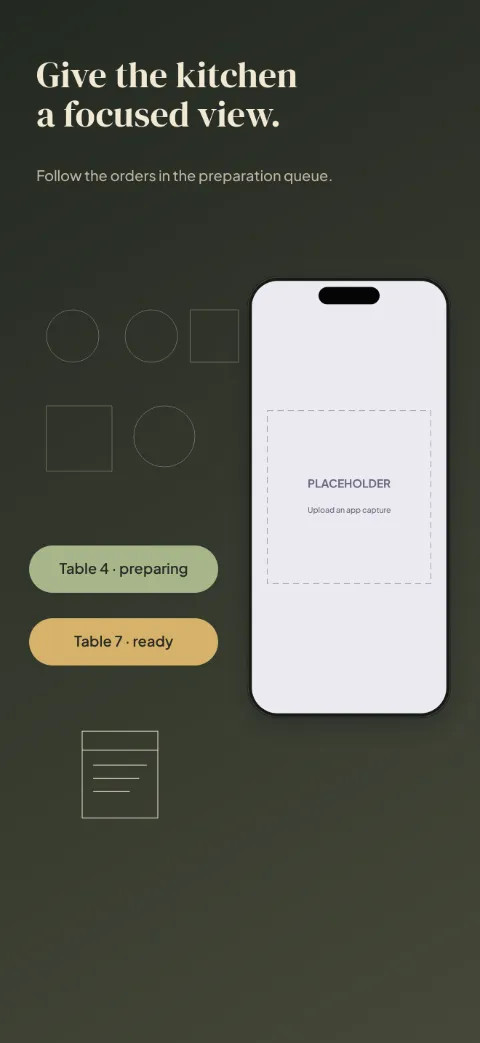
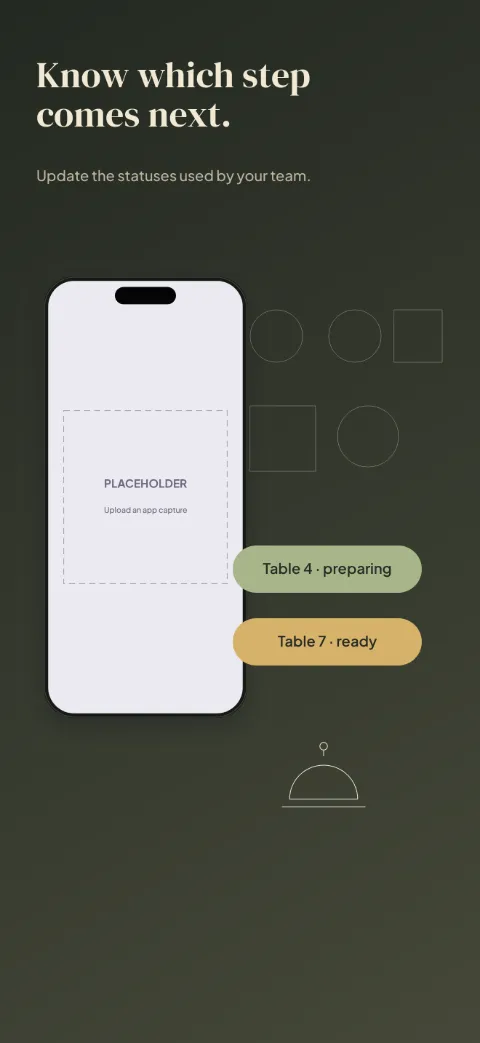
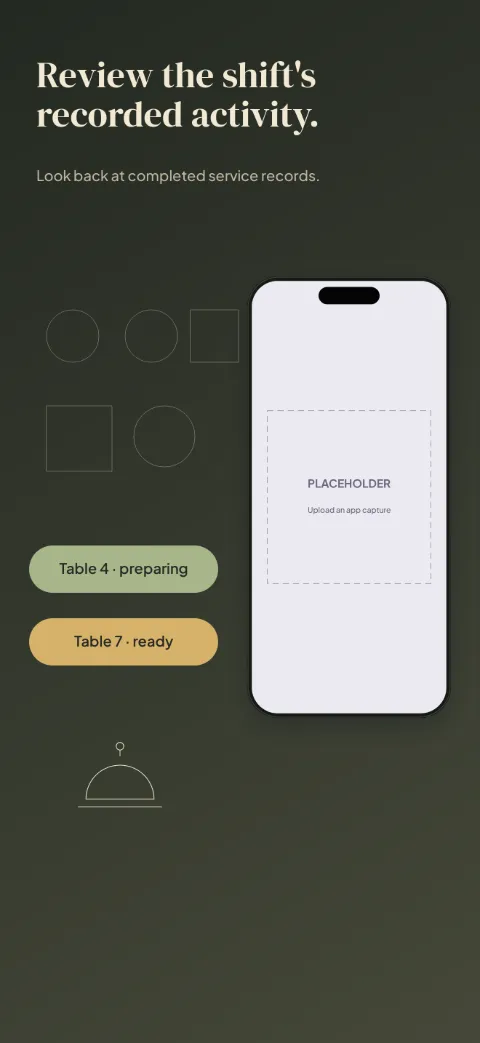
Restaurant Operations · Dark · Dark
Warm black and parchment with sage and amber status labels; table map plus order cards.
Session Desk
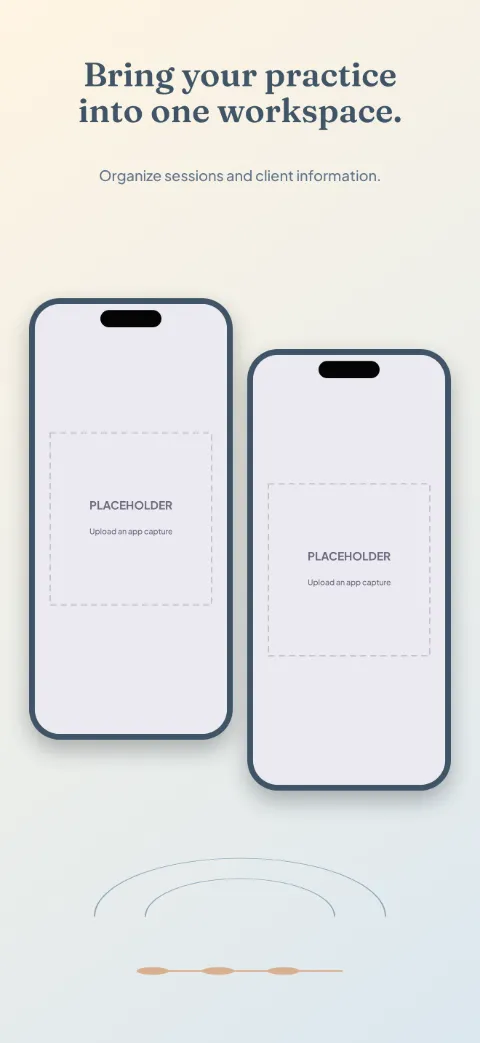
Coaching Management · Split · Light
Muted blue, cream and soft apricot; schedule and client-record views side by side.
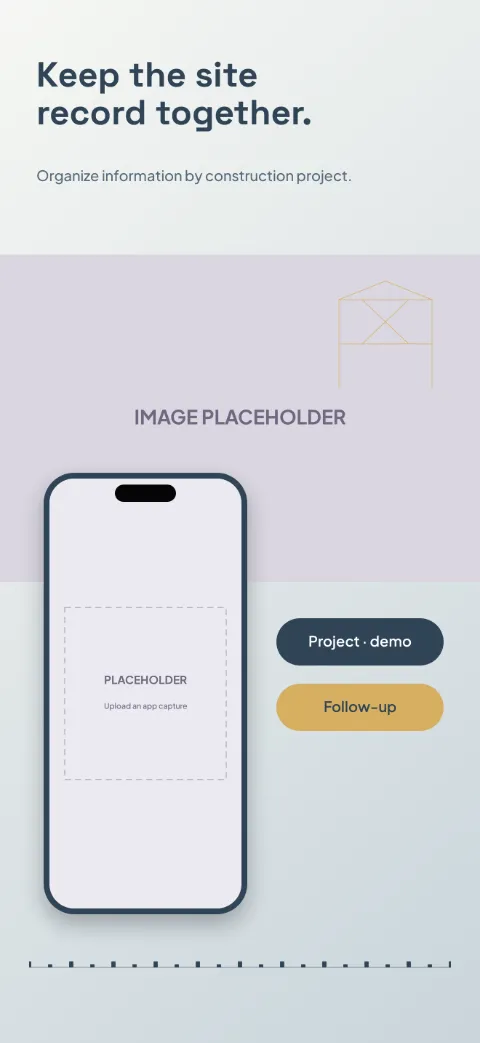
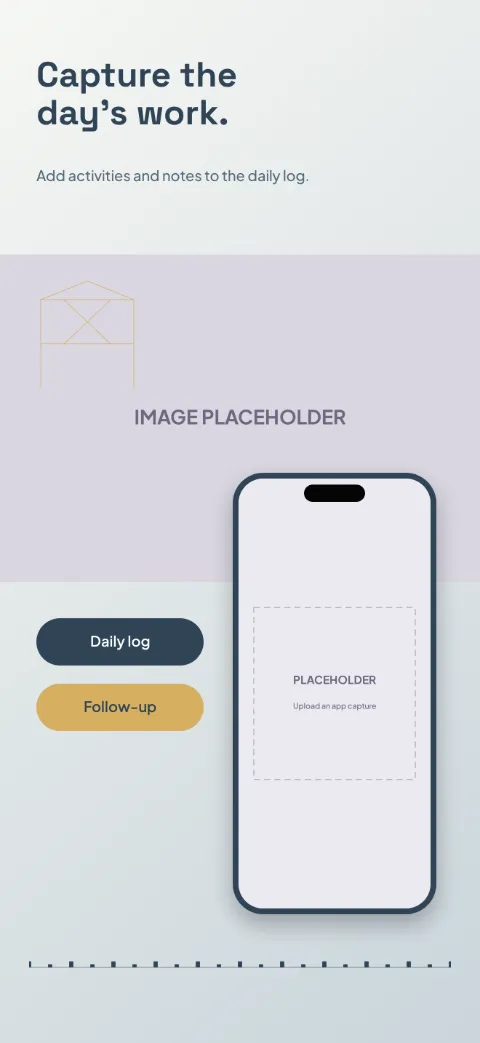
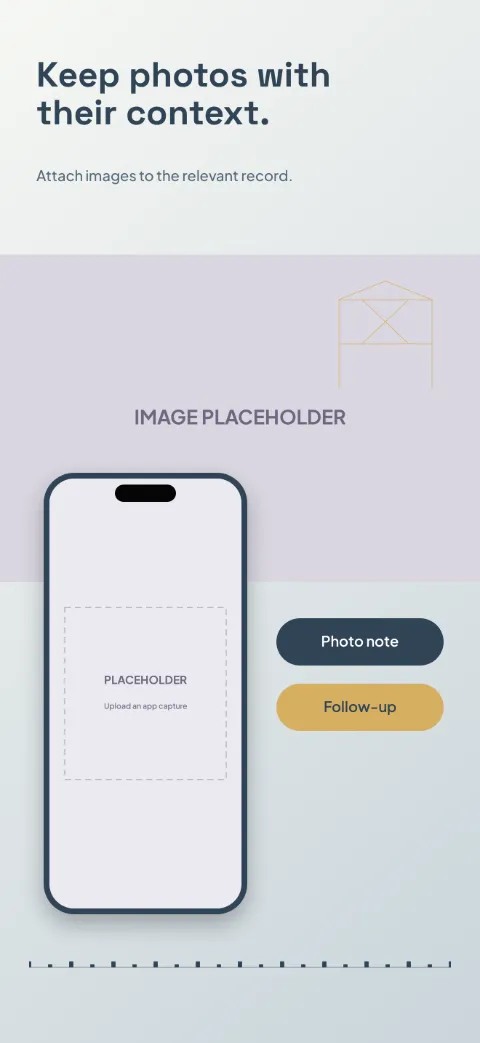
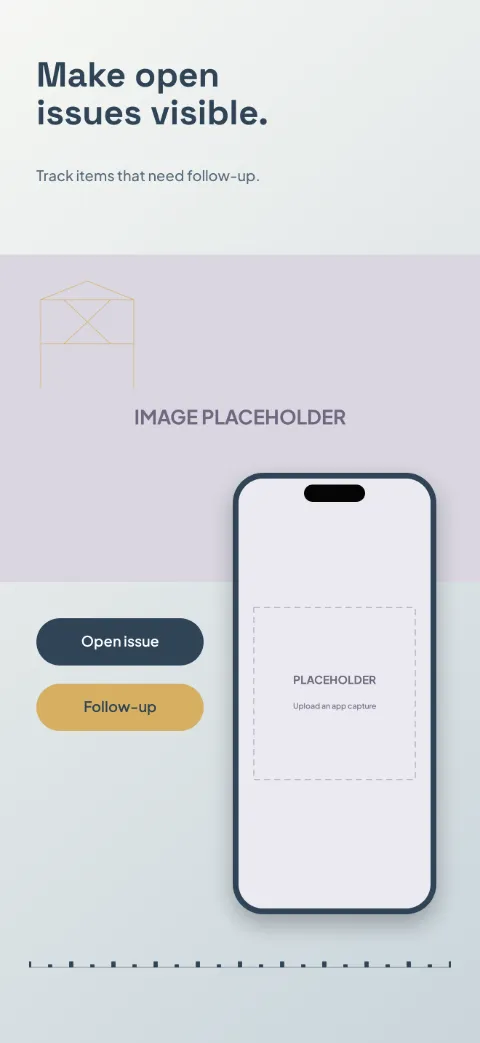
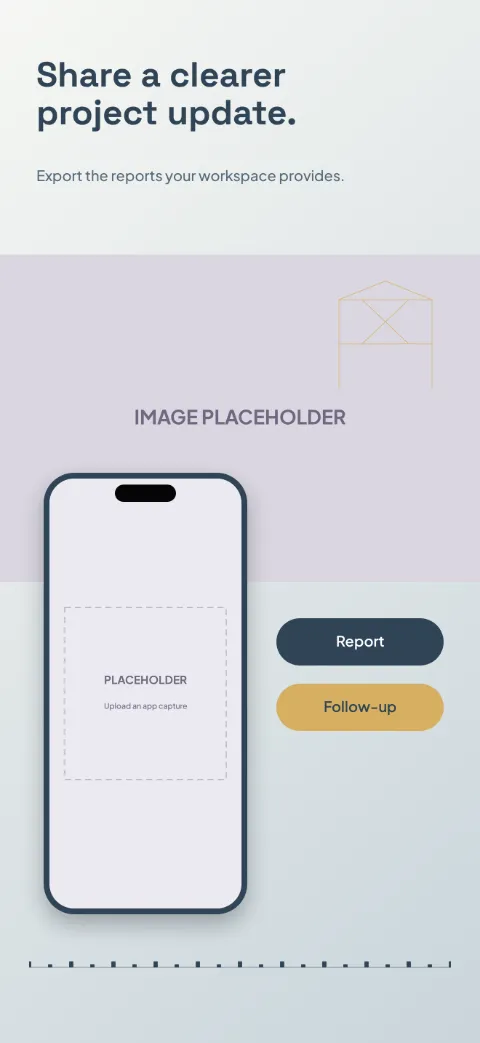
Site Log
Construction · Photographic · Light
Concrete gray and deep navy with safety-amber accents; site photo slot and structured log cards.
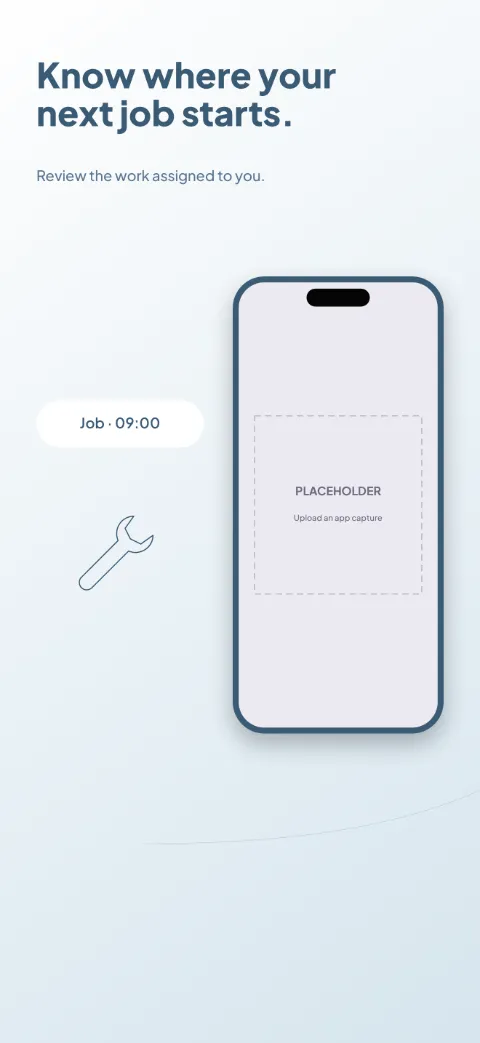
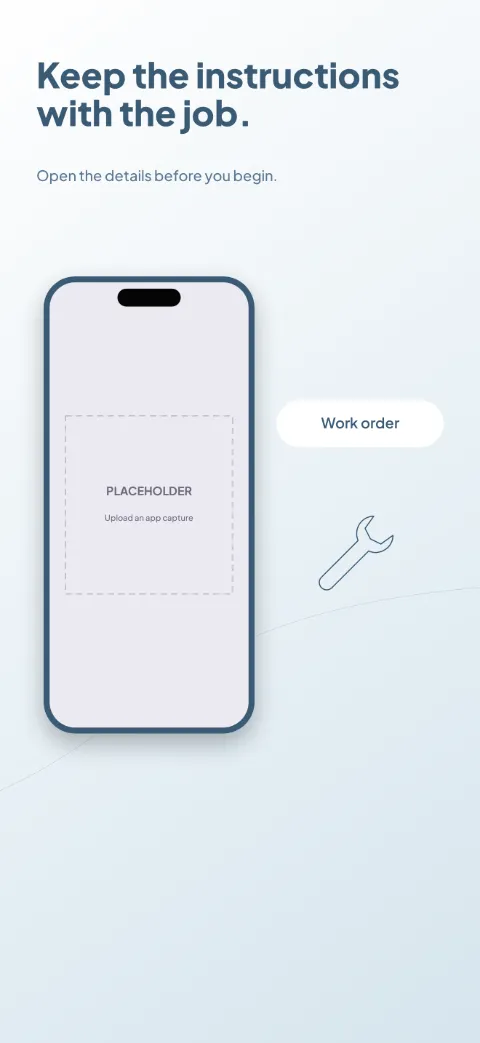
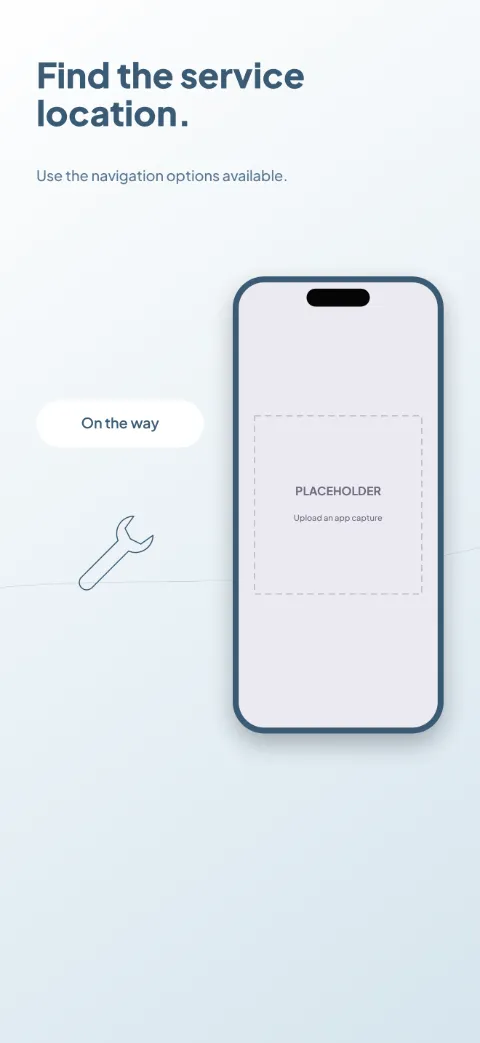
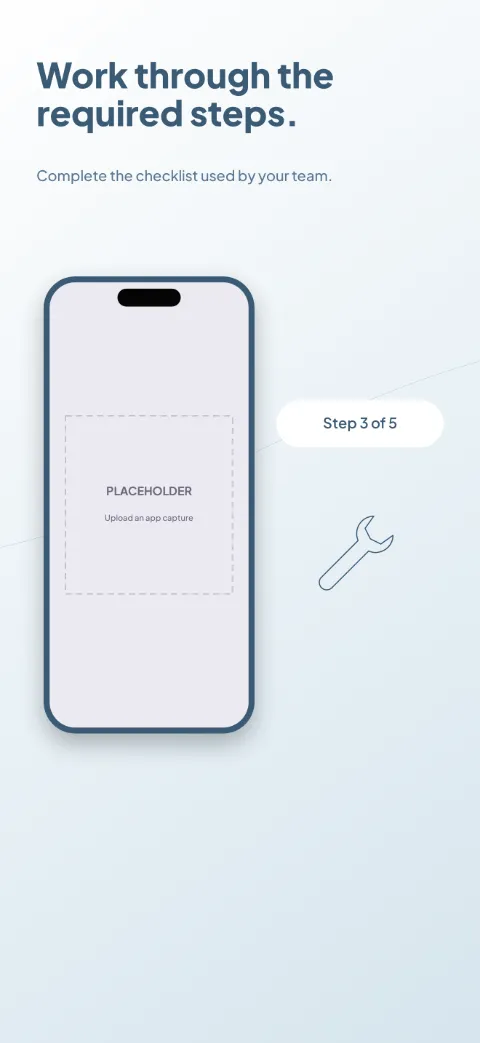
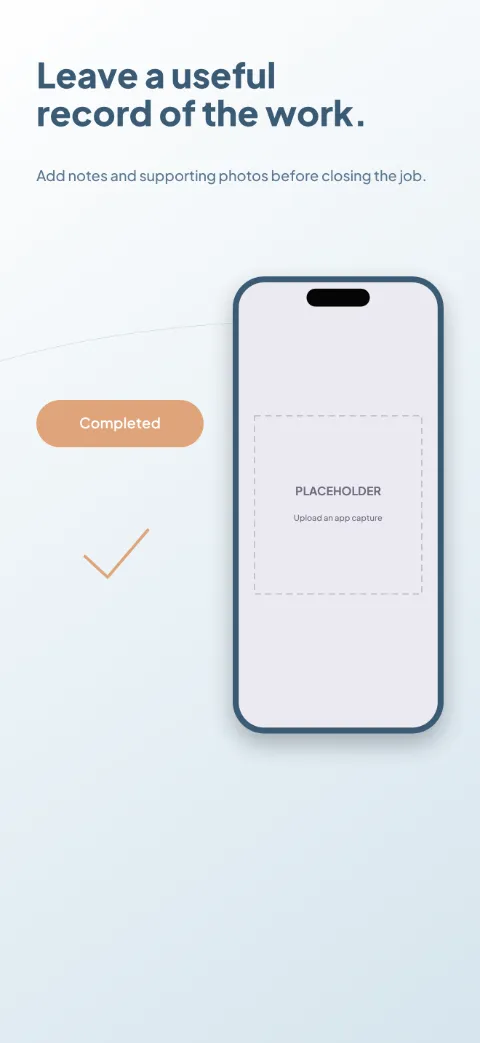
Field Ready
Field Service · Minimal · Light
Steel blue and white with orange task accents; job cards tell the arrival-to-completion story.
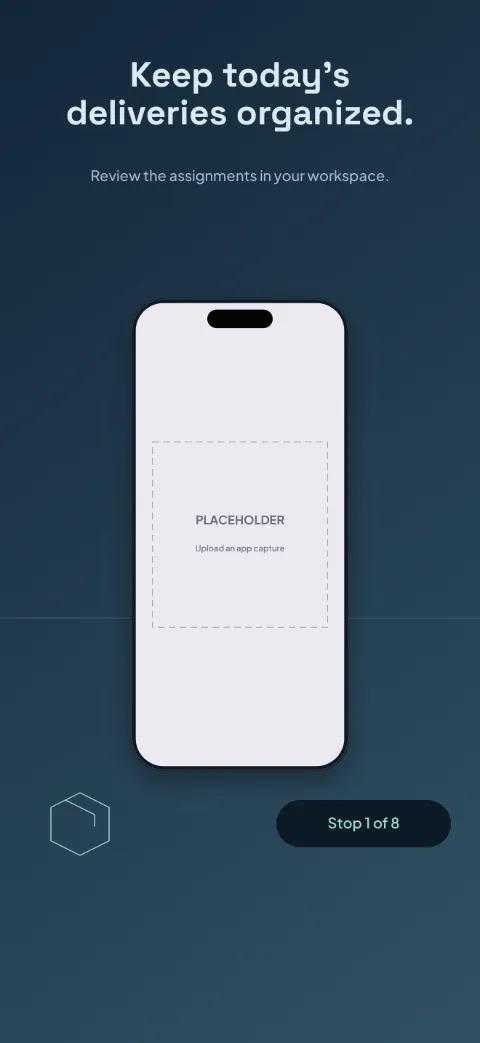
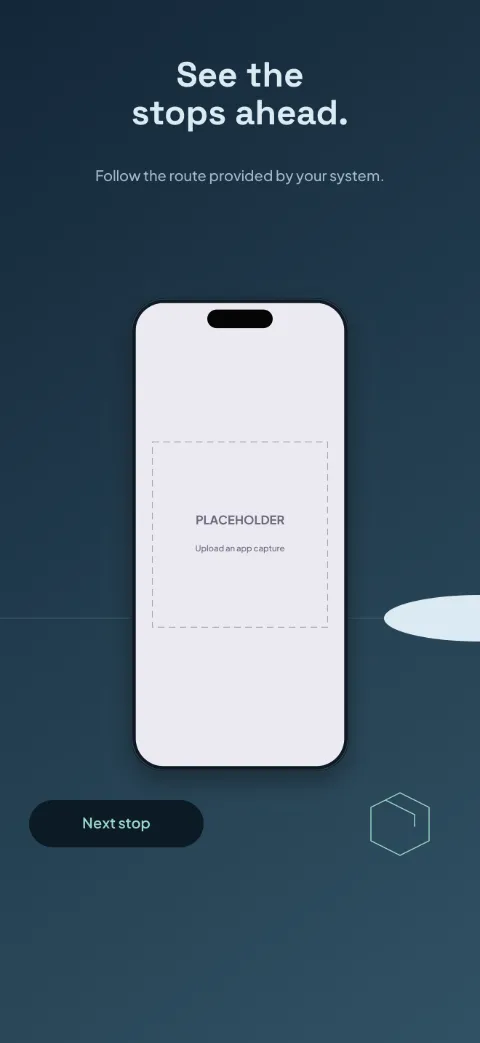
Fleet Route
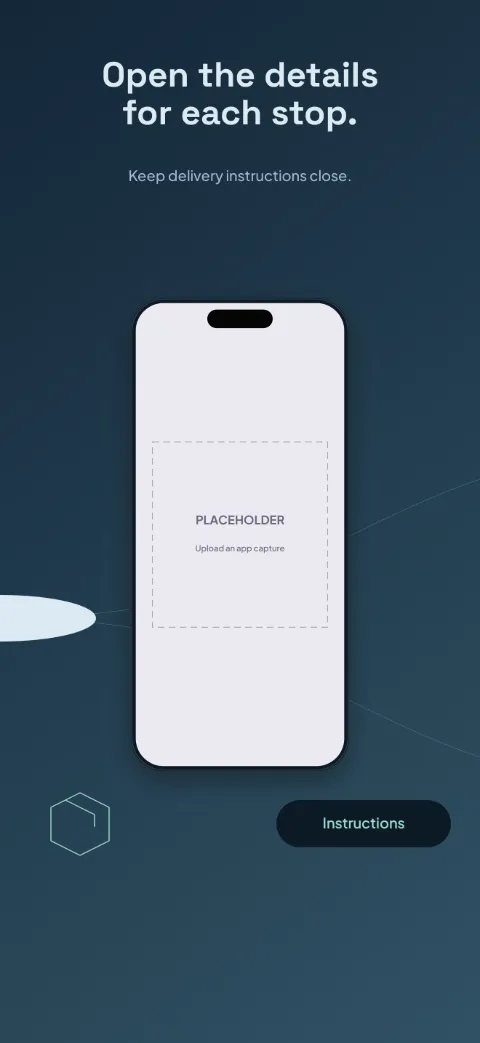
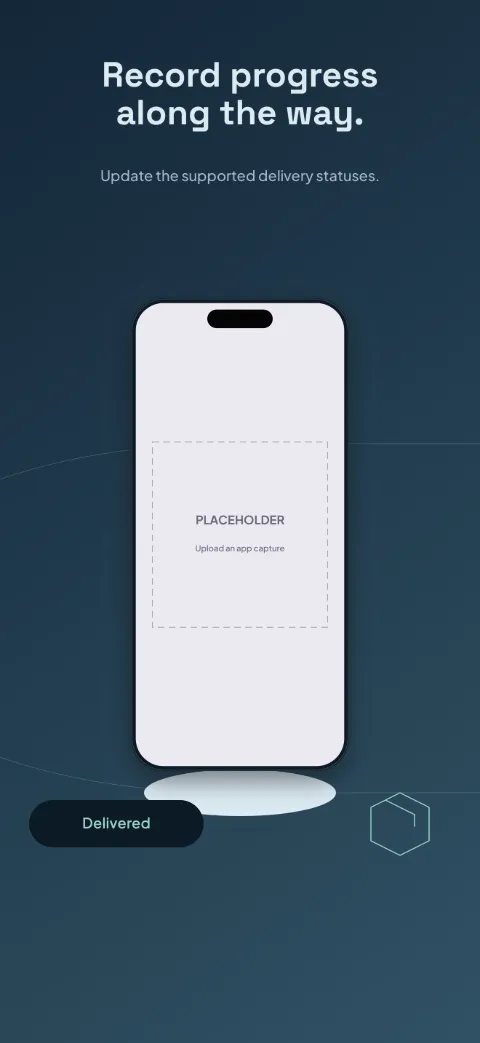
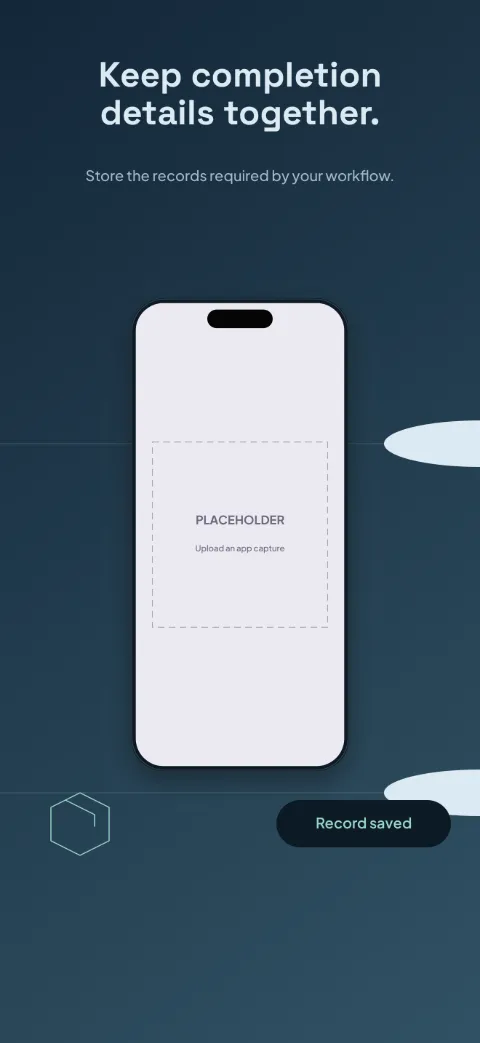
Logistics · Panoramic · Dark
Midnight blue and mint; branching routes run across all slides with operational cards.
Shift Together
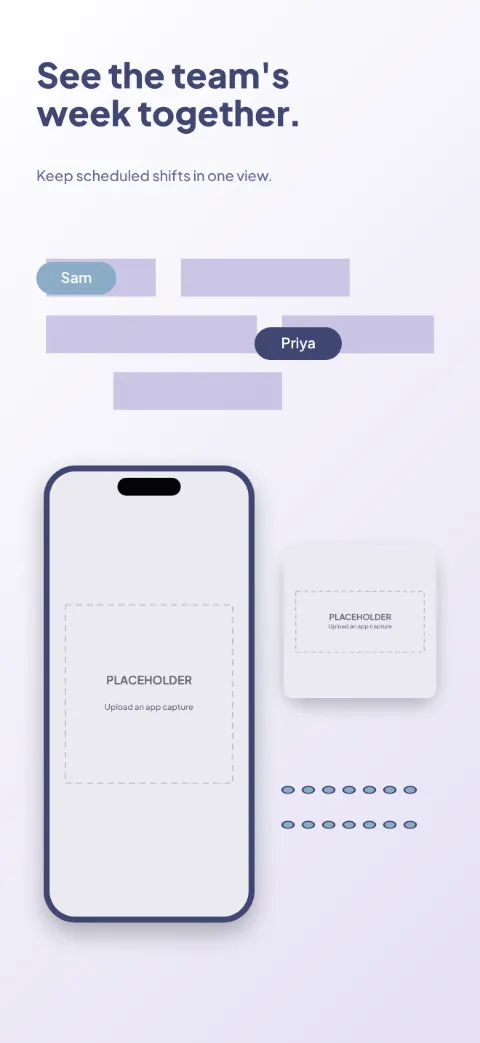
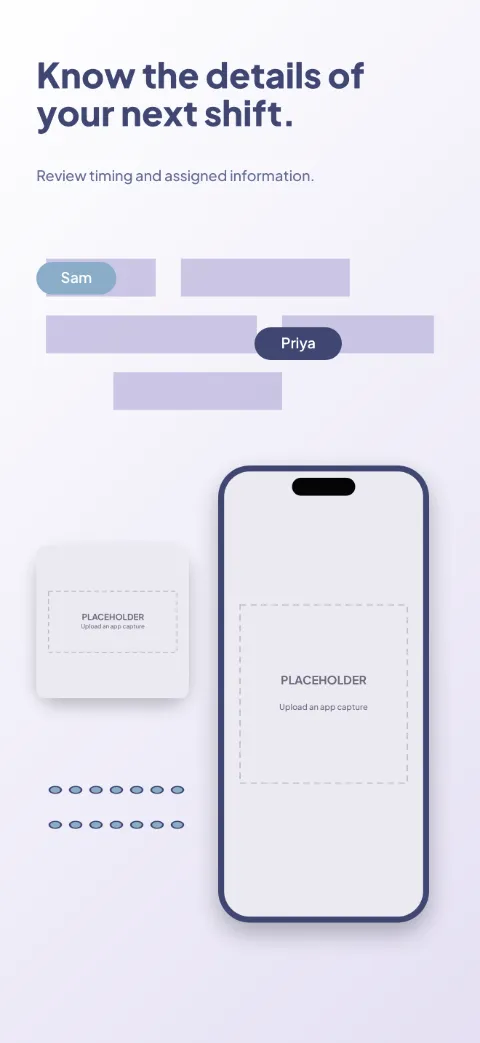
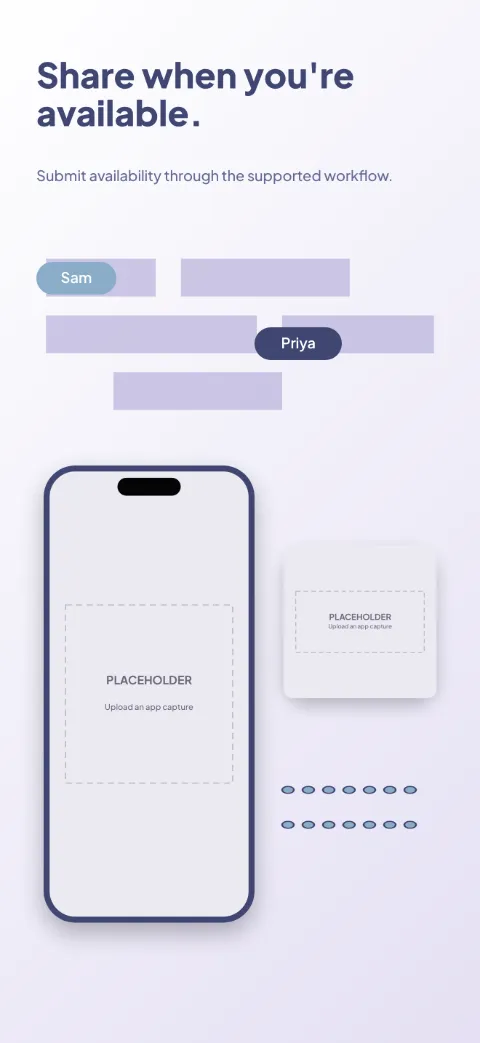
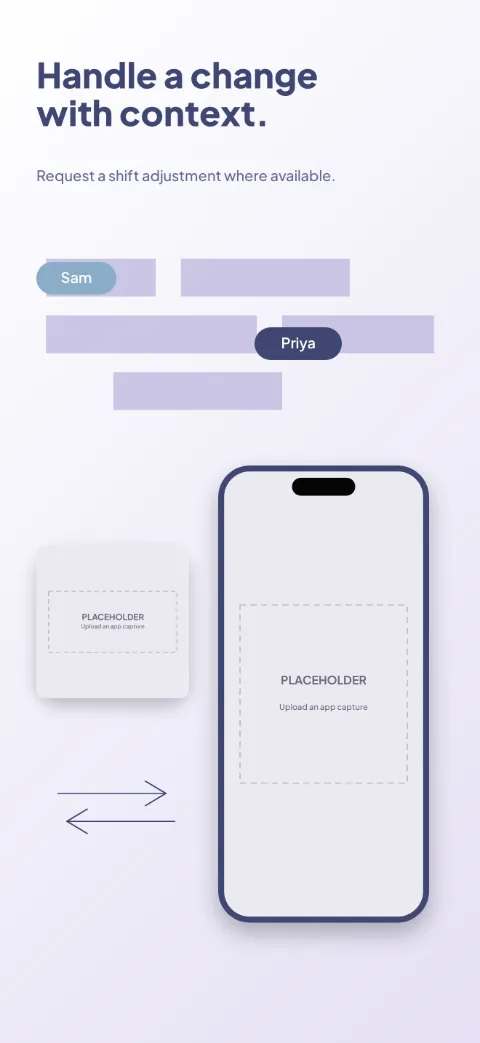
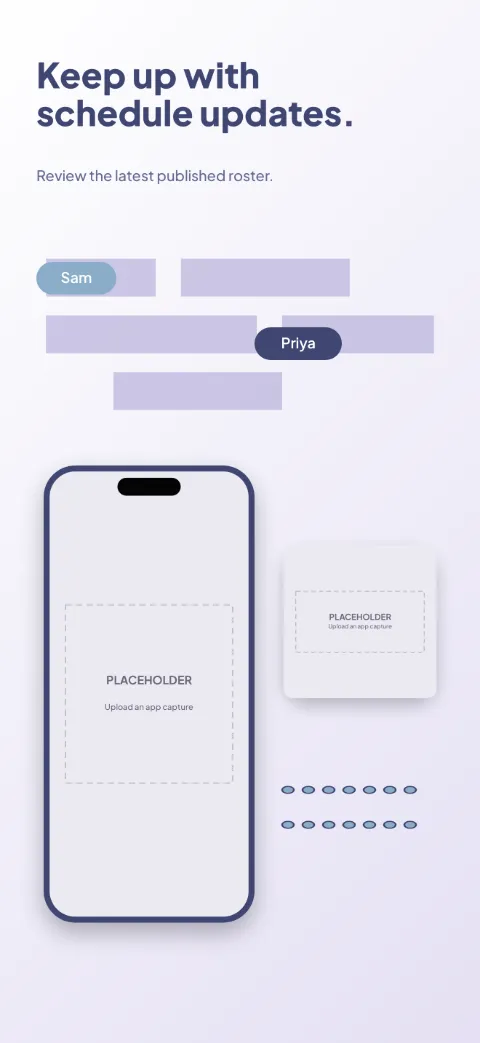
Staff Scheduling · Soft · Light
White, lilac and blue with distinct team-member labels; a weekly grid and shift close-ups.
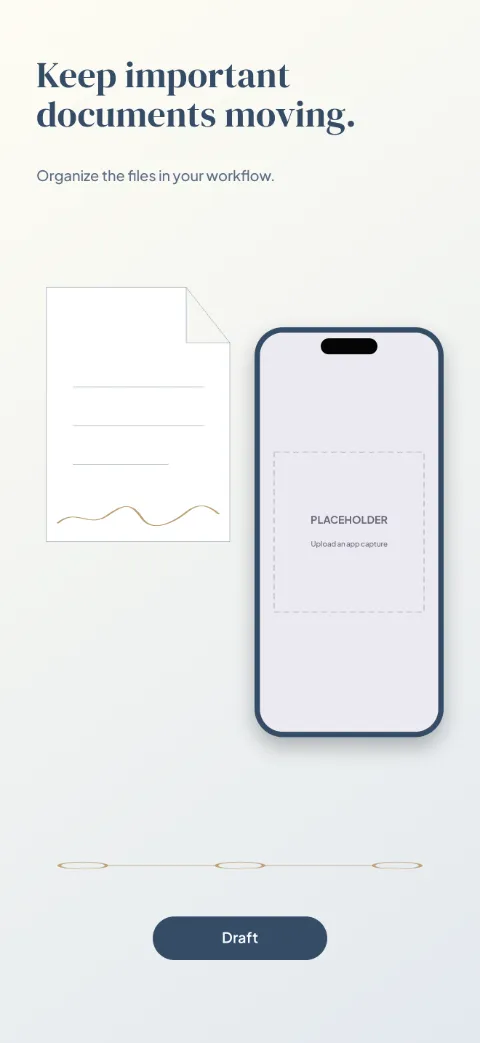
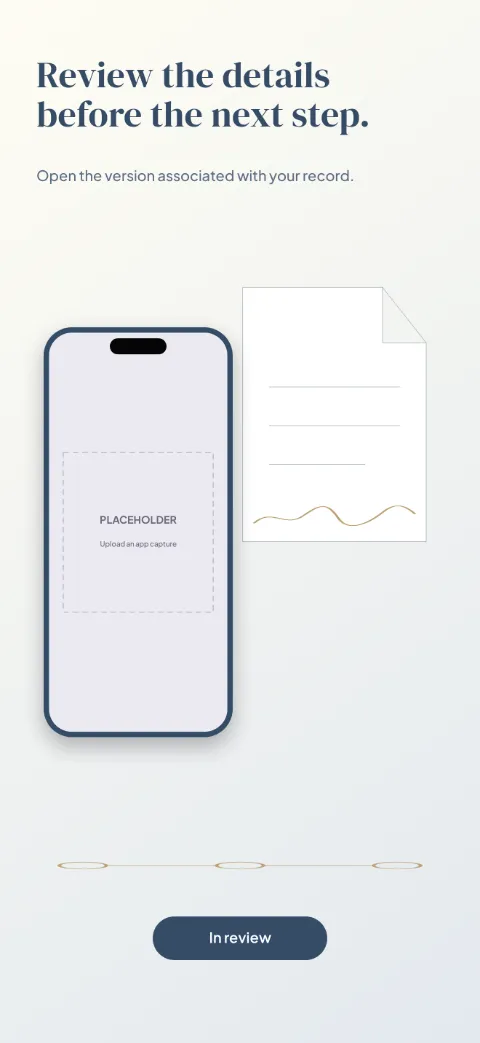
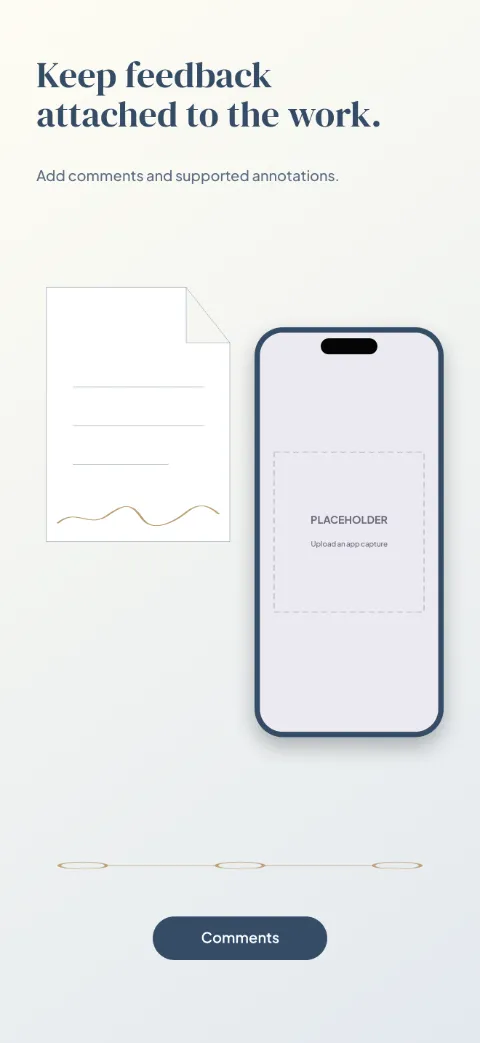
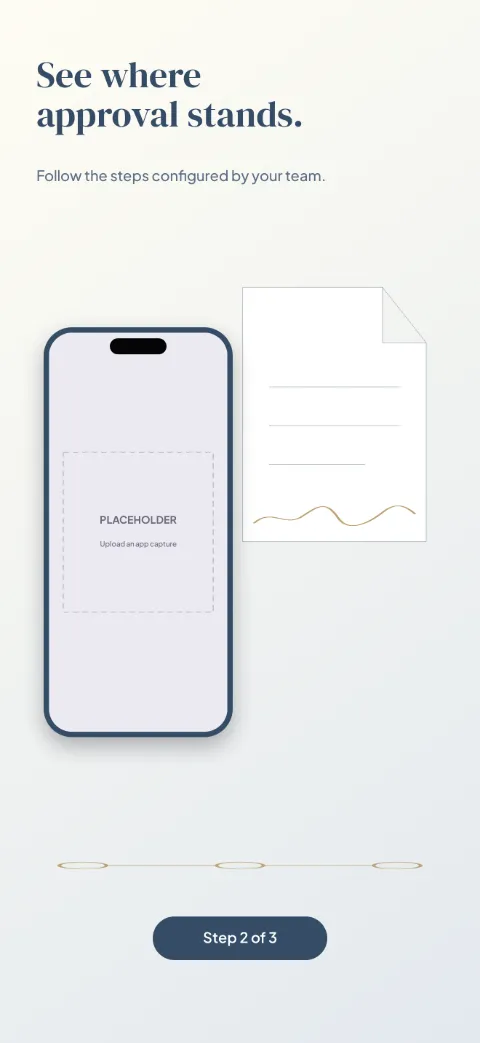
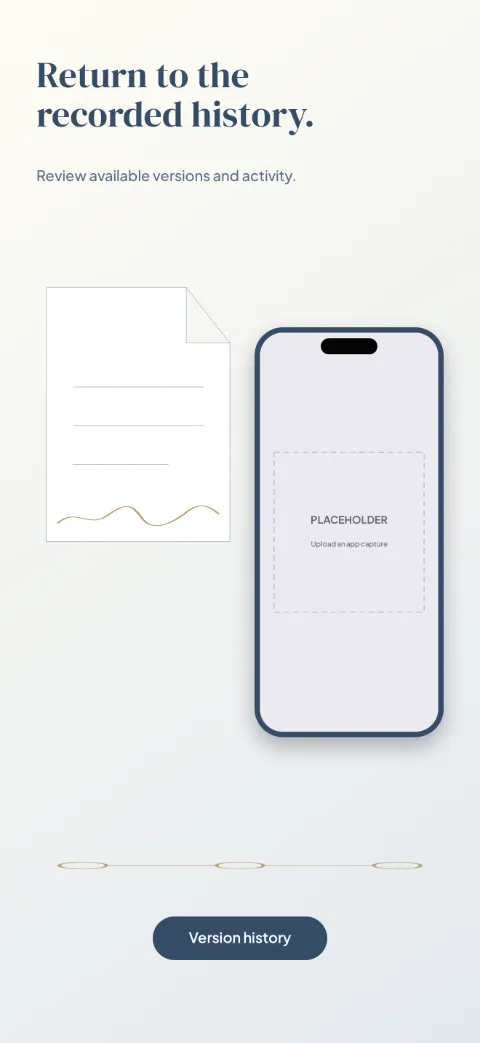
Document Desk
Contracts Approvals · Editorial · Light
Paper white, ink blue and brass; a document spotlight with a status timeline.