Education and knowledge app screenshot templates

Campaigns for language learning, courses, e-books, flashcards, school communication, research, astronomy and music practice.

Screenshot advice for this kind of app

  • Lesson and reader screens benefit from the large crop slots — legibility matters most here.
  • Describe progress features without promising fluency or grades.
  • Use one subject per campaign so the story stays coherent.

8 templates · page 1 of 1
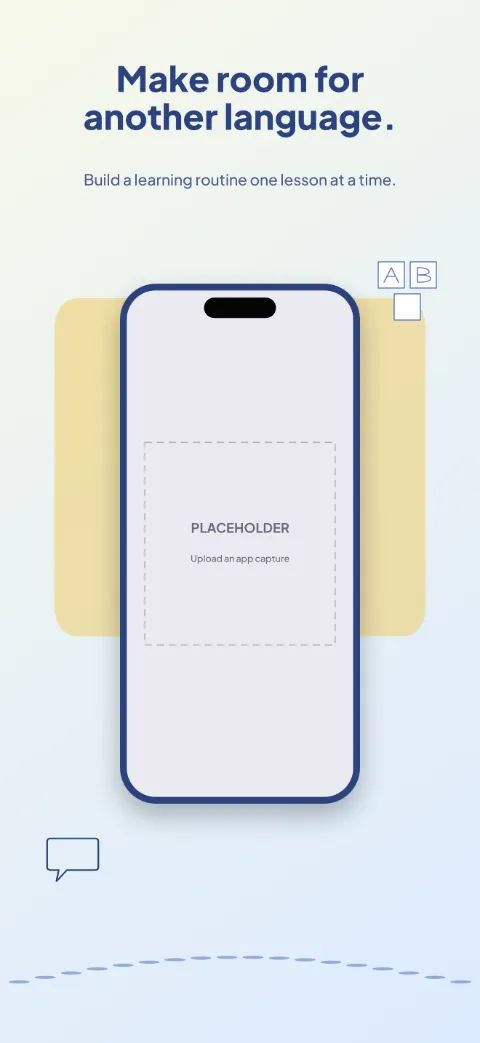
  • Word Journey slide 1 (promise): “Make room for another language.” over a light gradient background with a course screen slot and speech bubble.Word Journey slide 2 (primary feature): “Start with something useful.” over a light gradient background with a lesson screen slot and speech bubble.Word Journey slide 3 (secondary feature): “Listen a little more closely.” over a light gradient background with a listening screen slot and speech bubble.Word Journey slide 4 (personalisation): “Keep new words in reach.” over a light gradient background with a vocabulary screen slot and speech bubble.Word Journey slide 5 (closing): “Keep the conversation moving.” over a light gradient background with a practice history screen slot and speech bubble.

    Word Journey

    Education · Soft · Light

    Rich blue and warm yellow with speech bubbles and alphabet tiles around the phone.
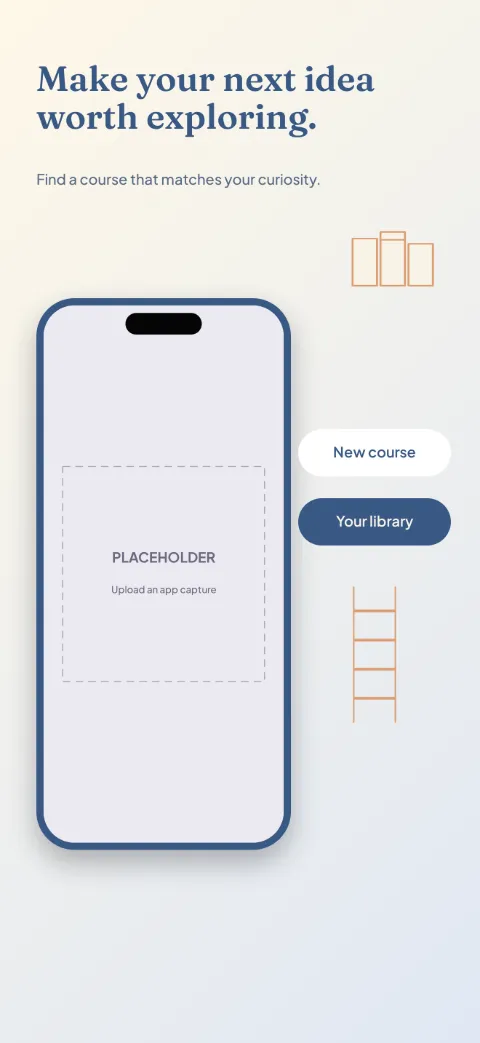
  • Learn Ahead slide 1 (promise): “Make your next idea worth exploring.” over a light gradient background with a course library screen slot and book tabs.Learn Ahead slide 2 (primary feature): “See the path before you begin.” over a light gradient background with a curriculum screen slot and book tabs.Learn Ahead slide 3 (secondary feature): “Learn one clear step at a time.” over a light gradient background with a lesson screen slot and book tabs.Learn Ahead slide 4 (personalisation): “Keep your own understanding.” over a light gradient background with a notes screen slot and book tabs.Learn Ahead slide 5 (closing): “Review what you've learned.” over a light gradient background with a review screen slot and book tabs.

    Learn Ahead

    Education · Editorial · Light

    Scholarly cream, deep blue and muted orange; book tabs and concept nodes as floating cards.
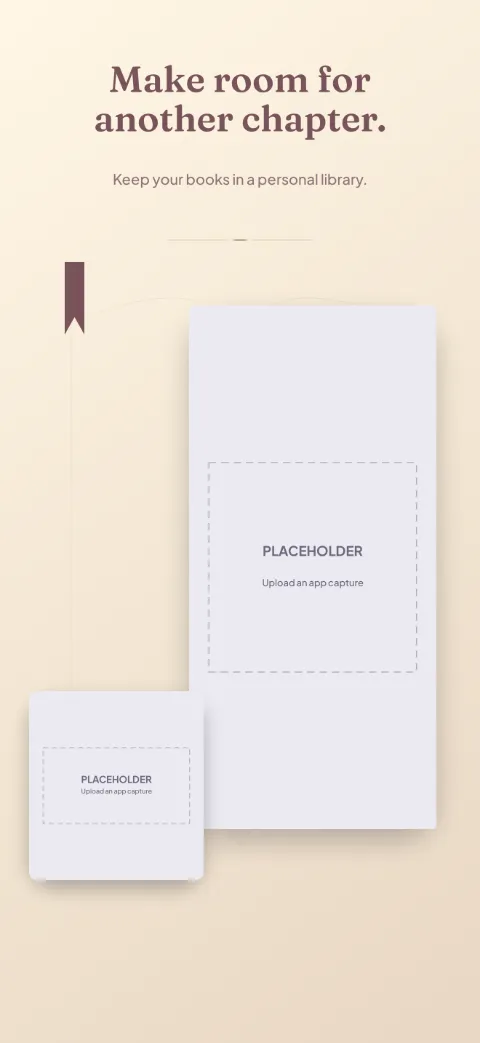
  • Reading Room slide 1 (promise): “Make room for another chapter.” over a light gradient background with a library screen slot and chapter divider.Reading Room slide 2 (primary feature): “Choose what you want to read next.” over a light gradient background with a book detail screen slot and chapter divider.Reading Room slide 3 (secondary feature): “Settle into your reading view.” over a light gradient background with a reader screen slot and chapter divider.Reading Room slide 4 (personalisation): “Keep the lines that stay with you.” over a light gradient background with a annotations screen slot and chapter divider.Reading Room slide 5 (closing): “Return to where you paused.” over a light gradient background with a reading progress screen slot and chapter divider.

    Reading Room

    Ebook Reader · Editorial · Light

    Parchment and burgundy with elegant serif headlines; quiet editorial with large reading crops.
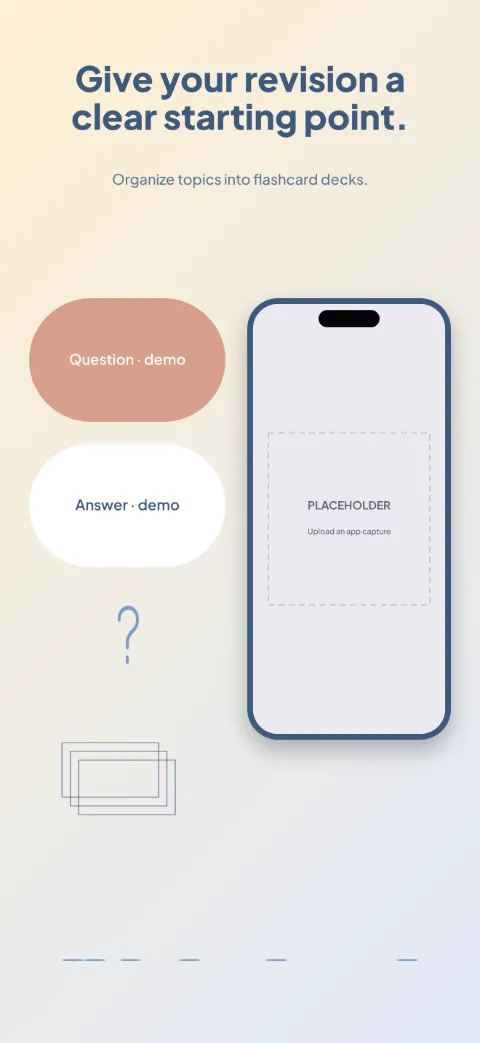
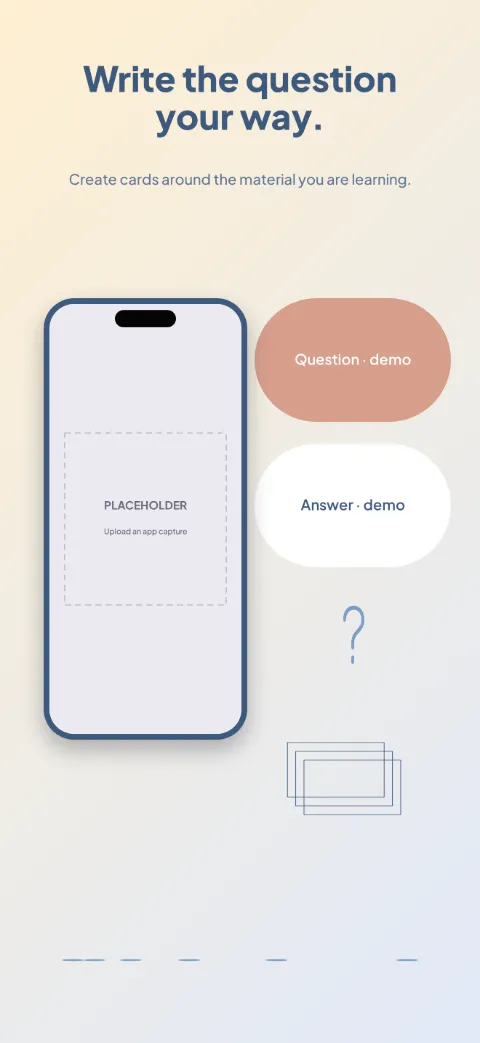
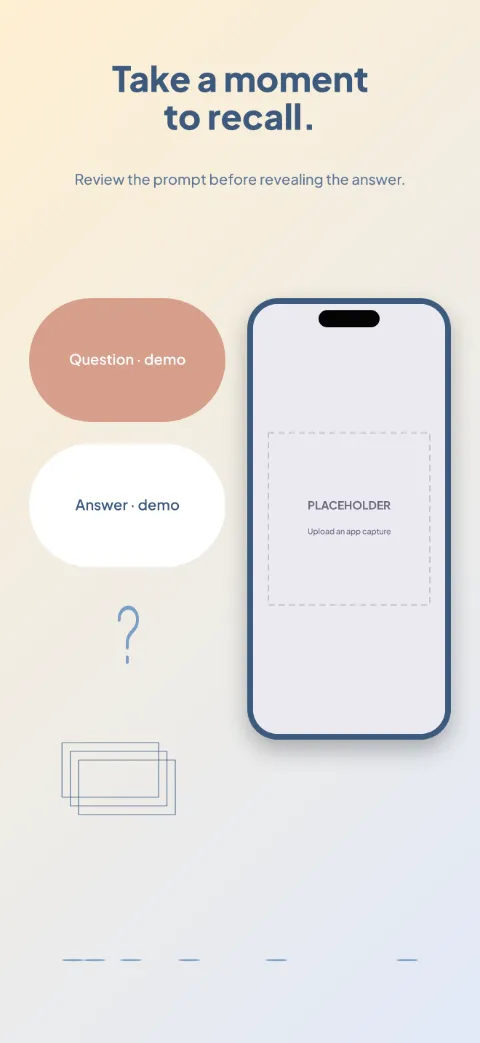
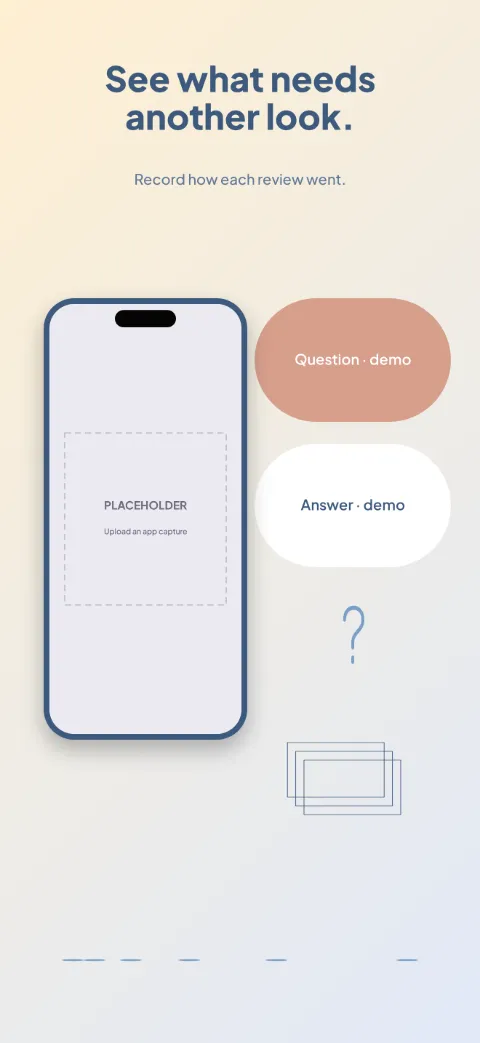
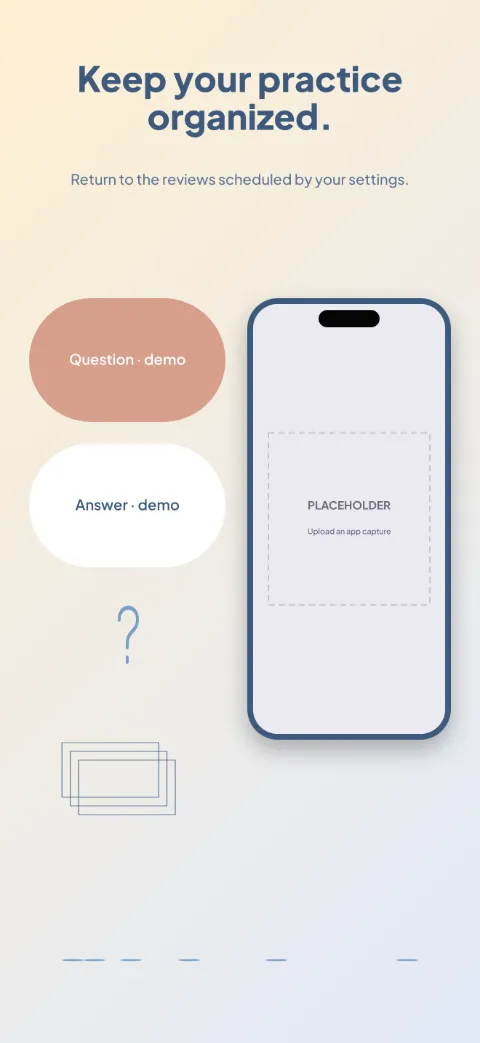
  • Recall Cards slide 1 (promise): “Give your revision a clear starting point.” over a light gradient background with a decks screen slot and question mark.Recall Cards slide 2 (primary feature): “Write the question your way.” over a light gradient background with a card editor screen slot and question mark.Recall Cards slide 3 (secondary feature): “Take a moment to recall.” over a light gradient background with a review screen slot and question mark.Recall Cards slide 4 (personalisation): “See what needs another look.” over a light gradient background with a session summary screen slot and question mark.Recall Cards slide 5 (closing): “Keep your practice organized.” over a light gradient background with a schedule screen slot and question mark.

    Recall Cards

    Flashcards · Playful · Light

    Cream, coral and blue; an oversized front-and-back flashcard pair with generous margins.
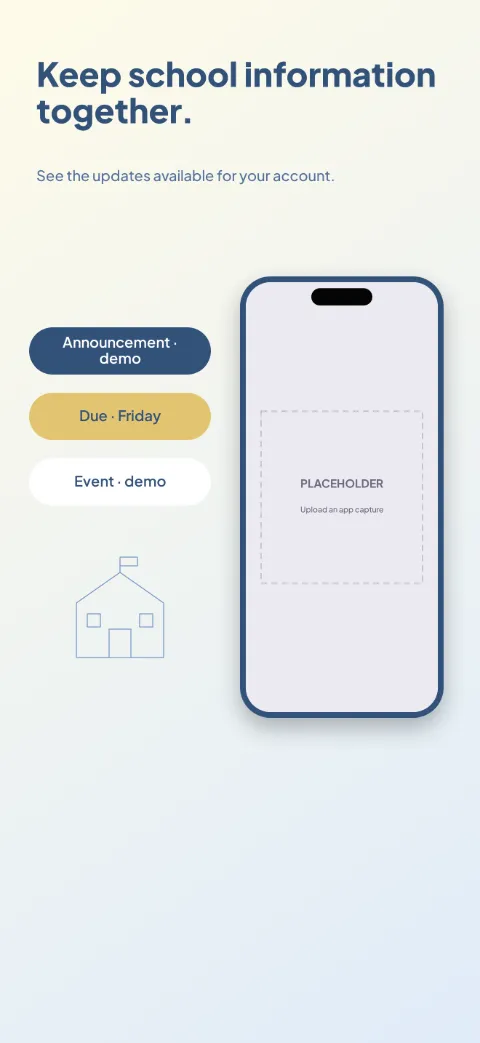
  • School Link slide 1 (promise): “Keep school information together.” over a light gradient background with a home screen slot and section icon.School Link slide 2 (primary feature): “Find the latest announcement.” over a light gradient background with a announcements screen slot and section icon.School Link slide 3 (secondary feature): “Know what has been assigned.” over a light gradient background with a assignments screen slot and section icon.School Link slide 4 (personalisation): “Keep upcoming dates in view.” over a light gradient background with a calendar screen slot and section icon.School Link slide 5 (closing): “Stay connected through the right channel.” over a light gradient background with a messages screen slot and section icon.

    School Link

    School Parent · Minimal · Light

    Trustworthy blue and warm yellow with clear structured cards; dashboard and announcement spotlights.
  • Research Shelf slide 1 (promise): “Give your research a clear home.” over a light gradient background with a library screen slot and citation brackets.Research Shelf slide 2 (primary feature): “Keep the source within reach.” over a light gradient background with a paper screen slot and citation brackets.Research Shelf slide 3 (secondary feature): “Capture your own understanding.” over a light gradient background with a notes screen slot and citation brackets.Research Shelf slide 4 (personalisation): “Connect material around a topic.” over a light gradient background with a collections screen slot and citation brackets.Research Shelf slide 5 (closing): “Prepare the references you need.” over a light gradient background with a bibliography screen slot and citation brackets.

    Research Shelf

    Research Citations · Editorial · Light

    Warm gray, ink and muted blue with scholarly type; document-first with annotation crops.
  • Sky Atlas slide 1 (promise): “Explore the sky above you.” over a dark radial background with a sky map screen slot and star field.Sky Atlas slide 2 (primary feature): “Look for something specific.” over a dark radial background with a search screen slot and star field.Sky Atlas slide 3 (secondary feature): “Get to know what you're seeing.” over a dark radial background with a object detail screen slot and star field.Sky Atlas slide 4 (personalisation): “Plan your next look upward.” over a dark radial background with a events screen slot and star field.Sky Atlas slide 5 (closing): “Keep a record of your observations.” over a dark radial background with a saved observations screen slot and star field.

    Sky Atlas

    Astronomy · Panoramic · Dark

    Deep midnight, muted violet and warm star points; a panoramic night sky with object cards.
  • Practice Room slide 1 (promise): “Make time for your next practice.” over a light gradient background with a lessons screen slot and staff lines.Practice Room slide 2 (primary feature): “Focus on one musical idea.” over a light gradient background with a exercise screen slot and staff lines.Practice Room slide 3 (secondary feature): “Check your tuning before you begin.” over a light gradient background with a tuner screen slot and staff lines.Practice Room slide 4 (personalisation): “Find a tempo you can work with.” over a light gradient background with a metronome screen slot and staff lines.Practice Room slide 5 (closing): “Keep a record of showing up.” over a light gradient background with a practice log screen slot and staff lines.

    Practice Room

    Music Practice · Editorial · Light

    Walnut brown, ivory and muted copper; a lesson screen paired with tuner and metronome details.