Accessibility, health records and care app screenshot templates

Readable, high-contrast campaigns for accessibility tools, captions, communication aids, medication, pregnancy, baby, caregiving and health-record apps.

Screenshot advice for this kind of app

  • Prefer larger text sizes and high-contrast colour pairs; check them in Preview at store size.
  • Never imply diagnosis, treatment or clinical accuracy.
  • Use fictional patient and family names in every capture.

9 templates · page 1 of 1
  • Care Schedule slide 1 (promise): “Keep your medication schedule organized.” over a light gradient background with a schedule screen slot and calendar dots.Care Schedule slide 2 (primary feature): “Keep the details in one place.” over a light gradient background with a medication detail screen slot and pill outline.Care Schedule slide 3 (secondary feature): “Get a reminder at the time you set.” over a light gradient background with a reminder screen slot and clock ring.Care Schedule slide 4 (personalisation): “Mark what you have taken.” over a light gradient background with a taken log screen slot and calendar dots.Care Schedule slide 5 (closing): “Plan ahead for the next refill.” over a light gradient background with a refill reminder screen slot and pill outline.

    Care Schedule

    Medical · Minimal · Light

    Reassuring white, muted blue and mint; centered phone, calm and clinical-free.
  • Clear Access slide 1 (promise): “Take a closer look.” over a light gradient background with a magnifier (oversized crop) screen slot and focus brackets.Clear Access slide 2 (primary feature): “Choose a view that works for you.” over a light gradient background with a contrast (oversized crop) screen slot and focus brackets.Clear Access slide 3 (secondary feature): “Hold the detail in view.” over a light gradient background with a capture (oversized crop) screen slot and focus brackets.Clear Access slide 4 (personalisation): “Set your reading preferences.” over a light gradient background with a reading options (oversized crop) screen slot and focus brackets.Clear Access slide 5 (closing): “Return to something you saved.” over a light gradient background with a saved images (oversized crop) screen slot and focus brackets.

    Clear Access

    Magnifier Reading · Minimal · Light

    Exceptionally legible black, ivory and clear blue; oversized UI close-ups, minimal decoration.
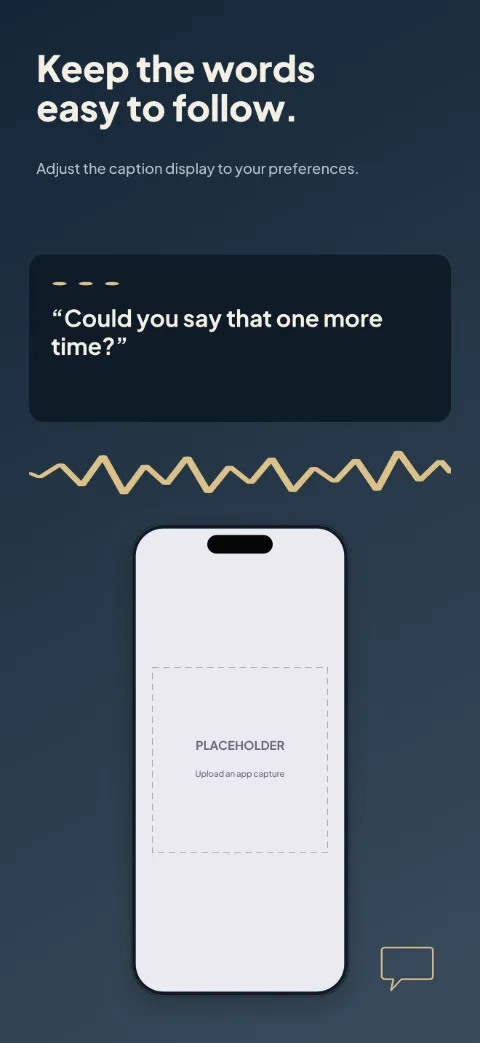
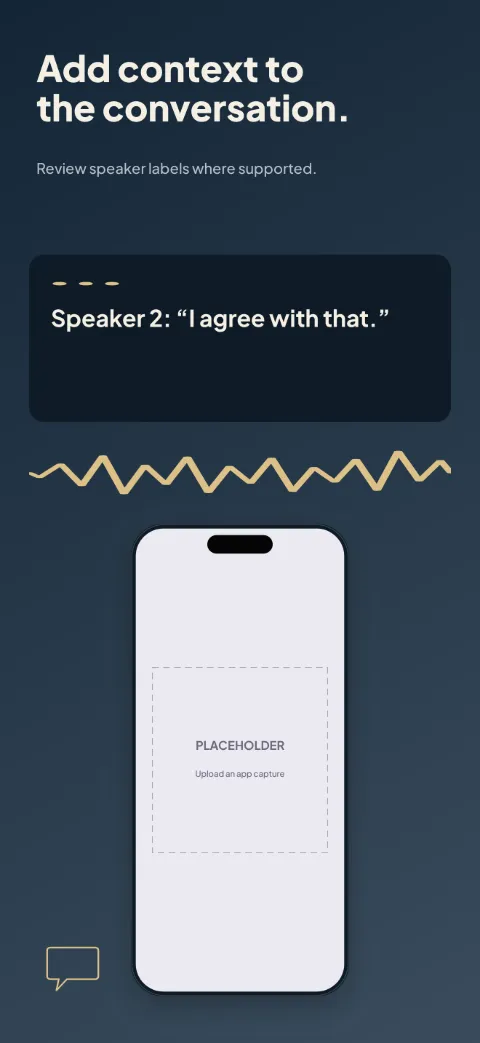
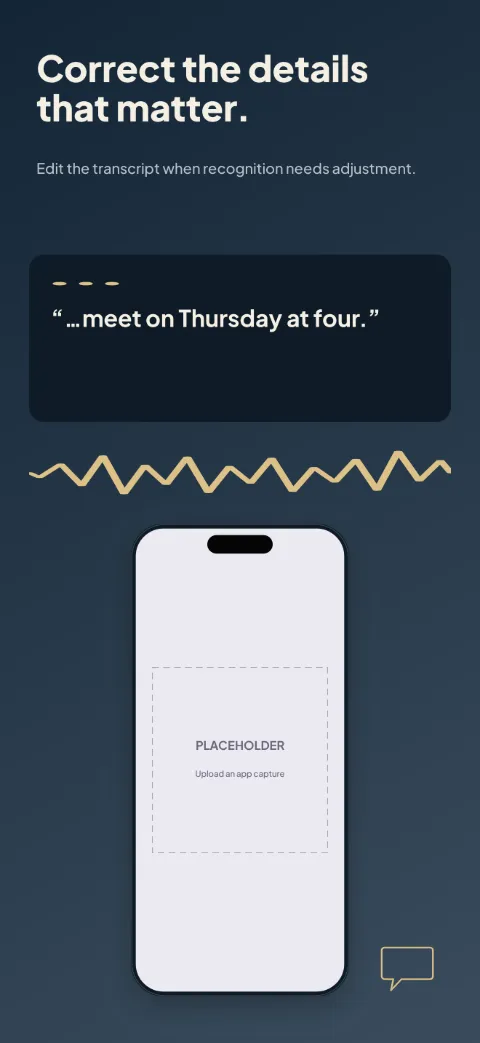
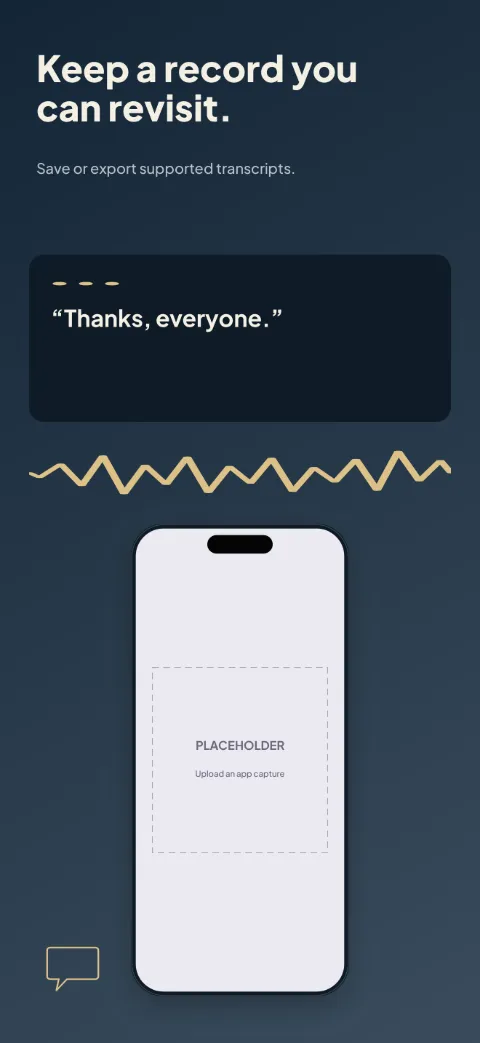
  • Caption Space slide 1 (promise): “Bring available speech into text.” over a dark gradient background with a session screen slot and speaker dots.Caption Space slide 2 (primary feature): “Keep the words easy to follow.” over a dark gradient background with a captions screen slot and speaker dots.Caption Space slide 3 (secondary feature): “Add context to the conversation.” over a dark gradient background with a speaker view screen slot and speaker dots.Caption Space slide 4 (personalisation): “Correct the details that matter.” over a dark gradient background with a corrections screen slot and speaker dots.Caption Space slide 5 (closing): “Keep a record you can revisit.” over a dark gradient background with a transcript screen slot and speaker dots.

    Caption Space

    Captions Transcription · Dark · Dark

    Deep blue and warm white with amber speaker accents; text-first with large caption excerpts.
  • My Words slide 1 (promise): “Make room for your way of communicating.” over a light gradient background with a board (board preview) screen slot and category shape 1.My Words slide 2 (primary feature): “Build the phrase you want to share.” over a light gradient background with a phrase builder (board preview) screen slot and category shape 1.My Words slide 3 (secondary feature): “Keep familiar expressions close.” over a light gradient background with a favorites (board preview) screen slot and category shape 1.My Words slide 4 (personalisation): “Arrange a board around your needs.” over a light gradient background with a board editor (board preview) screen slot and category shape 1.My Words slide 5 (closing): “Choose the available voice settings.” over a light gradient background with a voice settings (board preview) screen slot and category shape 1.

    My Words

    Aac Communication · Soft · Light

    Warm white with clear category colours; big board previews and nothing drawn over them.
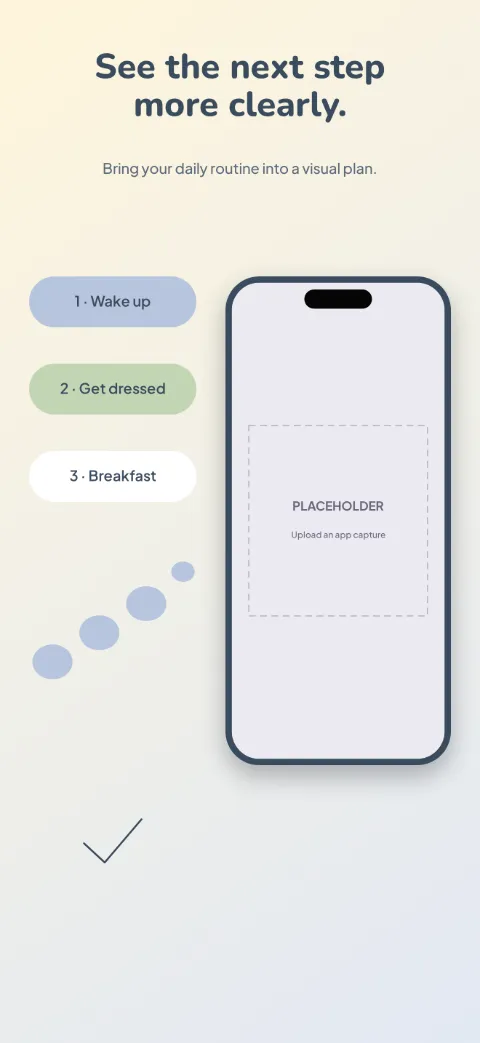
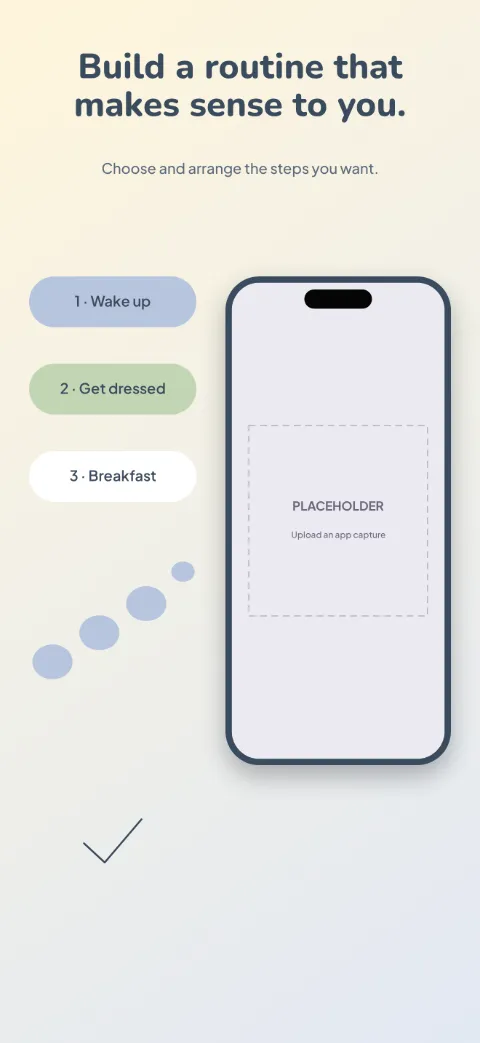
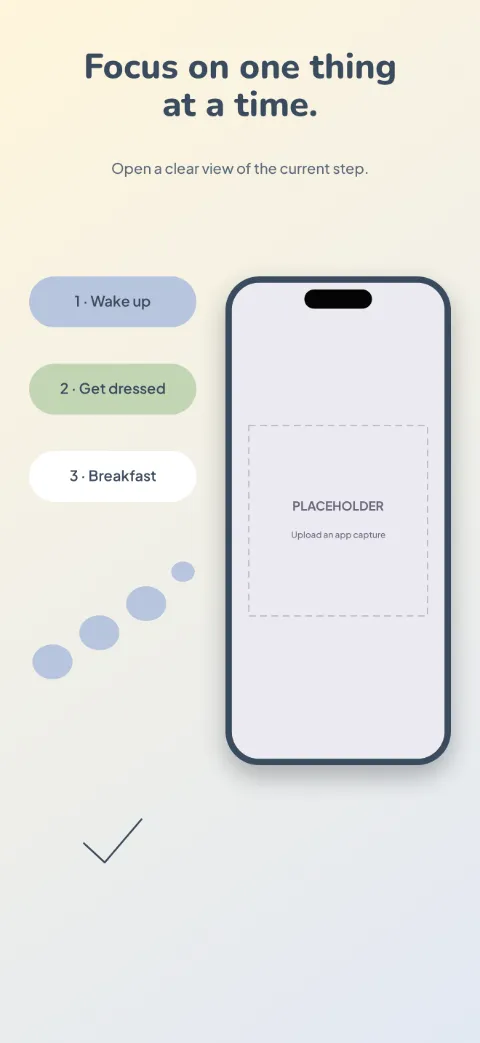
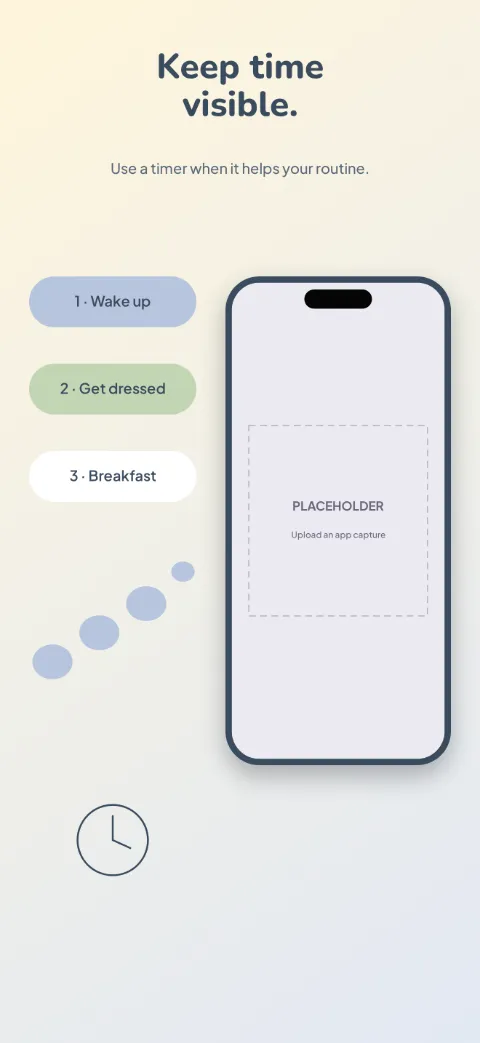
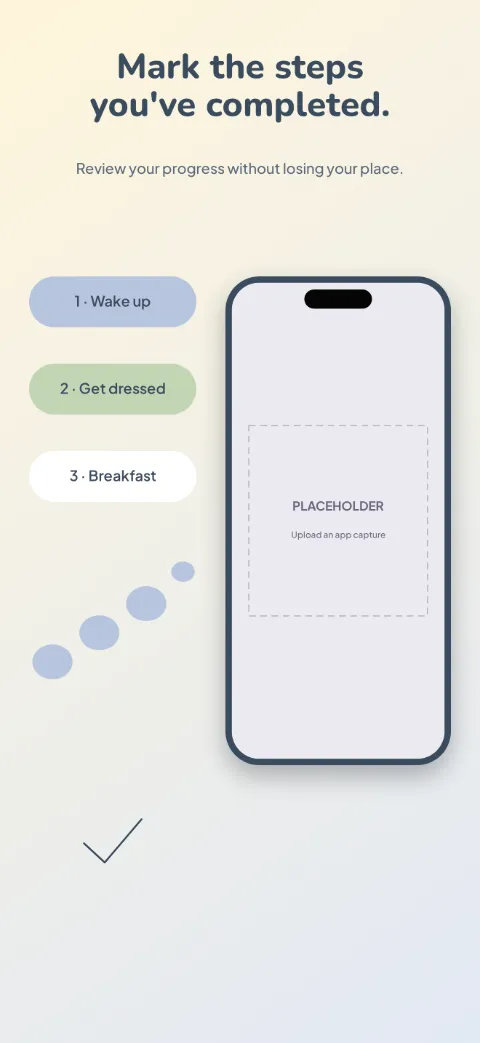
  • Easy Steps slide 1 (promise): “See the next step more clearly.” over a light gradient background with a today screen slot and stepping stones.Easy Steps slide 2 (primary feature): “Build a routine that makes sense to you.” over a light gradient background with a routine builder screen slot and stepping stones.Easy Steps slide 3 (secondary feature): “Focus on one thing at a time.” over a light gradient background with a step detail screen slot and stepping stones.Easy Steps slide 4 (personalisation): “Keep time visible.” over a light gradient background with a timer screen slot and stepping stones.Easy Steps slide 5 (closing): “Mark the steps you've completed.” over a light gradient background with a completion screen slot and stepping stones.

    Easy Steps

    Visual Routines · Soft · Light

    Warm pastel blocks with clear labels and low clutter; numbered routine cards with big gaps.
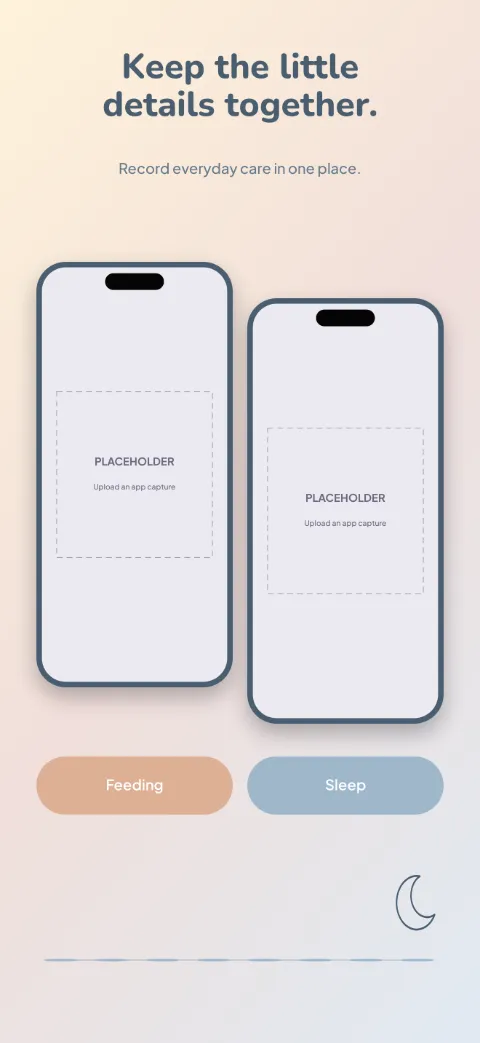
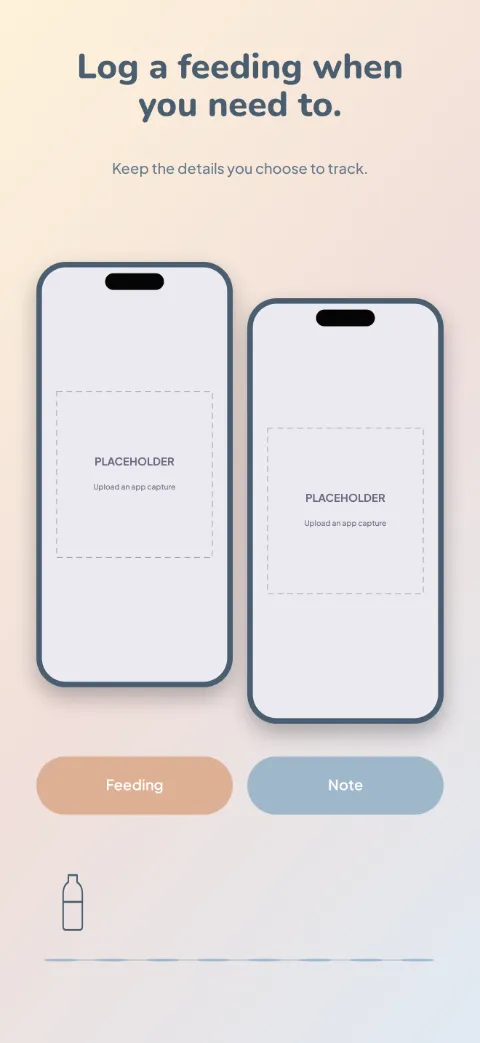
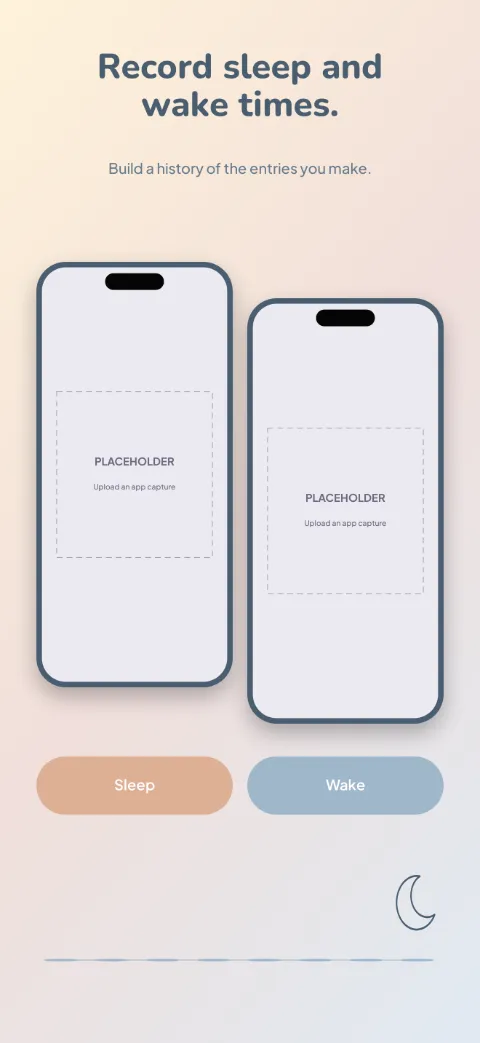
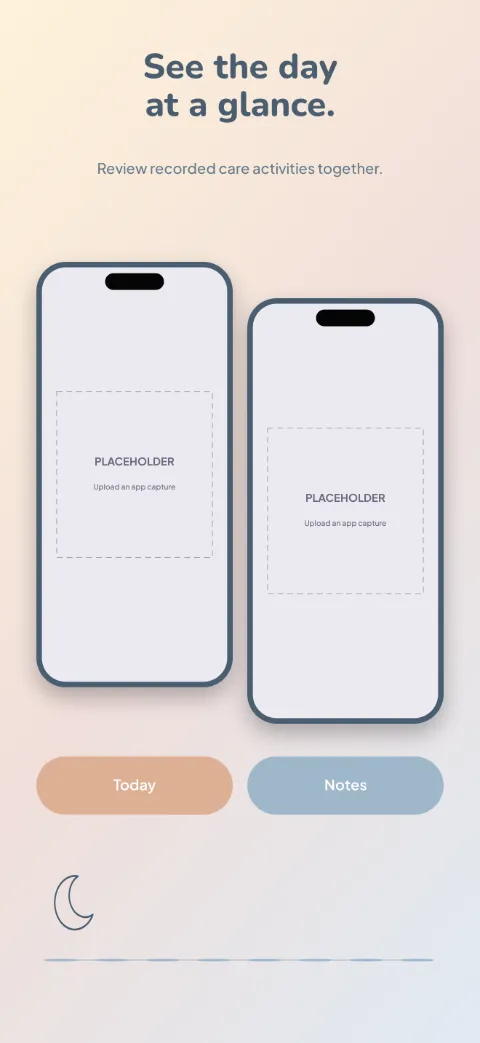
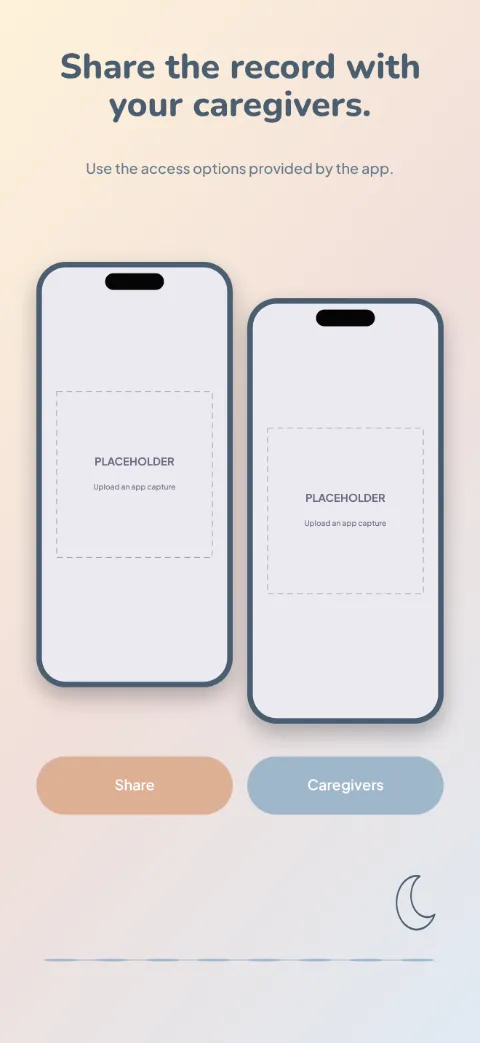
  • Baby Rhythm slide 1 (promise): “Keep the little details together.” over a light gradient background with a dashboard screen slot and moon outline.Baby Rhythm slide 2 (primary feature): “Log a feeding when you need to.” over a light gradient background with a feeding screen slot and bottle silhouette.Baby Rhythm slide 3 (secondary feature): “Record sleep and wake times.” over a light gradient background with a sleep screen slot and moon outline.Baby Rhythm slide 4 (personalisation): “See the day at a glance.” over a light gradient background with a daily log screen slot and moon outline.Baby Rhythm slide 5 (closing): “Share the record with your caregivers.” over a light gradient background with a caregiver sharing screen slot and moon outline.

    Baby Rhythm

    Baby Care · Soft · Light

    Milk white, pale peach and dusty blue; two caregiver phones and big log-button cards.
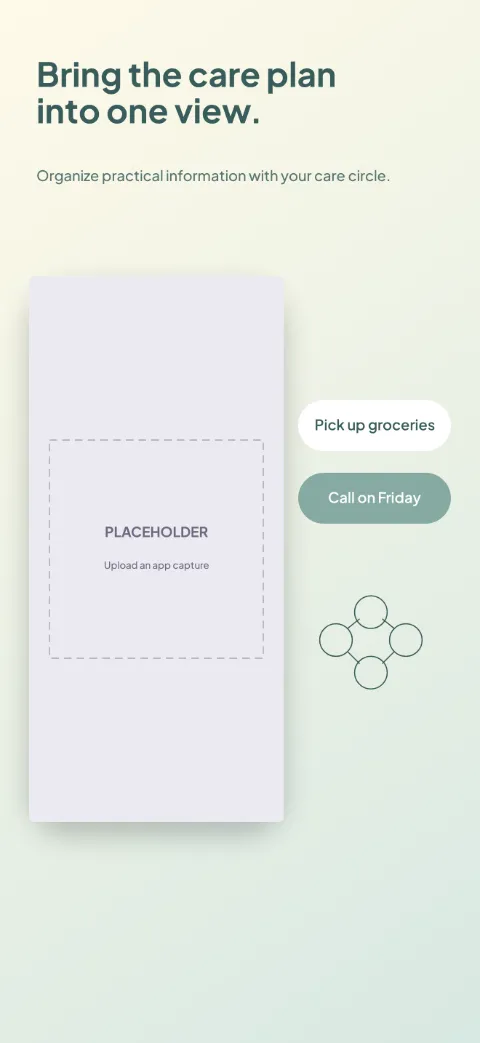
  • Care Circle slide 1 (promise): “Bring the care plan into one view.” over a light gradient background with a overview screen slot and connected circles.Care Circle slide 2 (primary feature): “Make responsibilities easier to see.” over a light gradient background with a tasks screen slot and checklist lines.Care Circle slide 3 (secondary feature): “Keep appointment details close.” over a light gradient background with a appointments screen slot and calendar frame.Care Circle slide 4 (personalisation): “Pass on the useful context.” over a light gradient background with a notes screen slot and connected circles.Care Circle slide 5 (closing): “Choose who can access the record.” over a light gradient background with a access settings screen slot and connected circles.

    Care Circle

    Caregiver Coordination · Minimal · Light

    Warm cream, muted teal, dependable clear type; dashboard plus shared-task cards.
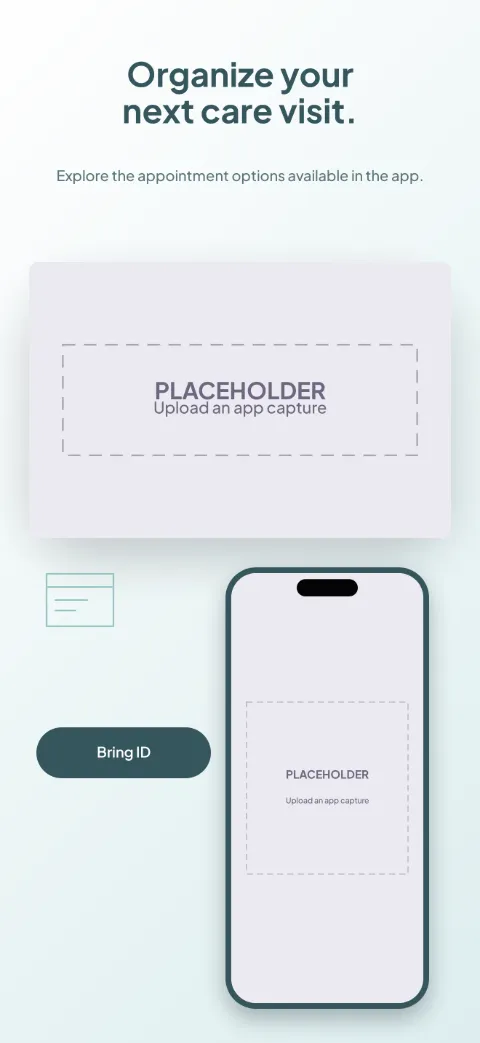
  • Visit Ready slide 1 (promise): “Organize your next care visit.” over a light gradient background with a provider list (appointment detail crop) screen slot and appointment card.Visit Ready slide 2 (primary feature): “Review the provider information.” over a light gradient background with a profile (appointment detail crop) screen slot and appointment card.Visit Ready slide 3 (secondary feature): “Choose an available appointment.” over a light gradient background with a booking (appointment detail crop) screen slot and clock ring.Visit Ready slide 4 (personalisation): “Prepare what you want to discuss.” over a light gradient background with a preparation (appointment detail crop) screen slot and chat contour.Visit Ready slide 5 (closing): “Find your visit details when needed.” over a light gradient background with a visit details (appointment detail crop) screen slot and appointment card.

    Visit Ready

    Healthcare Appointments · Minimal · Light

    Clinical white, muted turquoise and slate; big appointment detail and preparation cards.
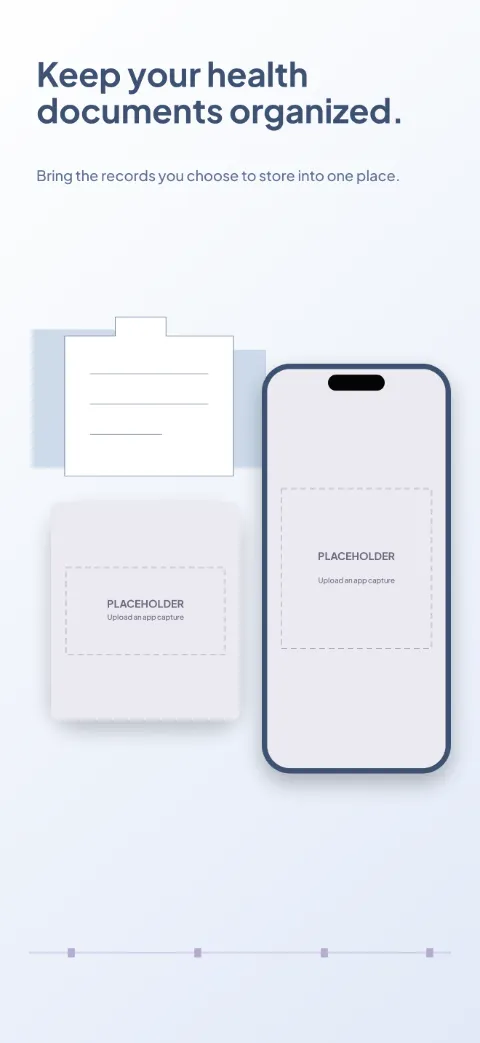
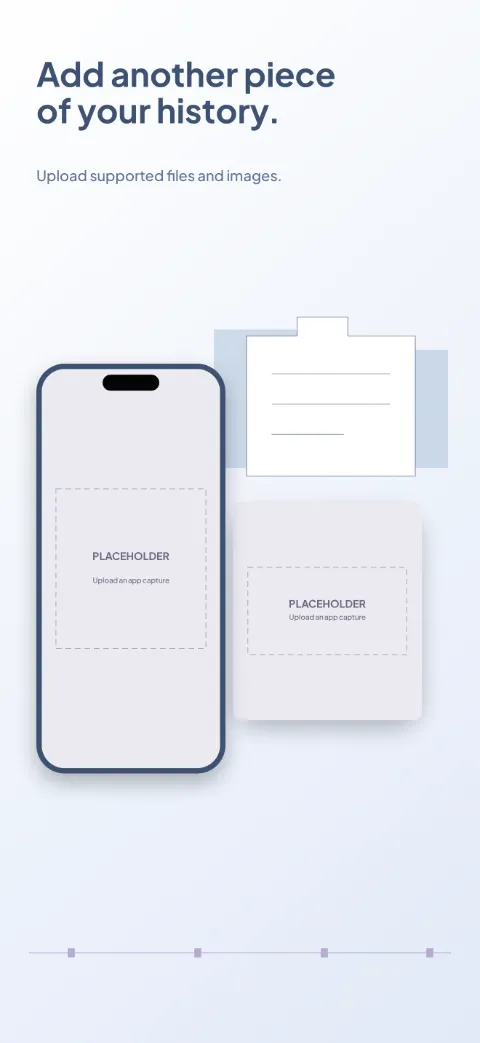
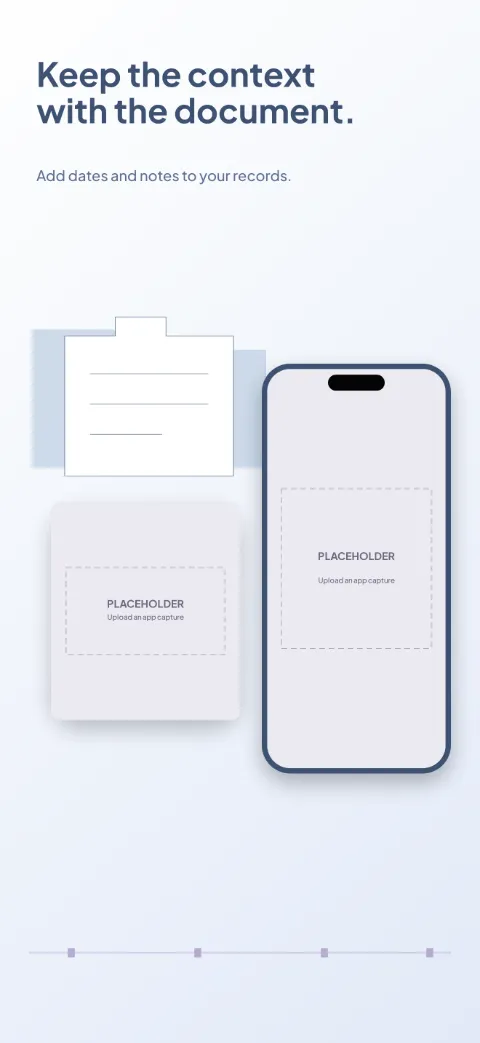
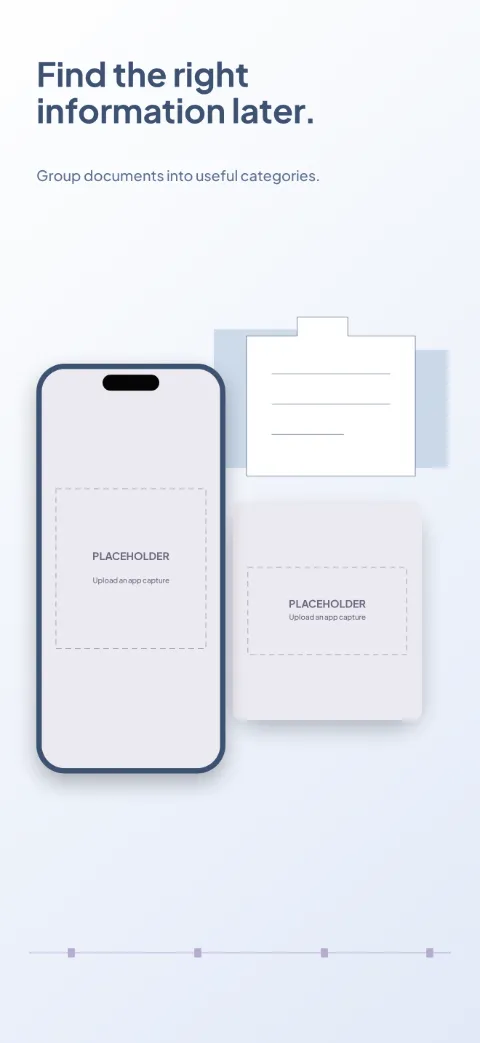
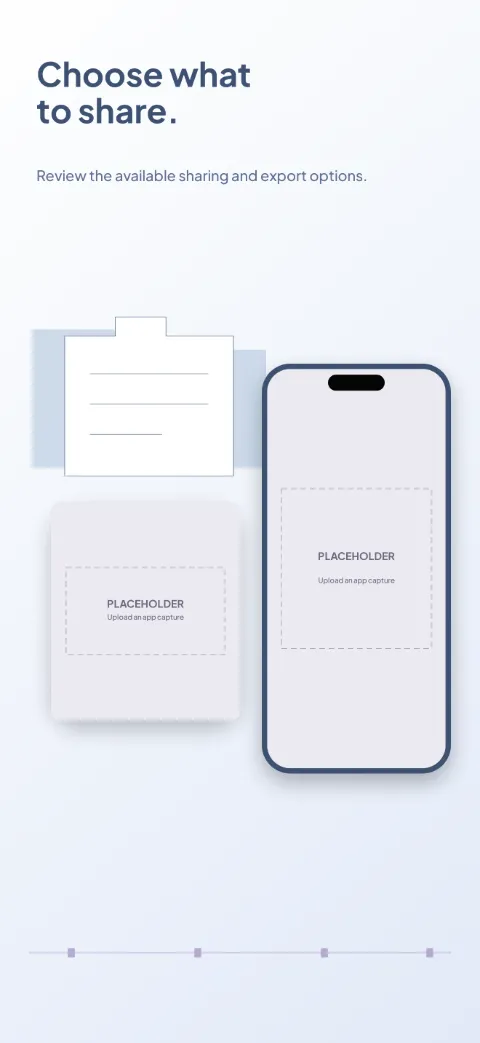
  • Health Folder slide 1 (promise): “Keep your health documents organized.” over a light gradient background with a records (document detail crop) screen slot and folder contour.Health Folder slide 2 (primary feature): “Add another piece of your history.” over a light gradient background with a upload (document detail crop) screen slot and folder contour.Health Folder slide 3 (secondary feature): “Keep the context with the document.” over a light gradient background with a document detail (document detail crop) screen slot and folder contour.Health Folder slide 4 (personalisation): “Find the right information later.” over a light gradient background with a categories (document detail crop) screen slot and folder contour.Health Folder slide 5 (closing): “Choose what to share.” over a light gradient background with a sharing (document detail crop) screen slot and folder contour.

    Health Folder

    Health Records · Soft · Light

    Pale blue and white with soft violet filing accents; tidy file cards and document close-ups.