Security and developer tool app screenshot templates
Precise, technical campaigns for password managers, authenticators, VPNs, network tools, API clients, code and data apps.
Screenshot advice for this kind of app
- Use legible editor or terminal captures and keep code large enough to read in the final artwork.
- Do not claim encryption strength, audits or certifications unless you can substantiate them.
- Mask real keys, tokens and hostnames in every capture.
10 templates · page 1 of 1
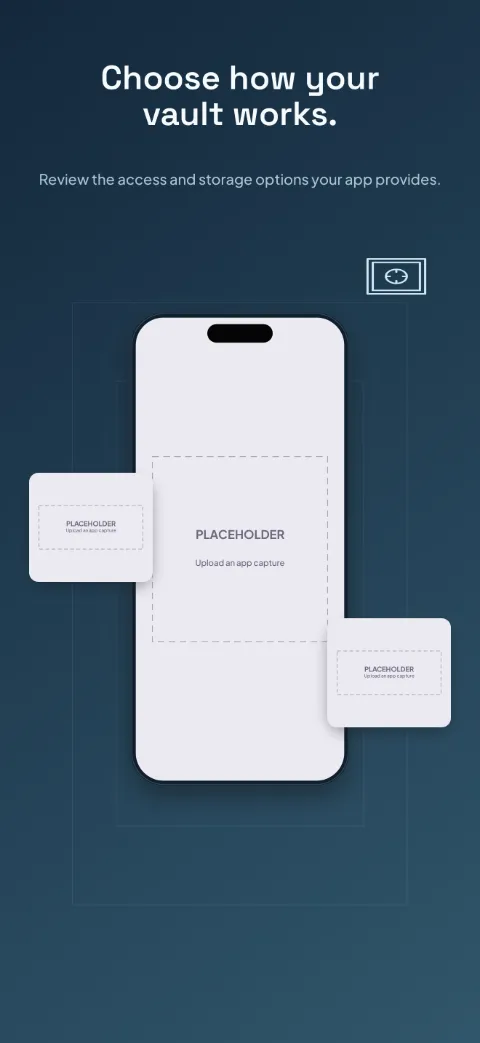
Key Harbor
Password Manager · Dark · Dark
Precise navy and ice, generous space; central phone with small detail close-ups.
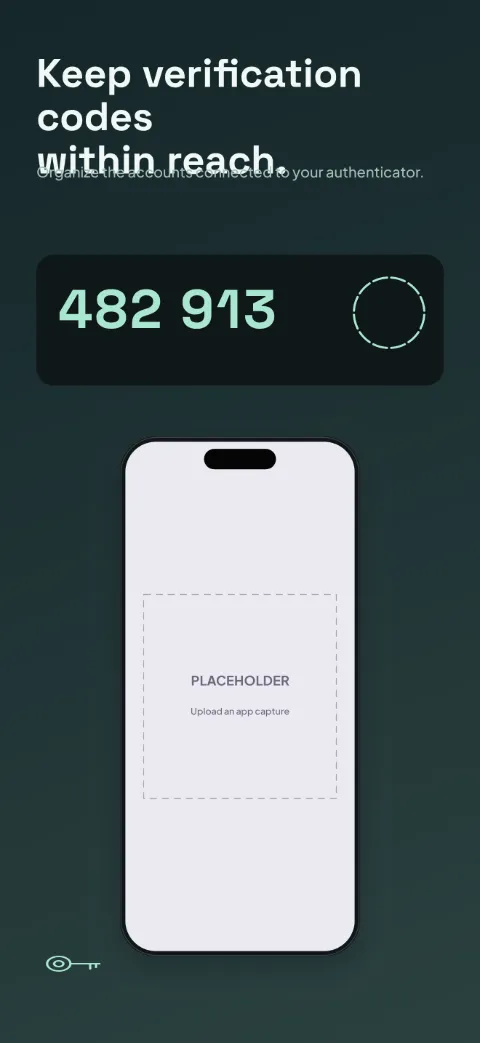
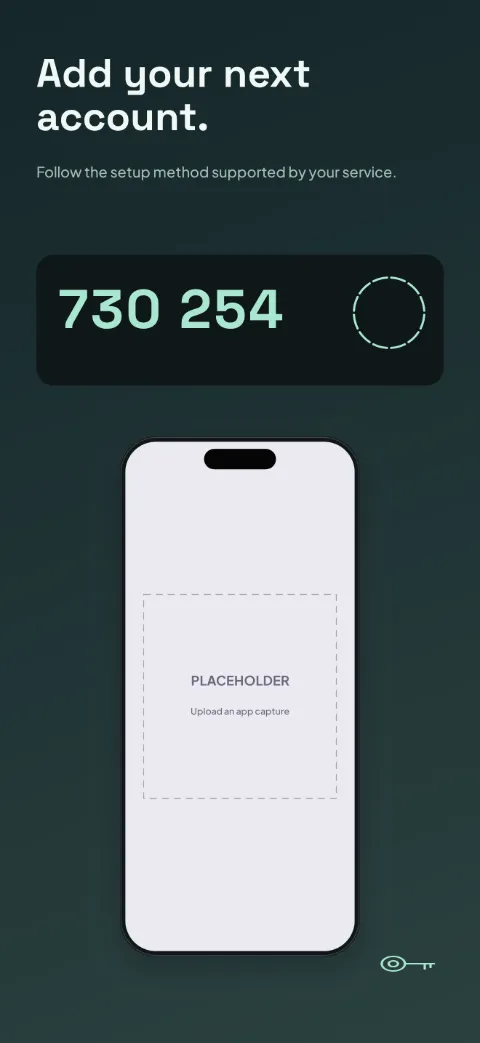
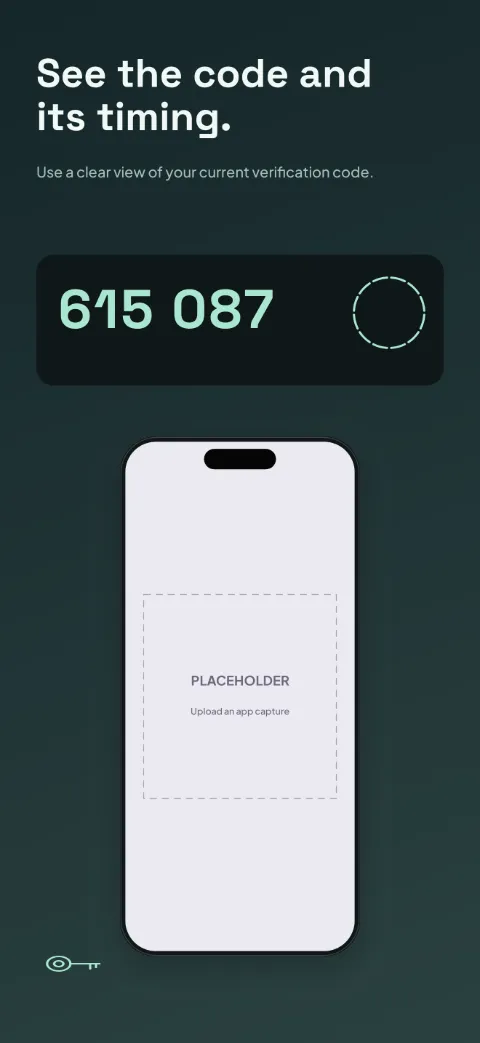
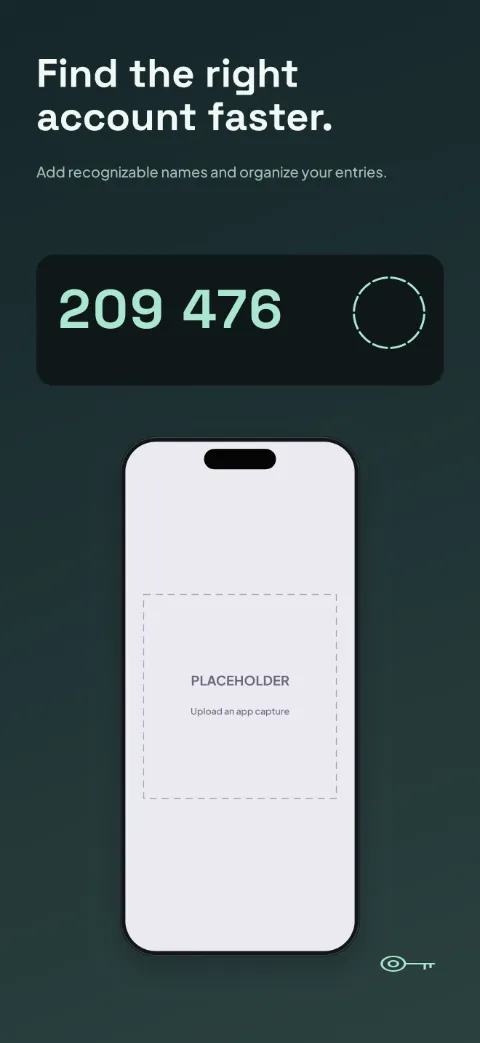
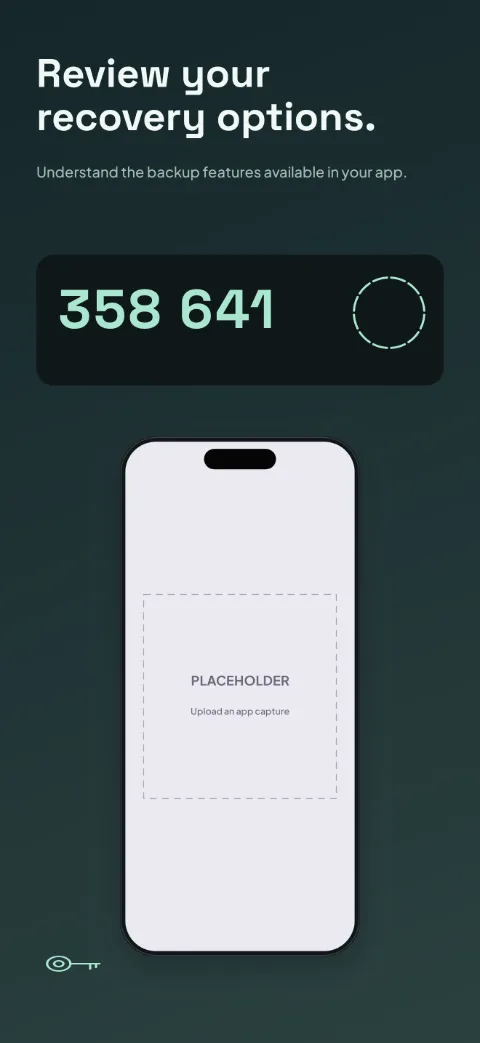
Code Keeper
Authenticator · Bold · Dark
Monochrome precision with mint highlights; oversized fictional code cards lead.
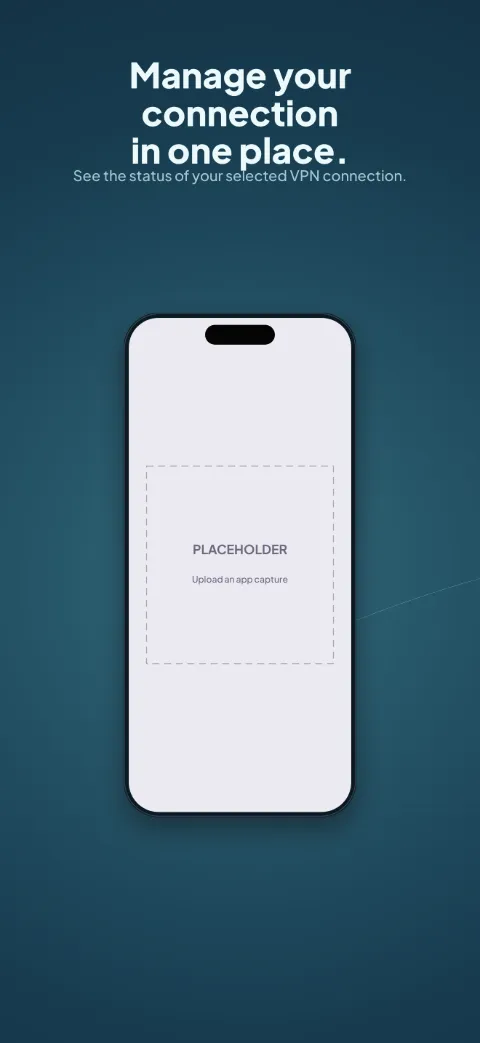
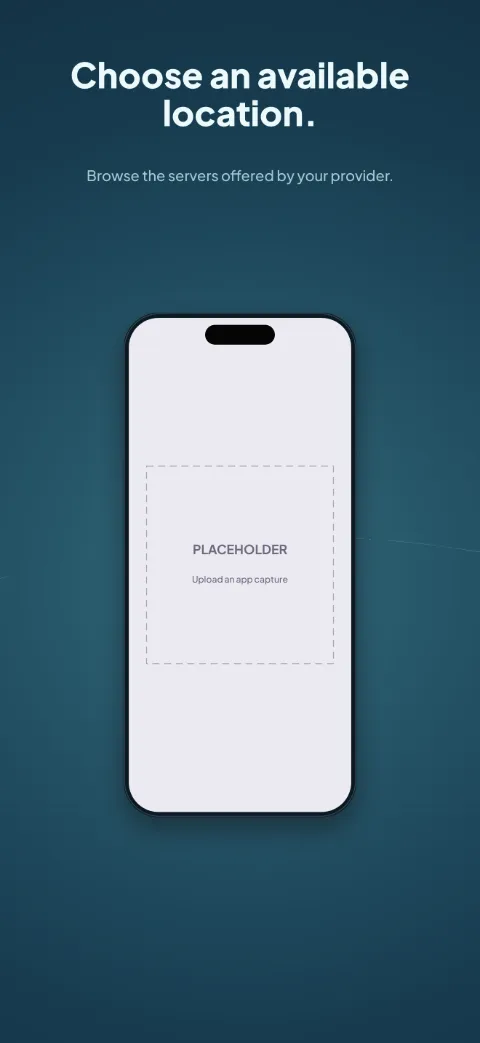
Open Route
VPN Client · Panoramic · Dark
Dark ocean blue and electric aqua; a world-map motif runs across all five slides.
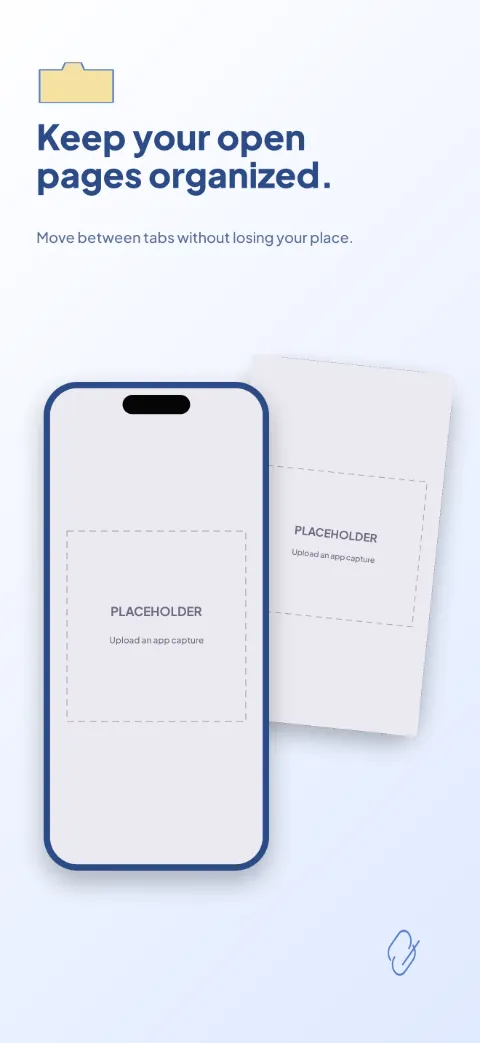
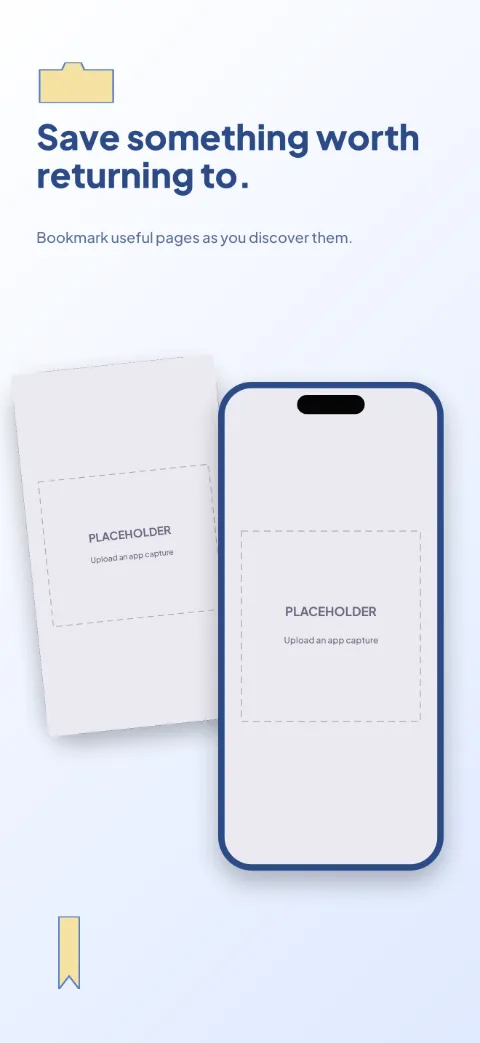
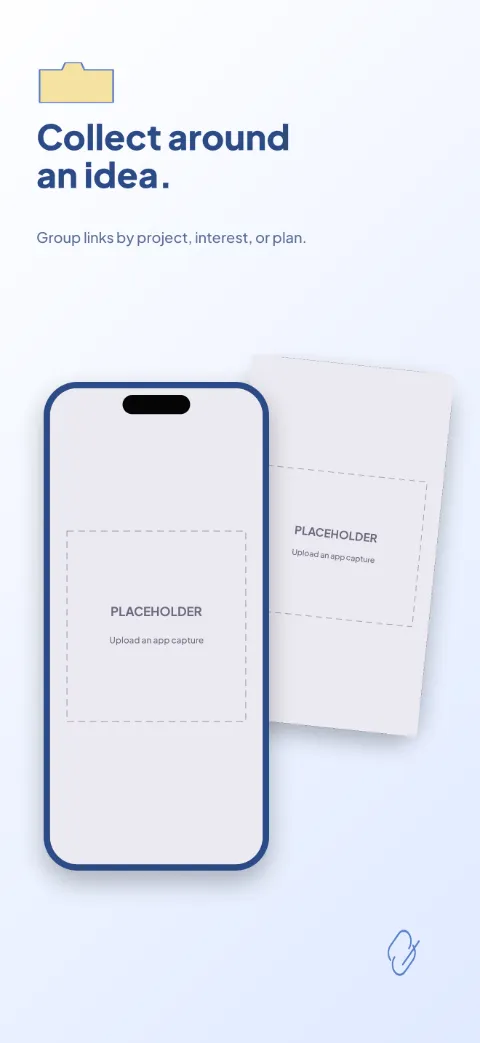
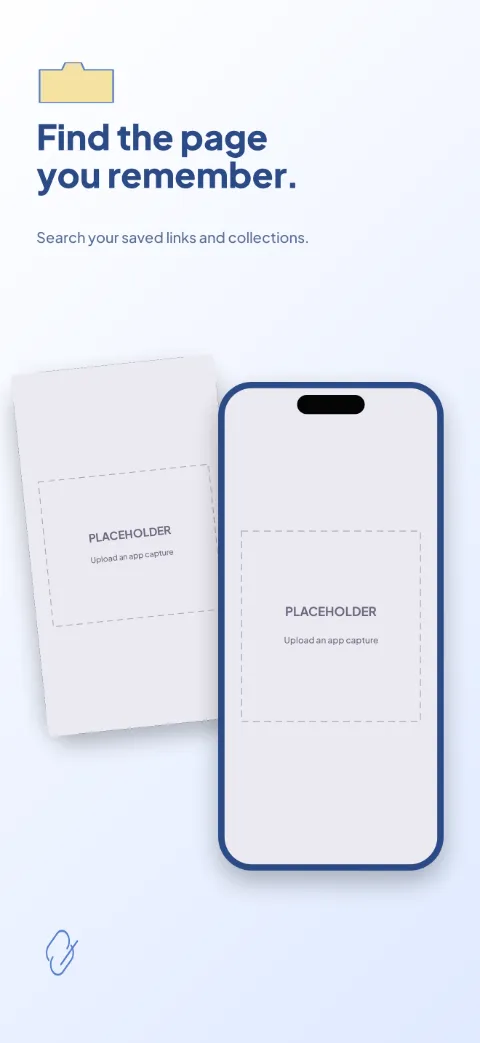
Link Scout
Browser Bookmarks · Minimal · Light
Paper white, cobalt and pale yellow; overlapping page previews with clear text zones.
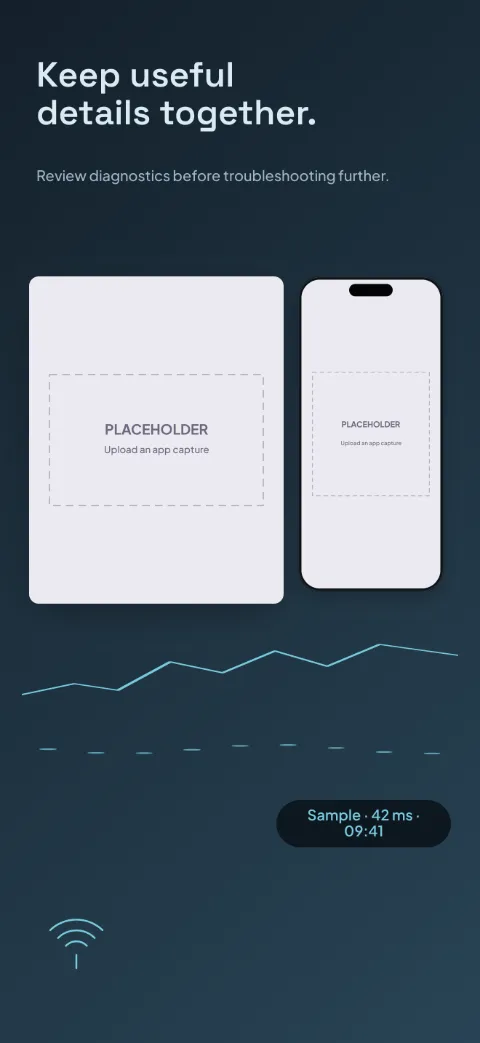
Signal Check
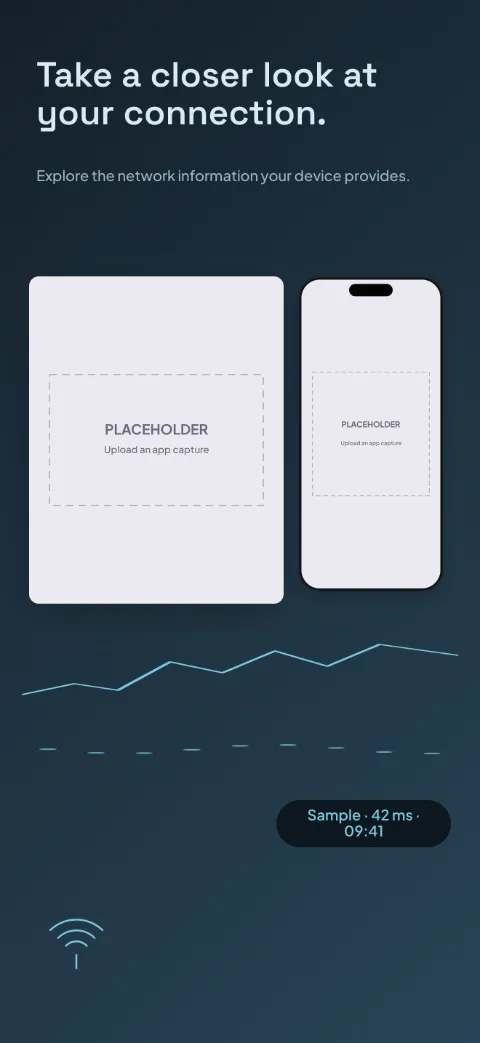
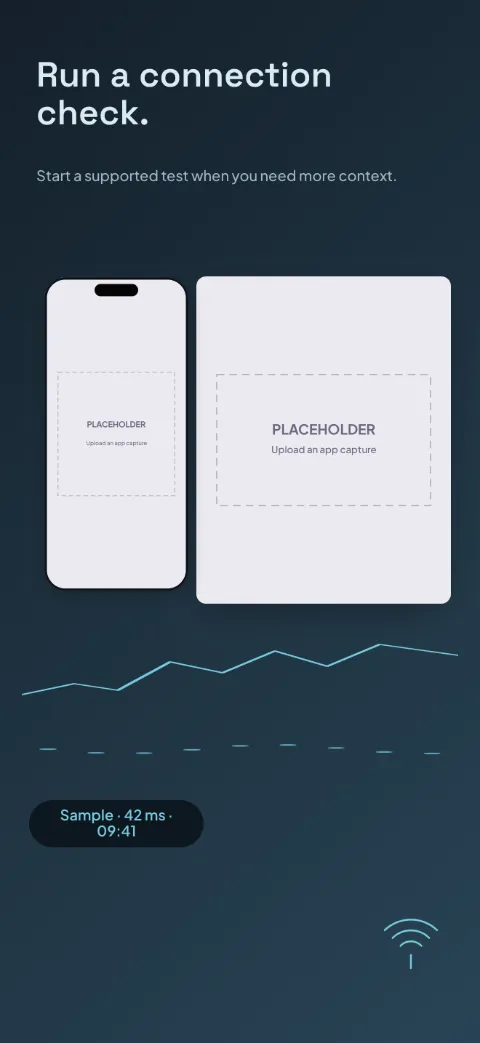
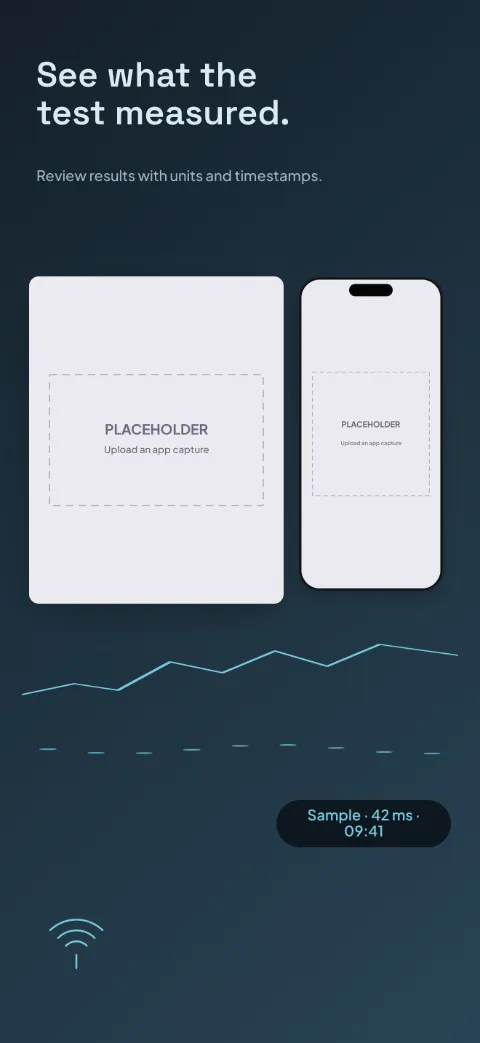
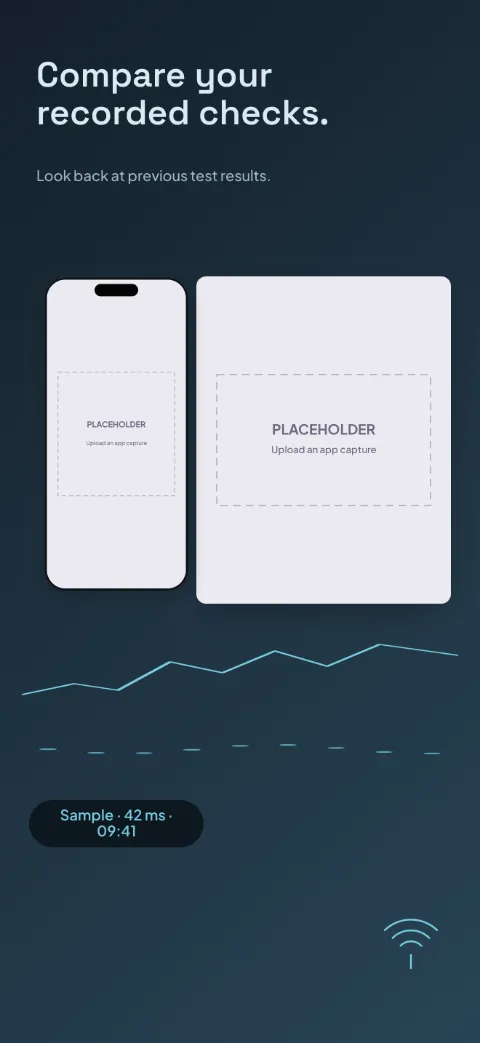
Network Diagnostics · Dark · Dark
Technical graphite and cyan; dashboard close-ups over a chart grid with one clear phone.
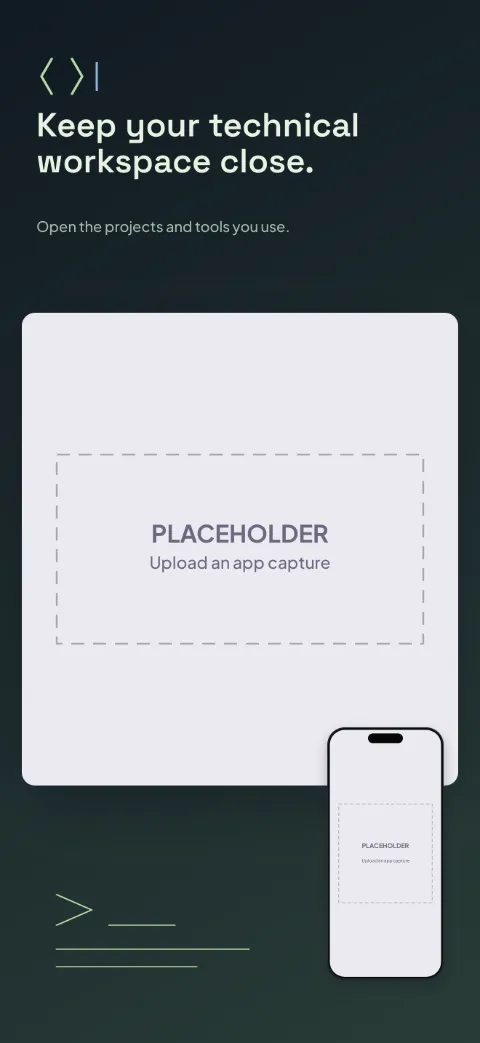
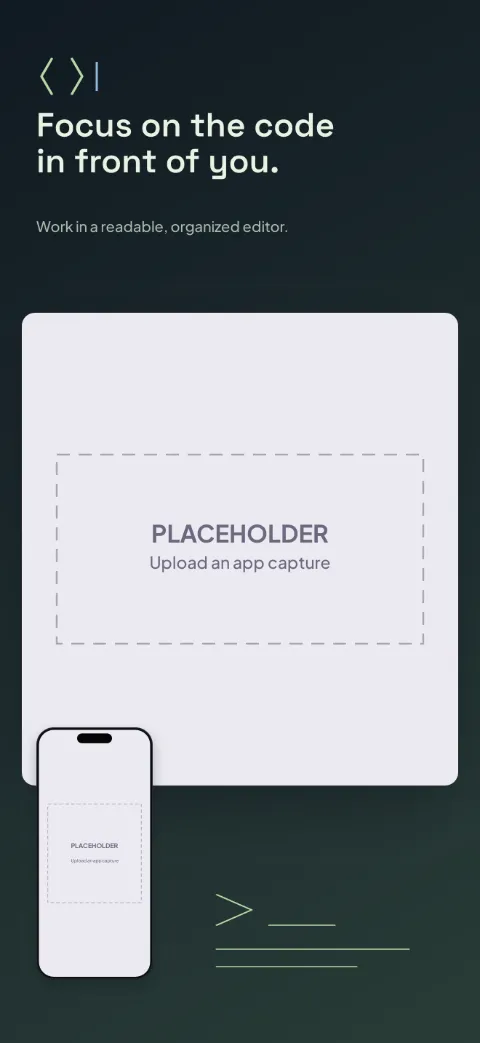
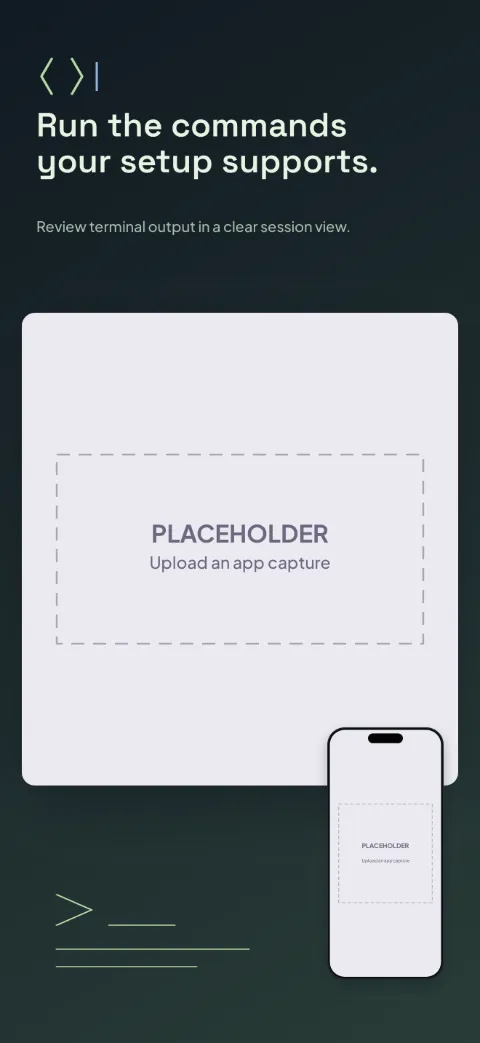
Dev Pocket
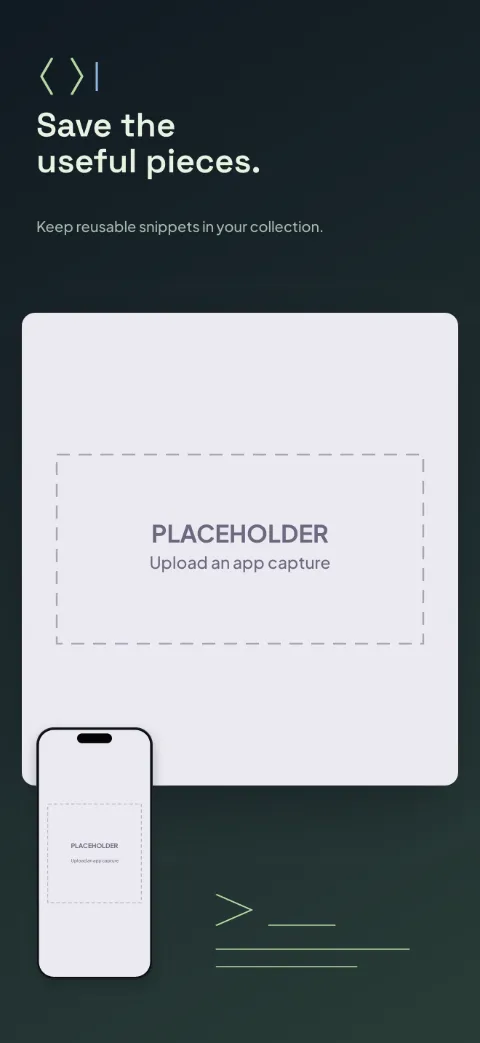
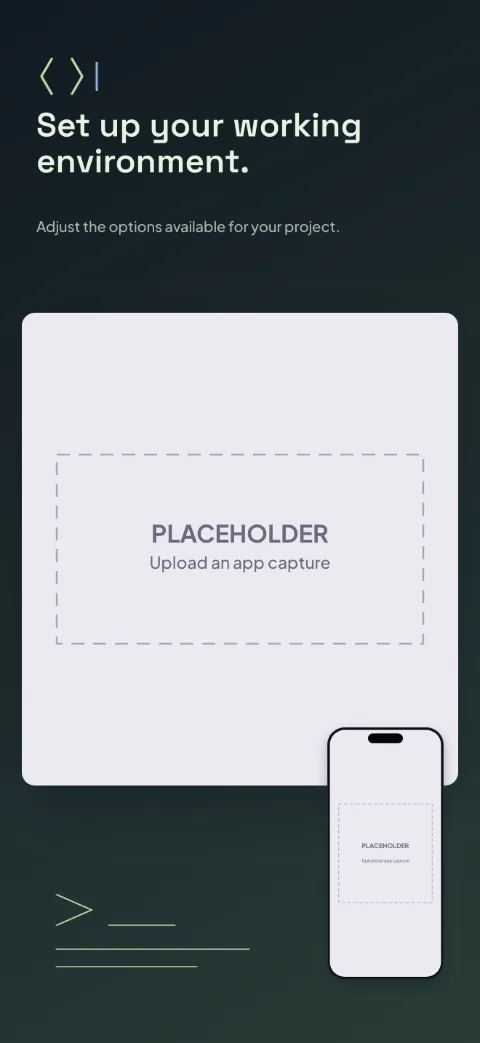
Developer Tools · Dark · Dark
Near-black with pale green and selective syntax colours; oversized editor crops.
Request Lab
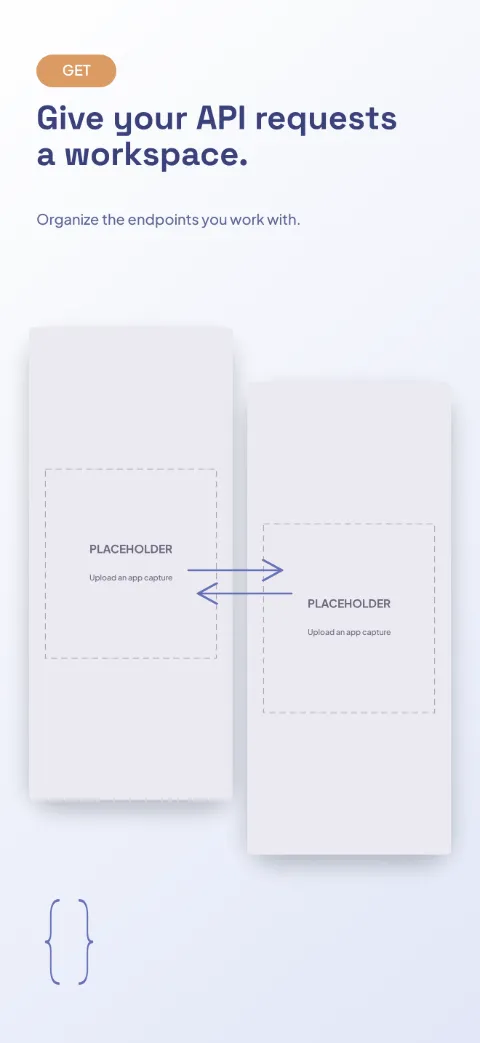
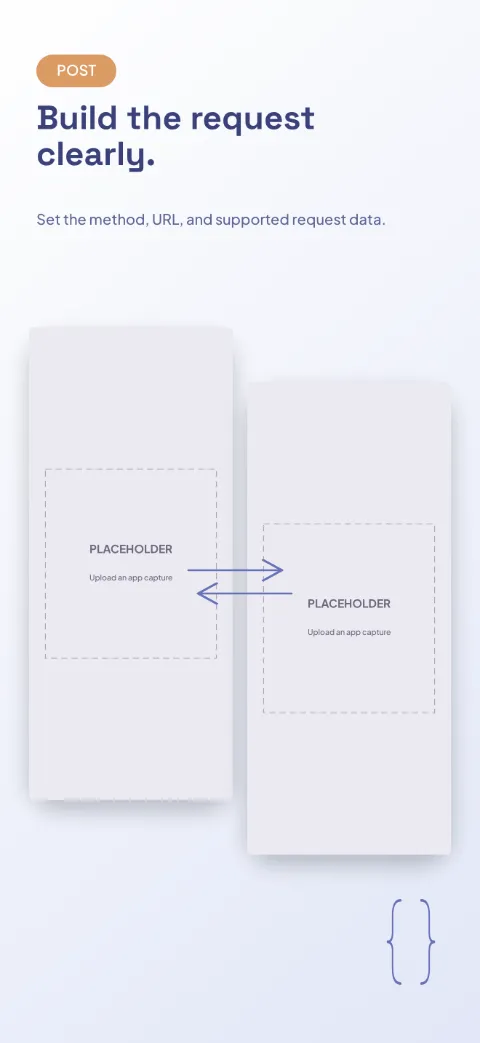
API Testing · Split · Light
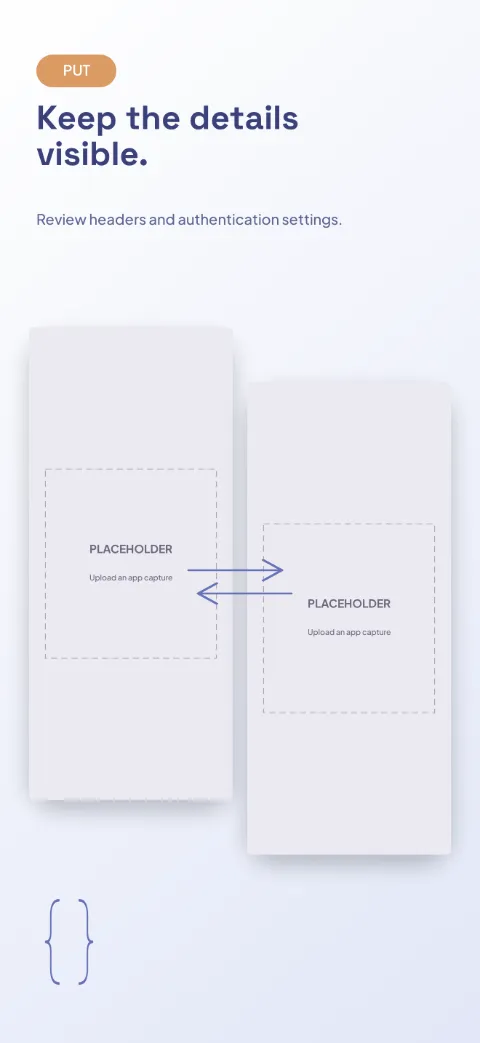
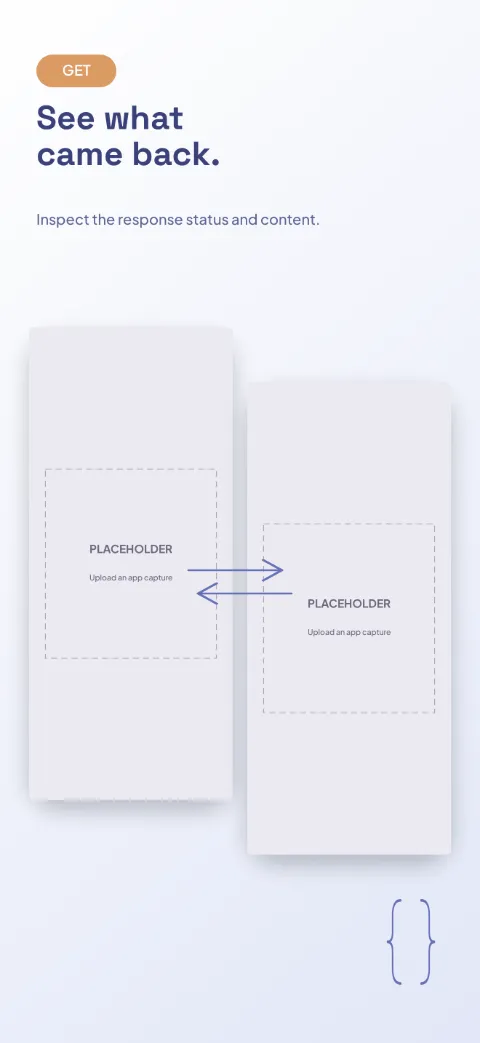
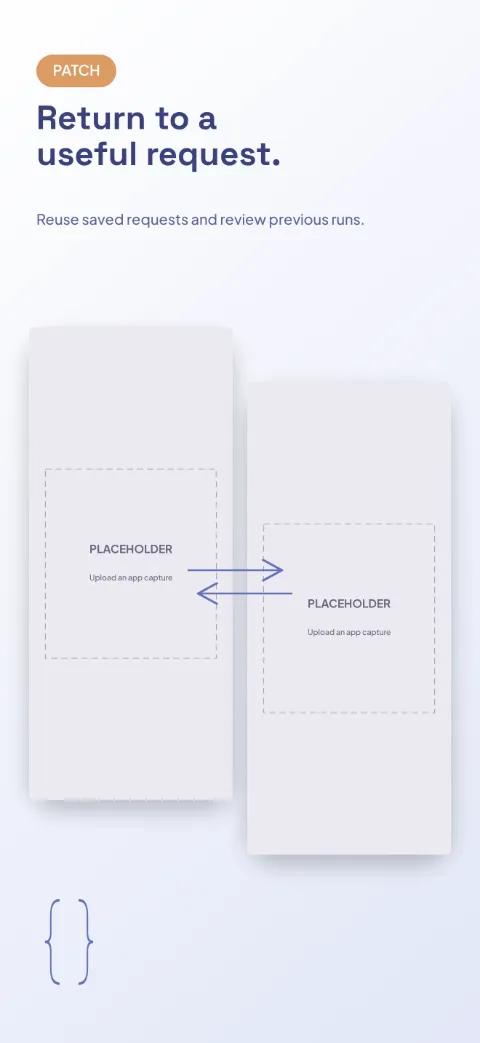
White and indigo with orange method badges; paired request and response panels.
QR Workshop
QR Barcode · Minimal · Light
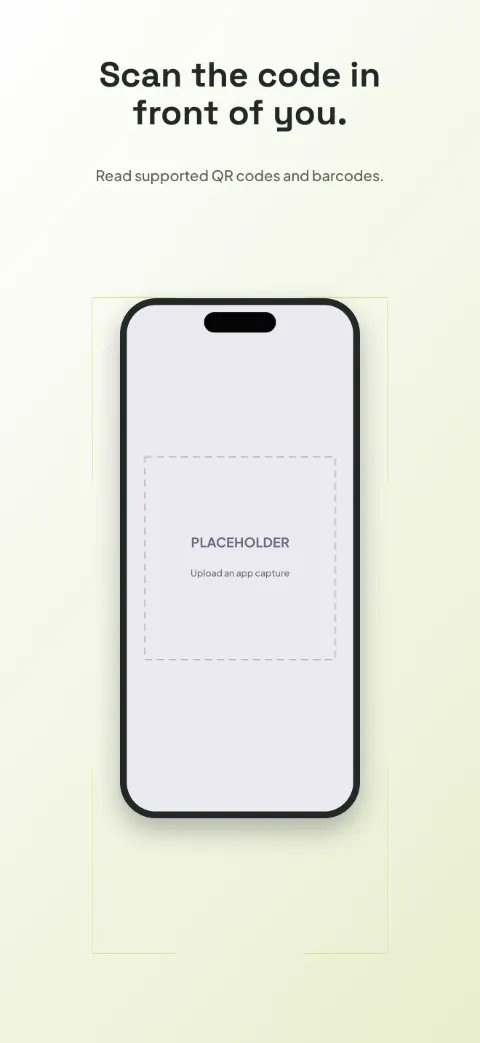
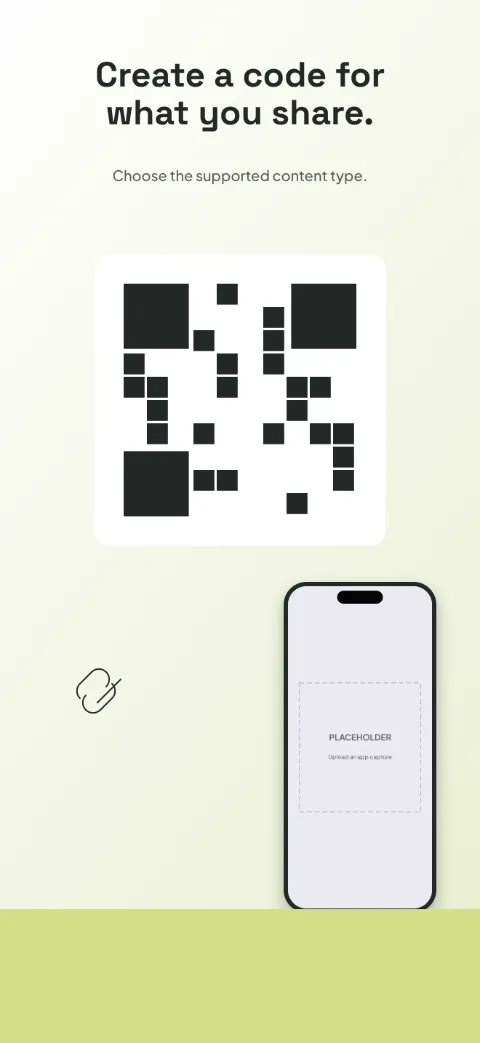
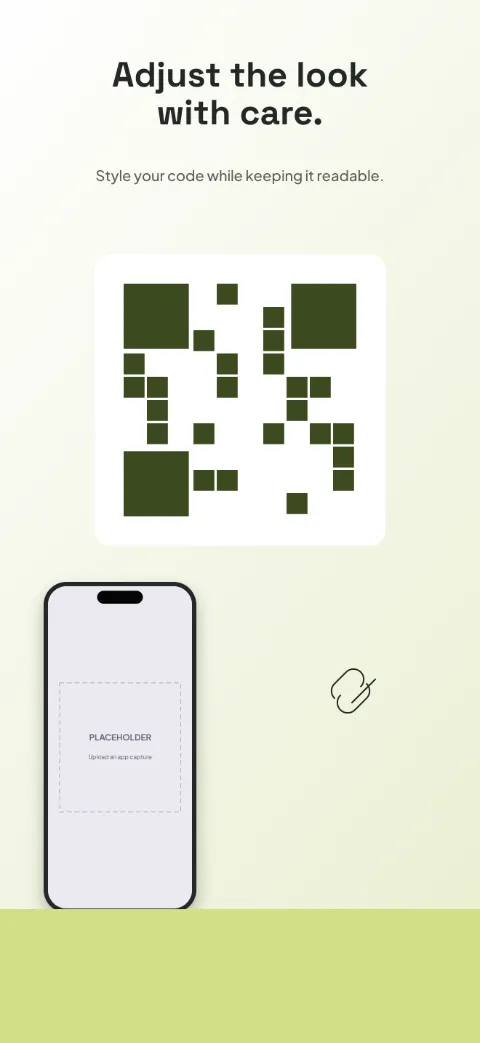
High-contrast black and white with citron; centred square output and tall scan screens.
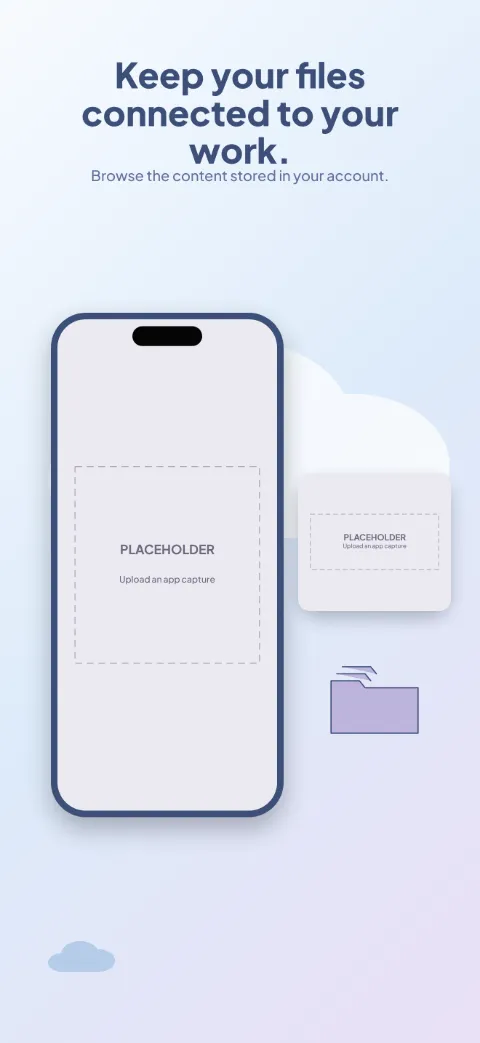
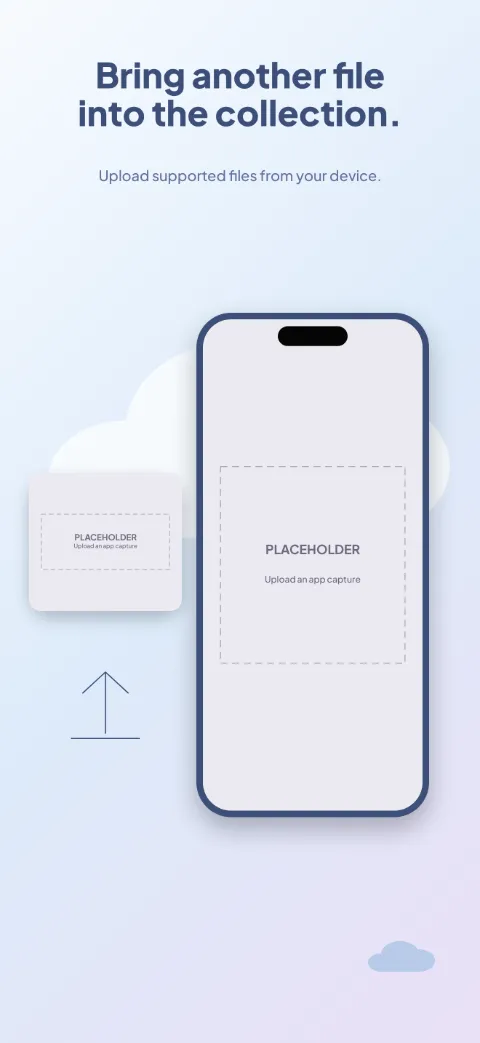
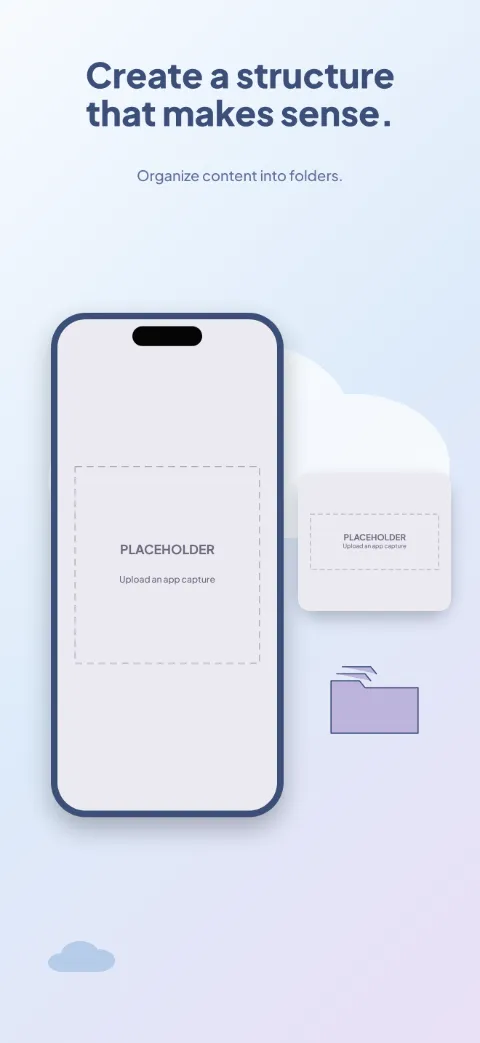
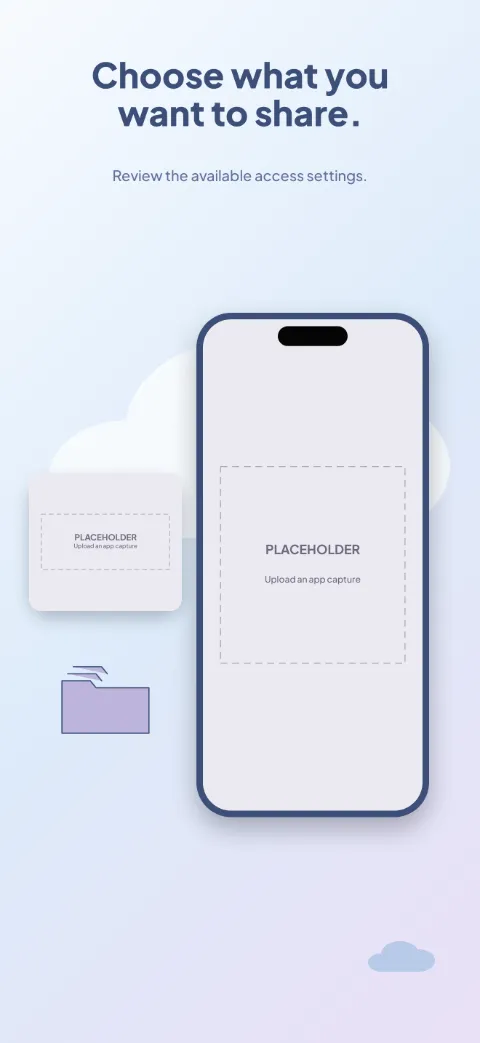
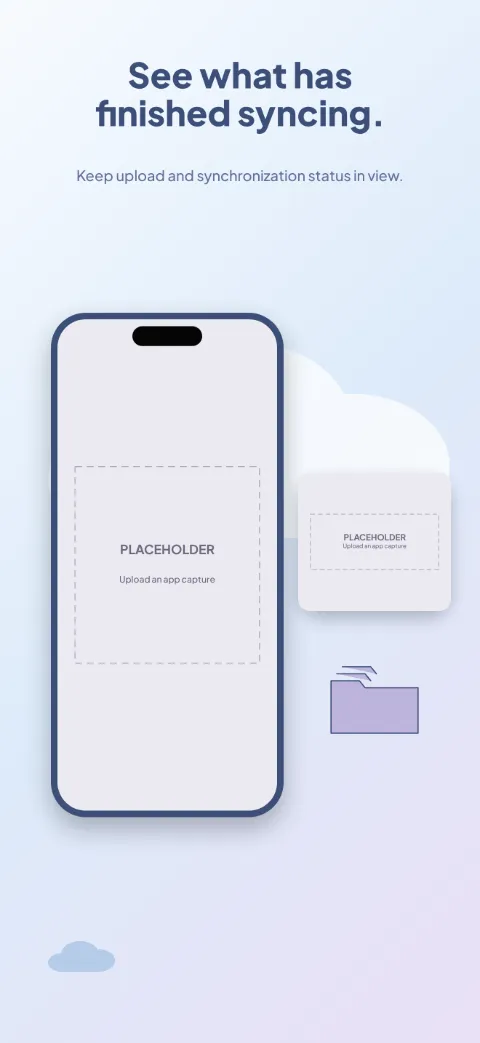
Cloud Shelf
Cloud Storage · Soft · Light
Airy blue and soft lavender with floating file cards and an upload spotlight.
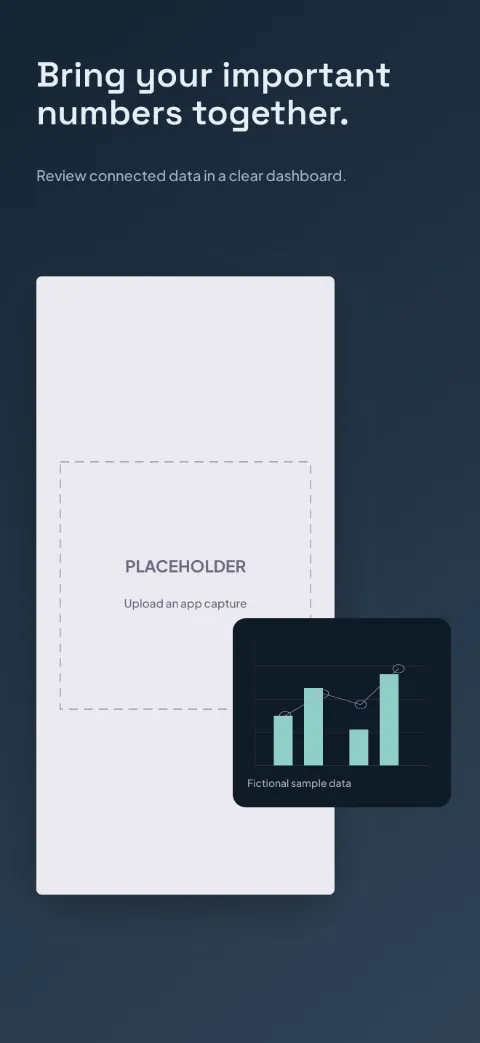
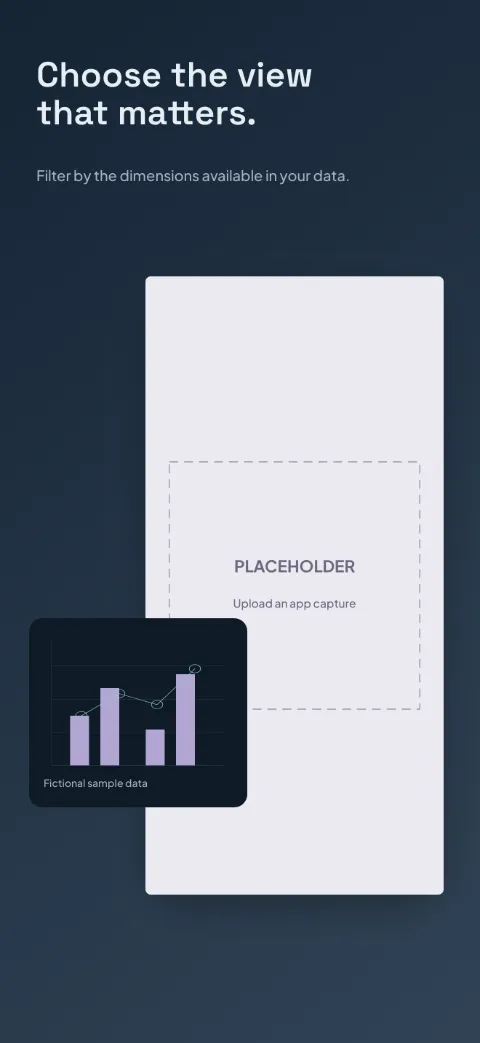
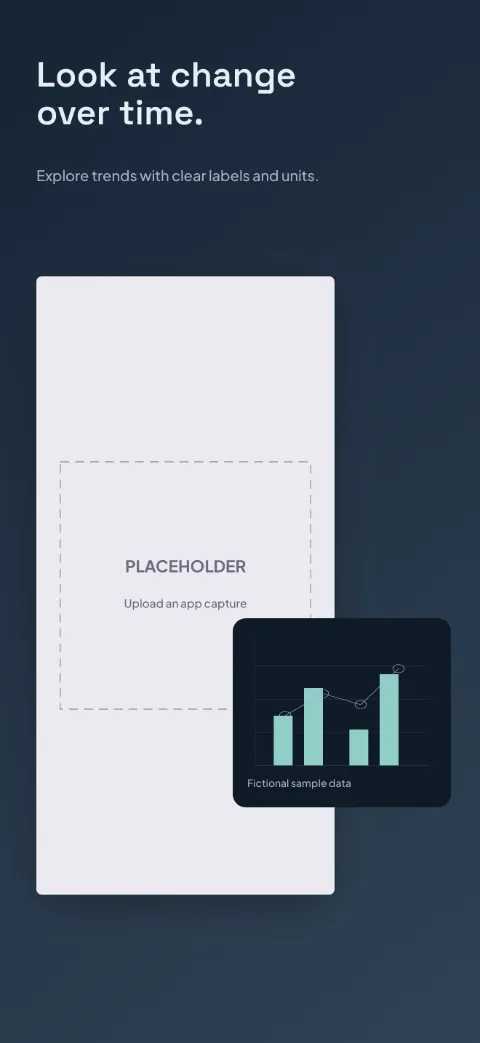
Data Lens
Analytics Dashboard · Dark · Dark
Ink navy, aqua and muted lilac chart series; frameless dashboards and magnified charts.