Minimal app screenshot templates

Restrained layouts with generous space, one clear headline and the app screen doing the talking.

22 templates · page 2 of 2
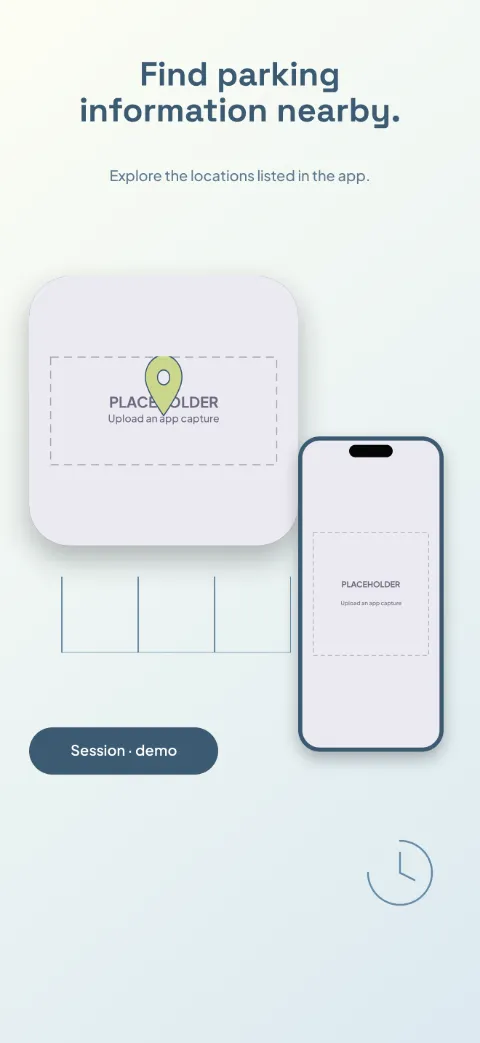
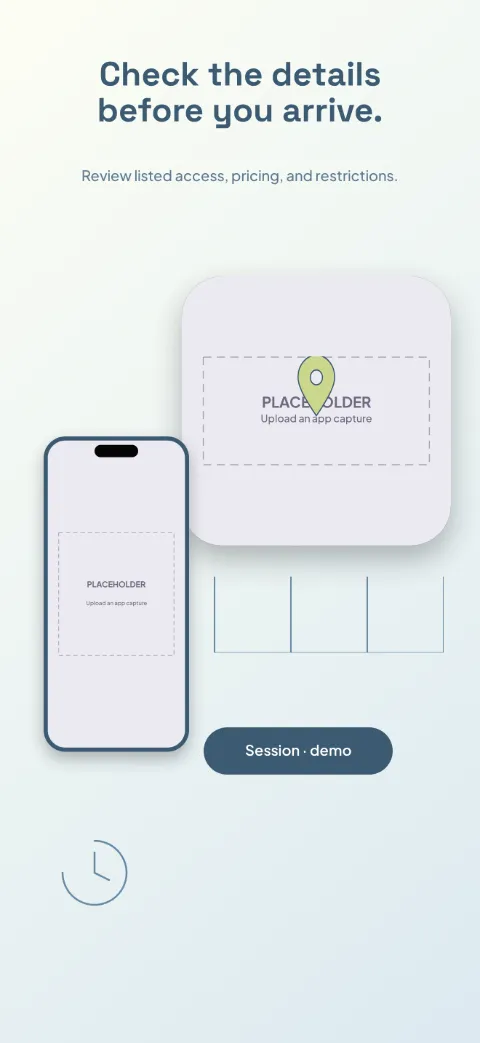
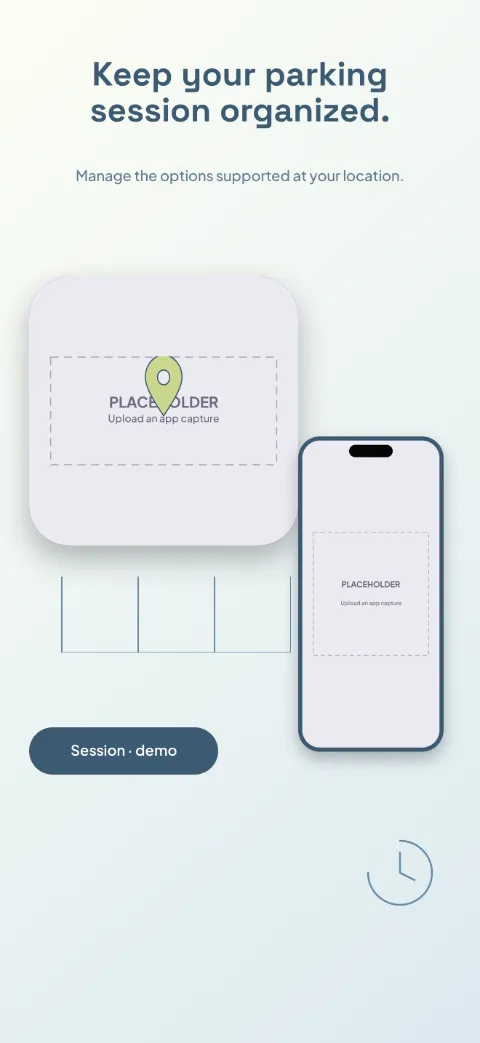
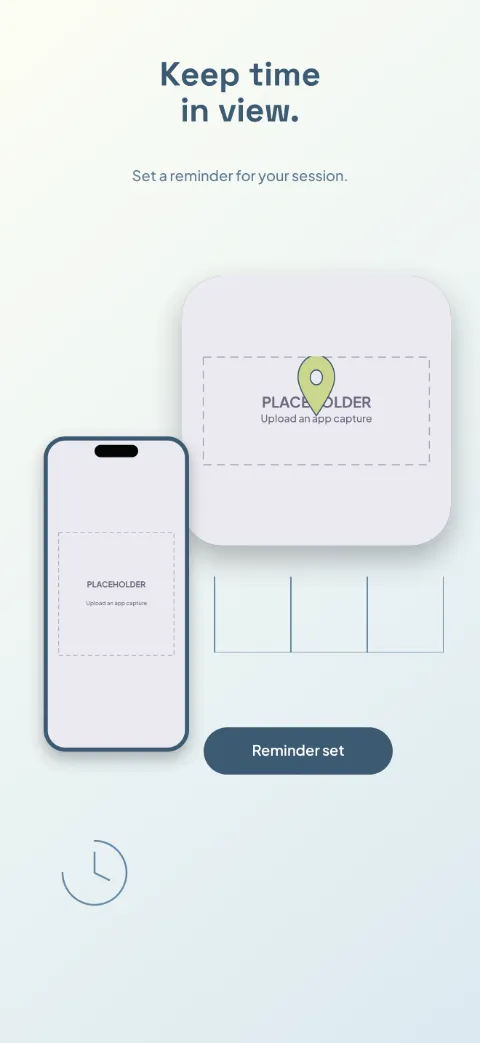
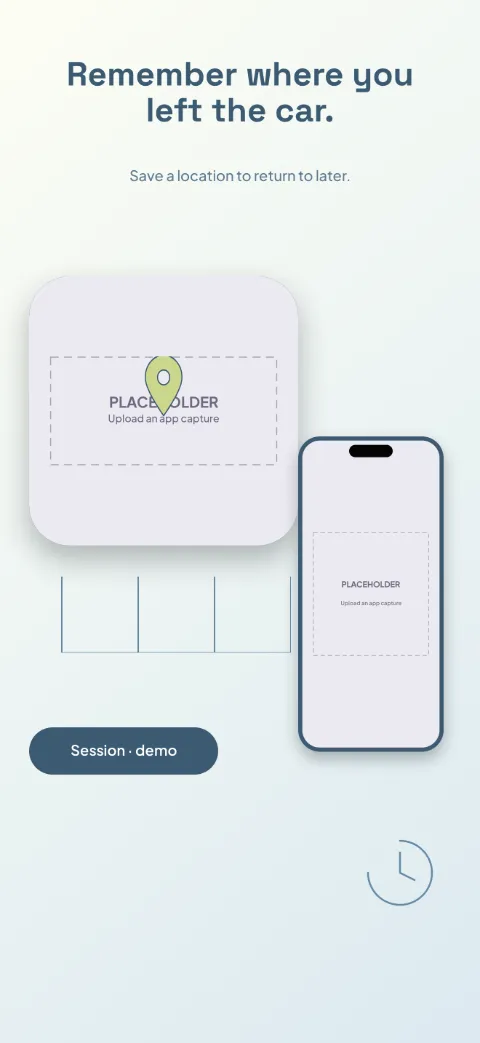
  • Park Simple slide 1 (promise): “Find parking information nearby.” over a light gradient background with a map (map spotlight) screen slot and parking-space lines.Park Simple slide 2 (primary feature): “Check the details before you arrive.” over a light gradient background with a location detail (map spotlight) screen slot and parking-space lines.Park Simple slide 3 (secondary feature): “Keep your parking session organized.” over a light gradient background with a session (map spotlight) screen slot and parking-space lines.Park Simple slide 4 (personalisation): “Keep time in view.” over a light gradient background with a timer (map spotlight) screen slot and parking-space lines.Park Simple slide 5 (closing): “Remember where you left the car.” over a light gradient background with a saved location (map spotlight) screen slot and parking-space lines.

    Park Simple

    Parking · Minimal · Light

    Chalk white, denim blue and muted lime; a map spotlight with compact session cards.
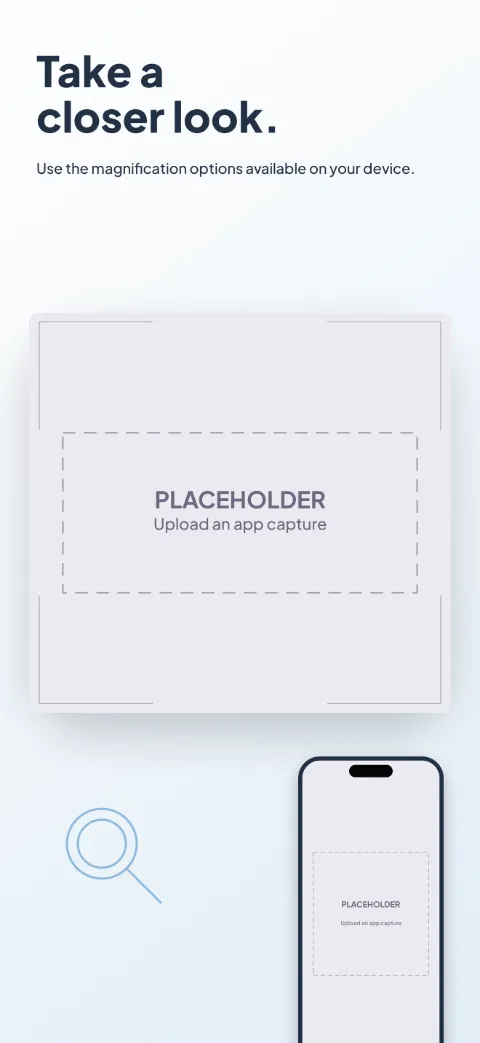
  • Clear Access slide 1 (promise): “Take a closer look.” over a light gradient background with a magnifier (oversized crop) screen slot and focus brackets.Clear Access slide 2 (primary feature): “Choose a view that works for you.” over a light gradient background with a contrast (oversized crop) screen slot and focus brackets.Clear Access slide 3 (secondary feature): “Hold the detail in view.” over a light gradient background with a capture (oversized crop) screen slot and focus brackets.Clear Access slide 4 (personalisation): “Set your reading preferences.” over a light gradient background with a reading options (oversized crop) screen slot and focus brackets.Clear Access slide 5 (closing): “Return to something you saved.” over a light gradient background with a saved images (oversized crop) screen slot and focus brackets.

    Clear Access

    Magnifier Reading · Minimal · Light

    Exceptionally legible black, ivory and clear blue; oversized UI close-ups, minimal decoration.
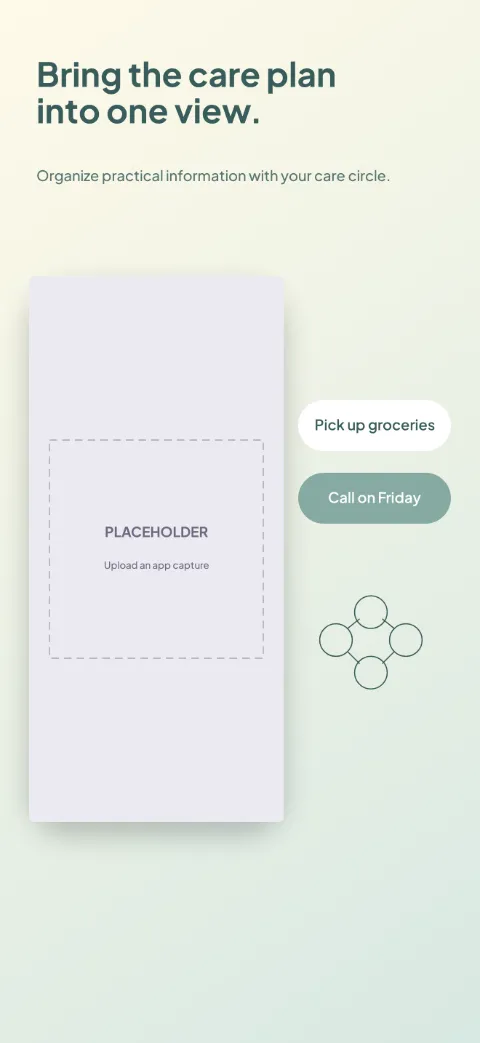
  • Care Circle slide 1 (promise): “Bring the care plan into one view.” over a light gradient background with a overview screen slot and connected circles.Care Circle slide 2 (primary feature): “Make responsibilities easier to see.” over a light gradient background with a tasks screen slot and checklist lines.Care Circle slide 3 (secondary feature): “Keep appointment details close.” over a light gradient background with a appointments screen slot and calendar frame.Care Circle slide 4 (personalisation): “Pass on the useful context.” over a light gradient background with a notes screen slot and connected circles.Care Circle slide 5 (closing): “Choose who can access the record.” over a light gradient background with a access settings screen slot and connected circles.

    Care Circle

    Caregiver Coordination · Minimal · Light

    Warm cream, muted teal, dependable clear type; dashboard plus shared-task cards.
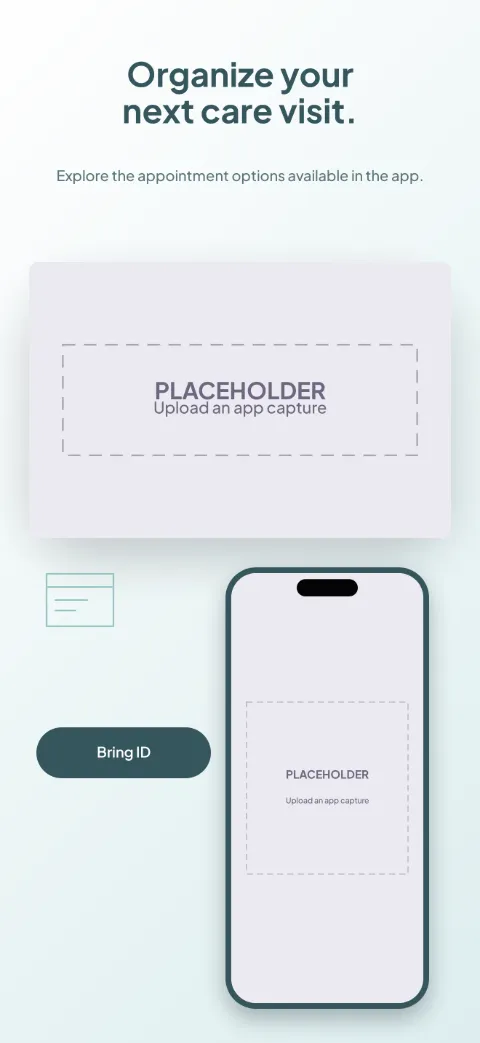
  • Visit Ready slide 1 (promise): “Organize your next care visit.” over a light gradient background with a provider list (appointment detail crop) screen slot and appointment card.Visit Ready slide 2 (primary feature): “Review the provider information.” over a light gradient background with a profile (appointment detail crop) screen slot and appointment card.Visit Ready slide 3 (secondary feature): “Choose an available appointment.” over a light gradient background with a booking (appointment detail crop) screen slot and clock ring.Visit Ready slide 4 (personalisation): “Prepare what you want to discuss.” over a light gradient background with a preparation (appointment detail crop) screen slot and chat contour.Visit Ready slide 5 (closing): “Find your visit details when needed.” over a light gradient background with a visit details (appointment detail crop) screen slot and appointment card.

    Visit Ready

    Healthcare Appointments · Minimal · Light

    Clinical white, muted turquoise and slate; big appointment detail and preparation cards.
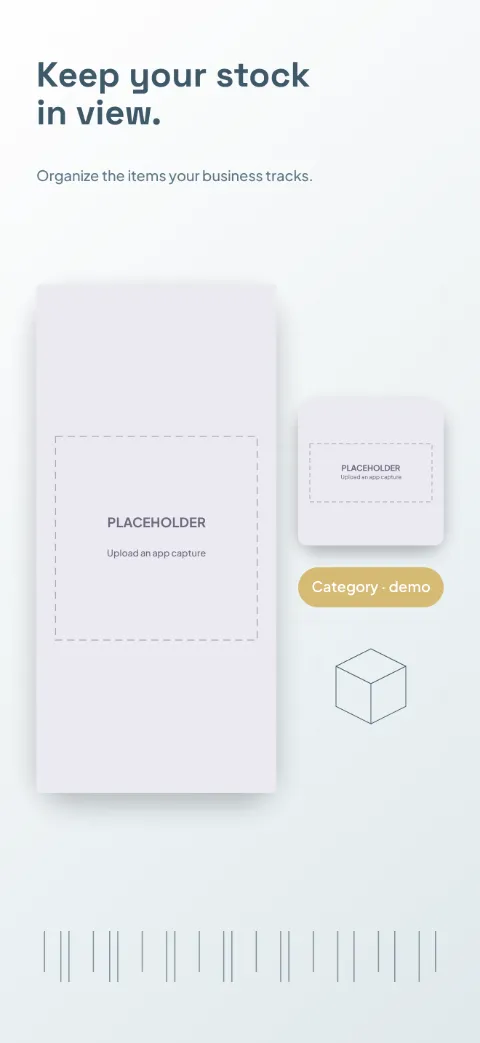
  • Stock Room slide 1 (promise): “Keep your stock in view.” over a light gradient background with a stock screen slot and shelf grid.Stock Room slide 2 (primary feature): “A clear record for each item.” over a light gradient background with a item screen slot and shelf grid.Stock Room slide 3 (secondary feature): “Record what moves in and out.” over a light gradient background with a movement screen slot and shelf grid.Stock Room slide 4 (personalisation): “See what needs attention.” over a light gradient background with a alerts screen slot and shelf grid.Stock Room slide 5 (closing): “Look back at your inventory activity.” over a light gradient background with a report screen slot and shelf grid.

    Stock Room

    Inventory Management · Minimal · Light

    White and slate blue with mustard category accents; inventory dashboard plus item spotlights.
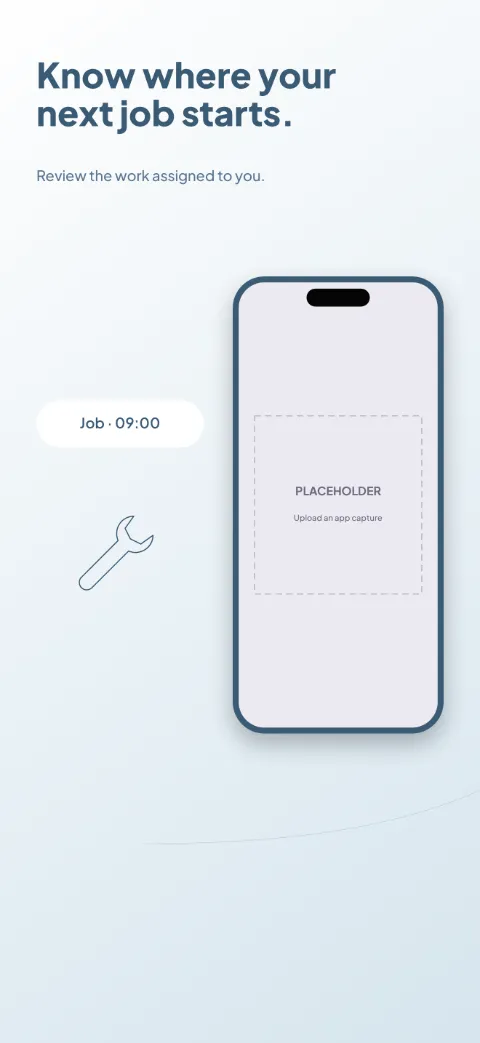
  • Field Ready slide 1 (promise): “Know where your next job starts.” over a light gradient background with a jobs screen slot and service route.Field Ready slide 2 (primary feature): “Keep the instructions with the job.” over a light gradient background with a work order screen slot and service route.Field Ready slide 3 (secondary feature): “Find the service location.” over a light gradient background with a route screen slot and service route.Field Ready slide 4 (personalisation): “Work through the required steps.” over a light gradient background with a checklist screen slot and service route.Field Ready slide 5 (closing): “Leave a useful record of the work.” over a light gradient background with a completion record screen slot and service route.

    Field Ready

    Field Service · Minimal · Light

    Steel blue and white with orange task accents; job cards tell the arrival-to-completion story.
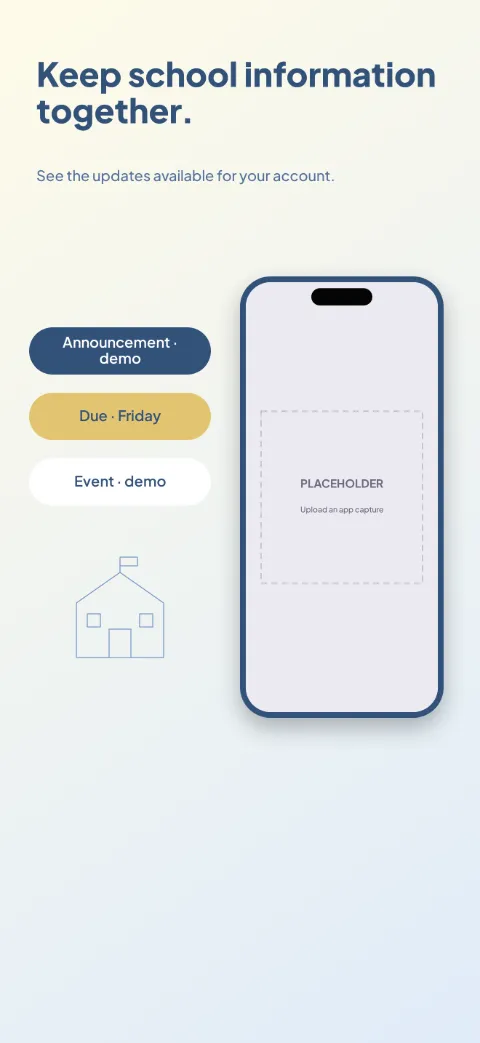
  • School Link slide 1 (promise): “Keep school information together.” over a light gradient background with a home screen slot and section icon.School Link slide 2 (primary feature): “Find the latest announcement.” over a light gradient background with a announcements screen slot and section icon.School Link slide 3 (secondary feature): “Know what has been assigned.” over a light gradient background with a assignments screen slot and section icon.School Link slide 4 (personalisation): “Keep upcoming dates in view.” over a light gradient background with a calendar screen slot and section icon.School Link slide 5 (closing): “Stay connected through the right channel.” over a light gradient background with a messages screen slot and section icon.

    School Link

    School Parent · Minimal · Light

    Trustworthy blue and warm yellow with clear structured cards; dashboard and announcement spotlights.
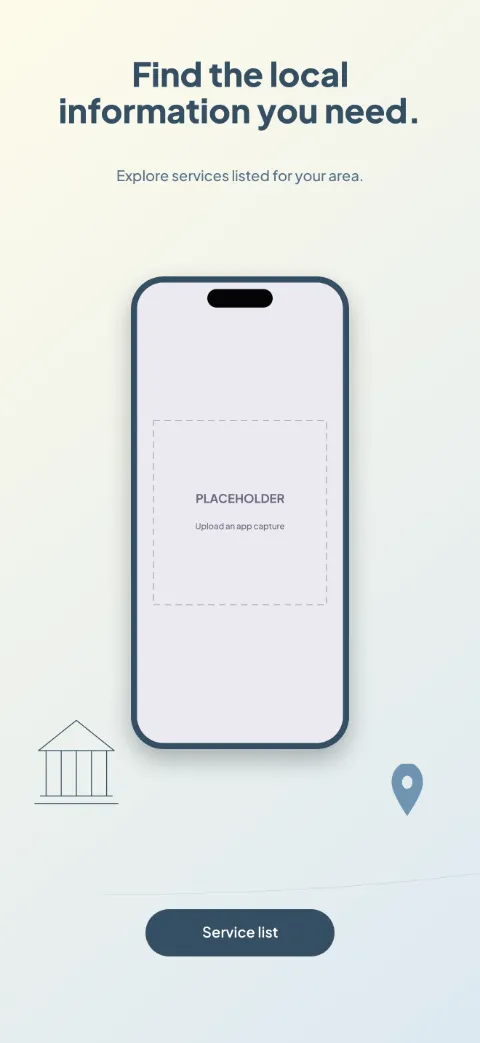
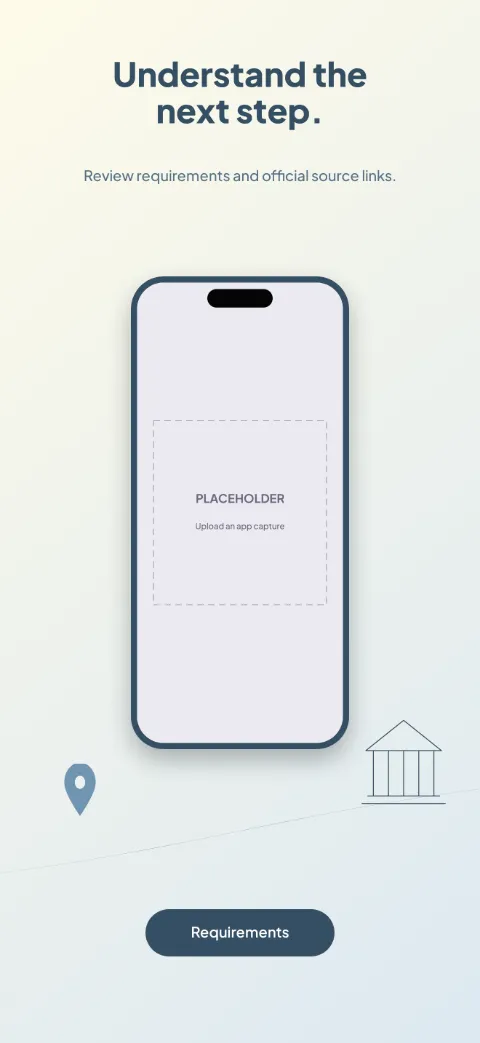
  • Civic Connect slide 1 (promise): “Find the local information you need.” over a light gradient background with a services screen slot and service path.Civic Connect slide 2 (primary feature): “Understand the next step.” over a light gradient background with a information screen slot and service path.Civic Connect slide 3 (secondary feature): “Prepare a service request.” over a light gradient background with a request form screen slot and service path.Civic Connect slide 4 (personalisation): “Keep your request reference close.” over a light gradient background with a status screen slot and service path.Civic Connect slide 5 (closing): “See the notices relevant to your area.” over a light gradient background with a notices screen slot and service path.

    Civic Connect

    Civic Services · Minimal · Light

    Blue and cream with clear accessible icons; service directory and request-status sequence.
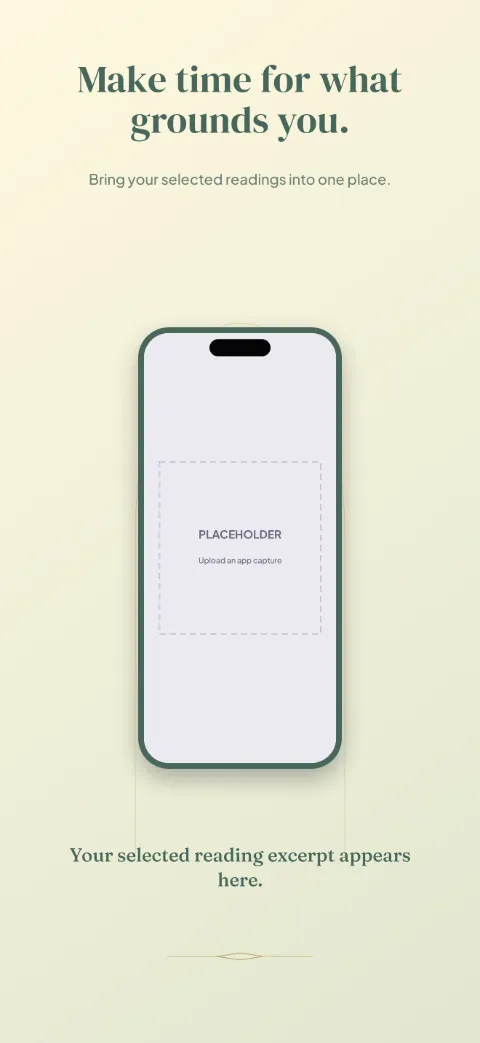
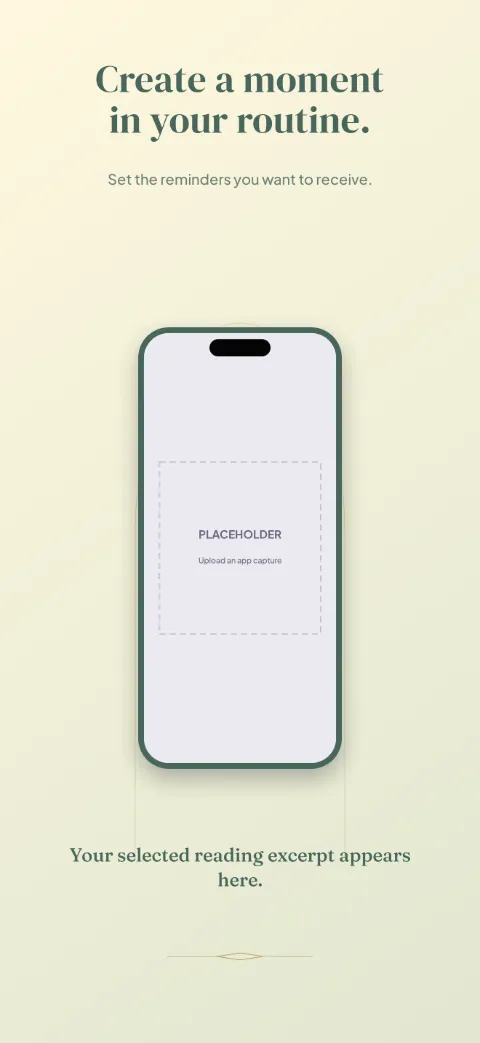
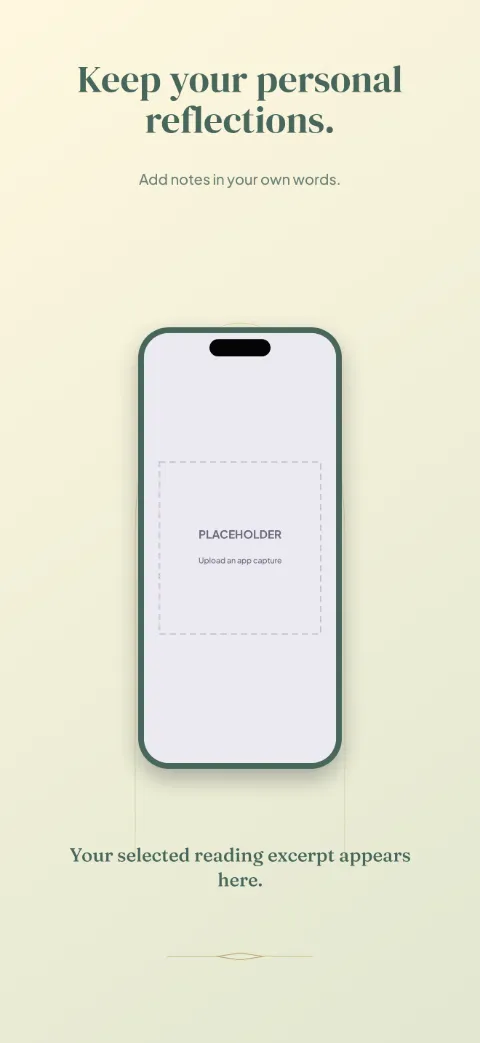
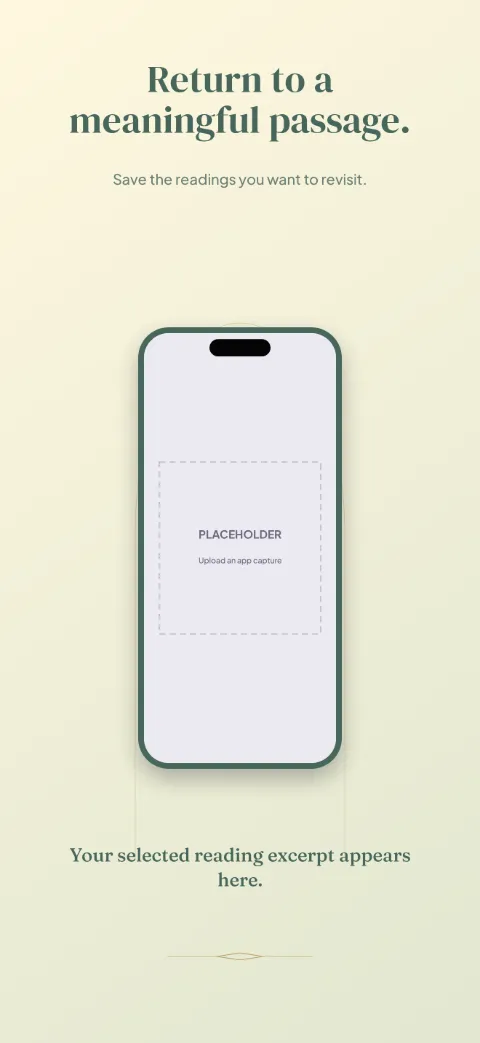
  • Quiet Devotion slide 1 (promise): “Make time for what grounds you.” over a light gradient background with a reading screen slot and light rays.Quiet Devotion slide 2 (primary feature): “Choose a reflection for today.” over a light gradient background with a collection screen slot and light rays.Quiet Devotion slide 3 (secondary feature): “Create a moment in your routine.” over a light gradient background with a reminders screen slot and light rays.Quiet Devotion slide 4 (personalisation): “Keep your personal reflections.” over a light gradient background with a journal screen slot and light rays.Quiet Devotion slide 5 (closing): “Return to a meaningful passage.” over a light gradient background with a favorites screen slot and light rays.

    Quiet Devotion

    Prayer Devotional · Minimal · Light

    Ivory, muted gold and deep green; luxury minimal with large reading excerpts and abstract arches.
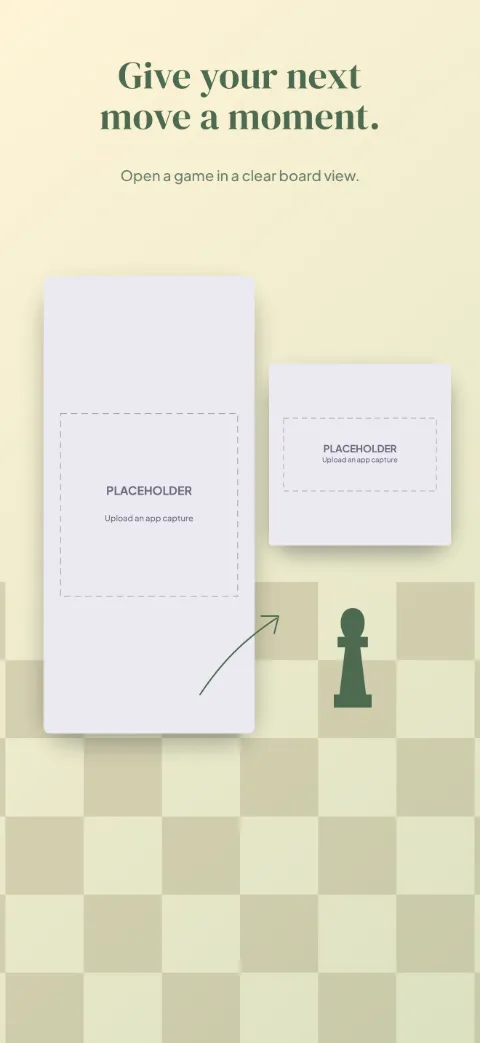
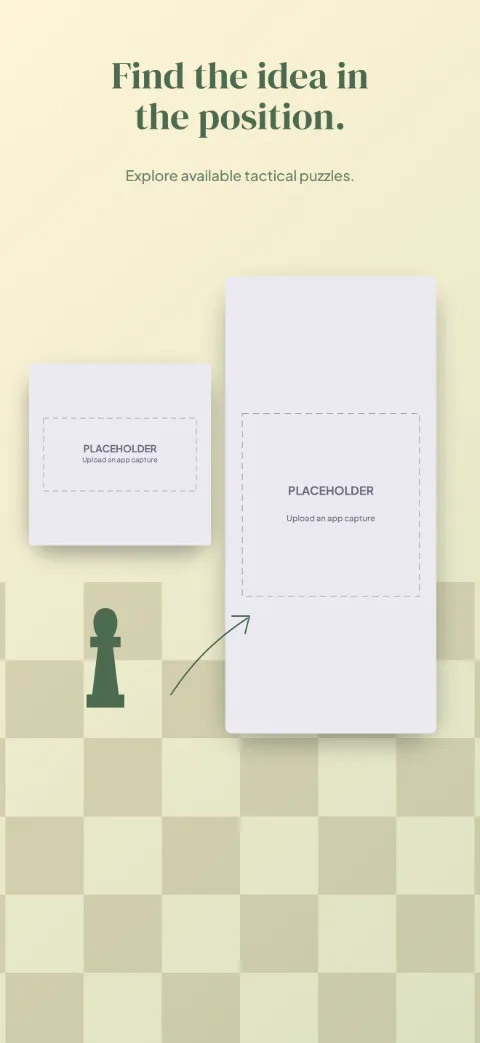
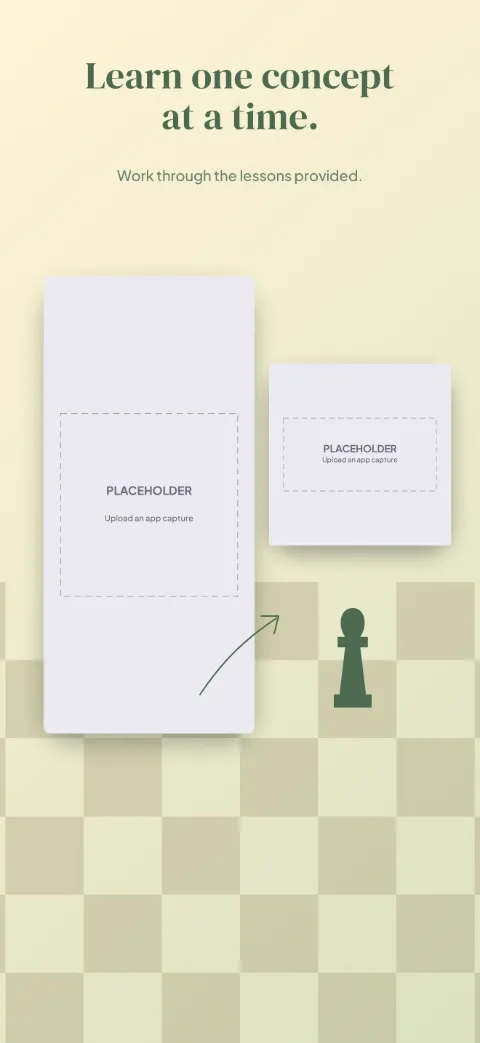
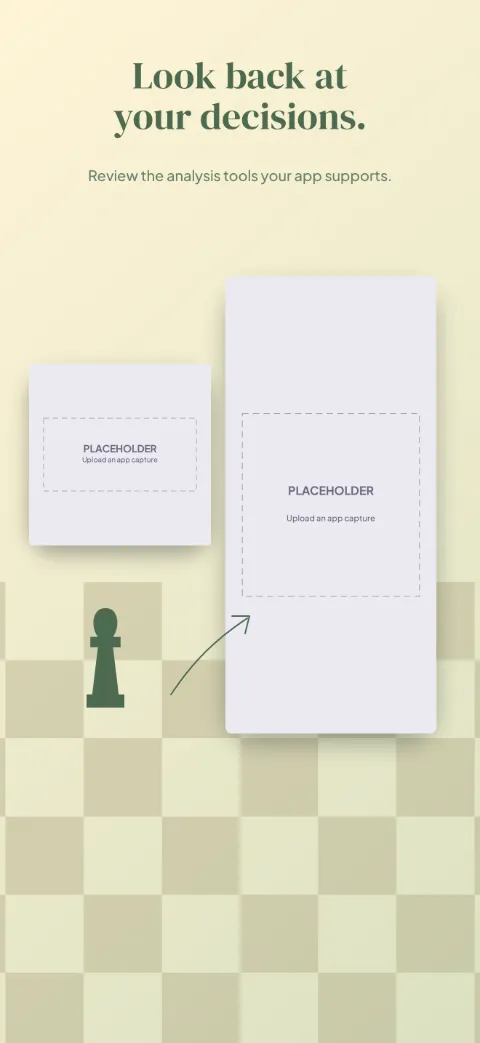
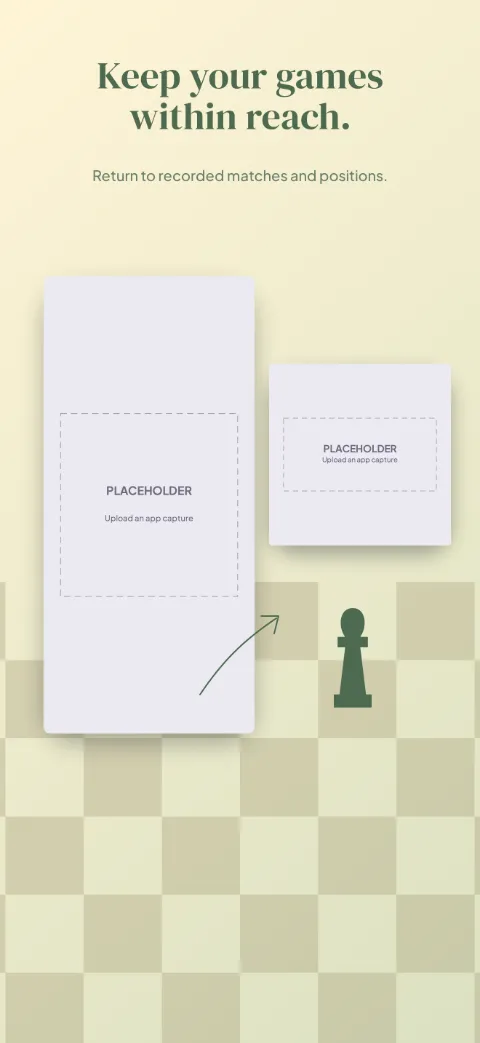
  • Move Ahead slide 1 (promise): “Give your next move a moment.” over a light gradient background with a game screen slot and board squares.Move Ahead slide 2 (primary feature): “Find the idea in the position.” over a light gradient background with a puzzle screen slot and board squares.Move Ahead slide 3 (secondary feature): “Learn one concept at a time.” over a light gradient background with a lesson screen slot and board squares.Move Ahead slide 4 (personalisation): “Look back at your decisions.” over a light gradient background with a analysis screen slot and board squares.Move Ahead slide 5 (closing): “Keep your games within reach.” over a light gradient background with a history screen slot and board squares.

    Move Ahead

    Chess Strategy · Minimal · Light

    Cream and forest with refined board geometry; large board crops with minimal device borders.