App Store and Google Play screenshot templates

120 original five-slide campaigns. Every preview below is rendered from the template's real editable scene — open one to see all slides, the palette, fonts and which screenshots you need.

Page 7 of 10 · ordered by catalog number
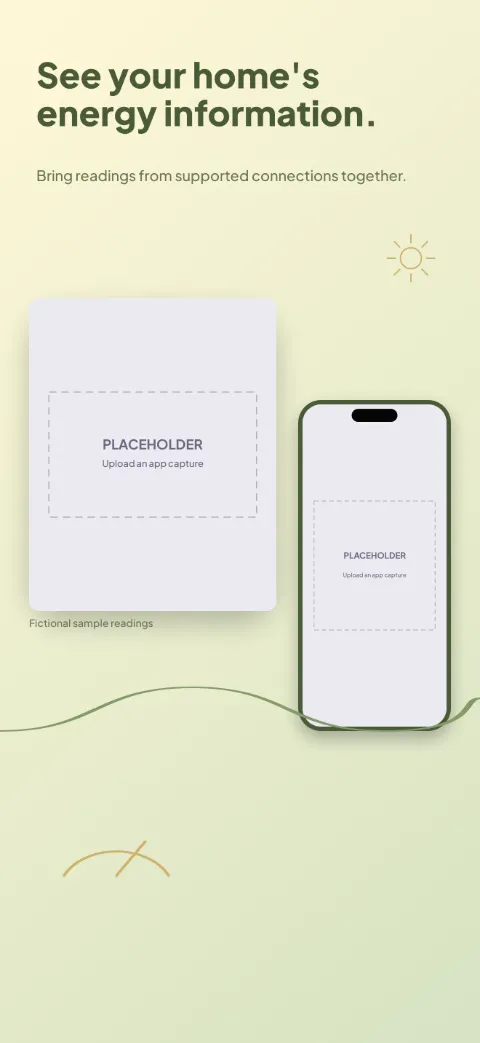
  • Energy Wise slide 1 (promise): “See your home's energy information.” over a light gradient background with a overview (chart crop) screen slot and sun rays.Energy Wise slide 2 (primary feature): “Check the latest available reading.” over a light gradient background with a live data (chart crop) screen slot and sun rays.Energy Wise slide 3 (secondary feature): “Look at how usage changes.” over a light gradient background with a history (chart crop) screen slot and sun rays.Energy Wise slide 4 (personalisation): “Understand the available breakdown.” over a light gradient background with a devices (chart crop) screen slot and sun rays.Energy Wise slide 5 (closing): “Set a reference for your routine.” over a light gradient background with a goals (chart crop) screen slot and sun rays.

    Energy Wise

    Energy Monitor · Soft · Light

    Cream, moss and muted amber; dashboard-led with a fictional consumption chart card.
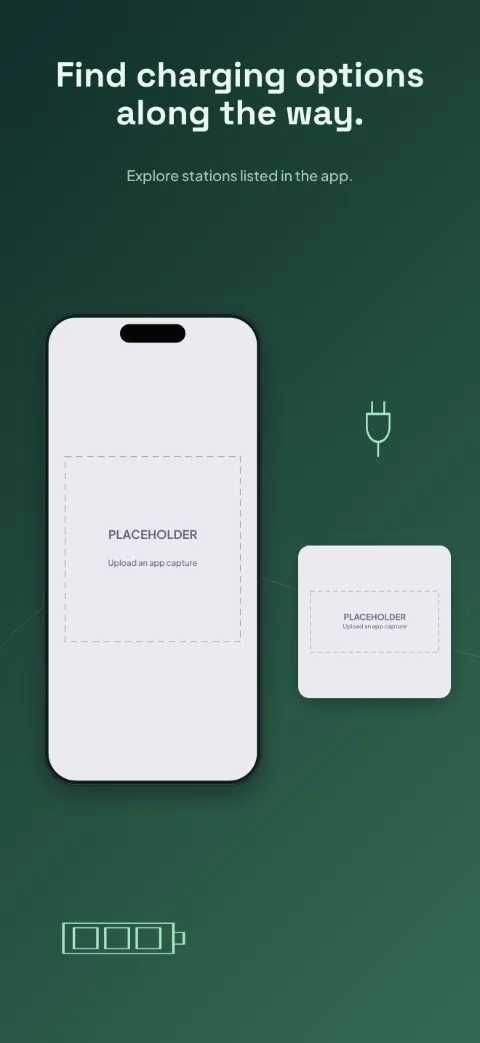
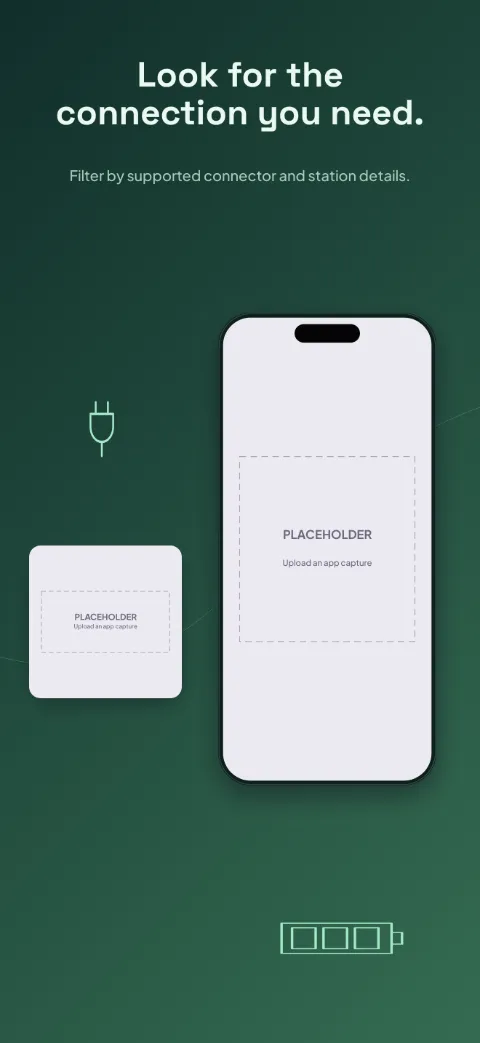
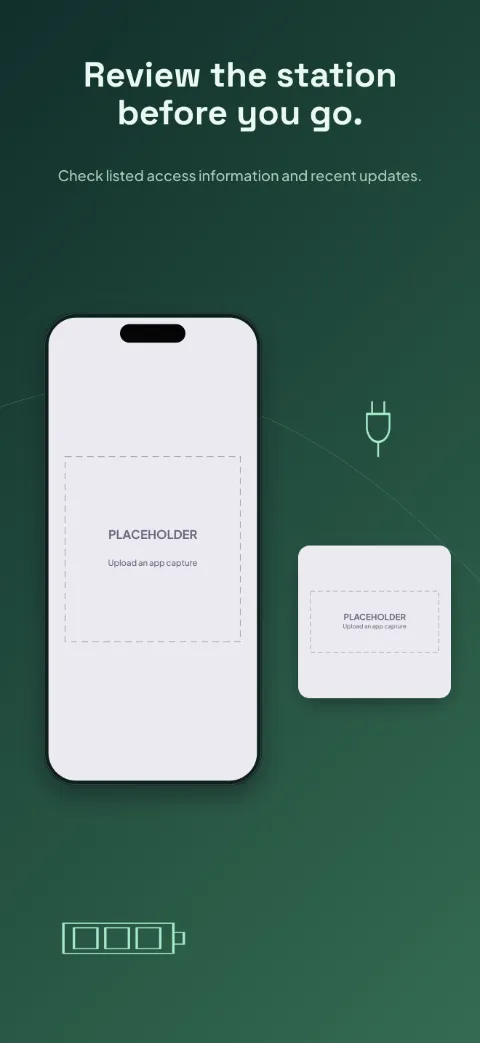
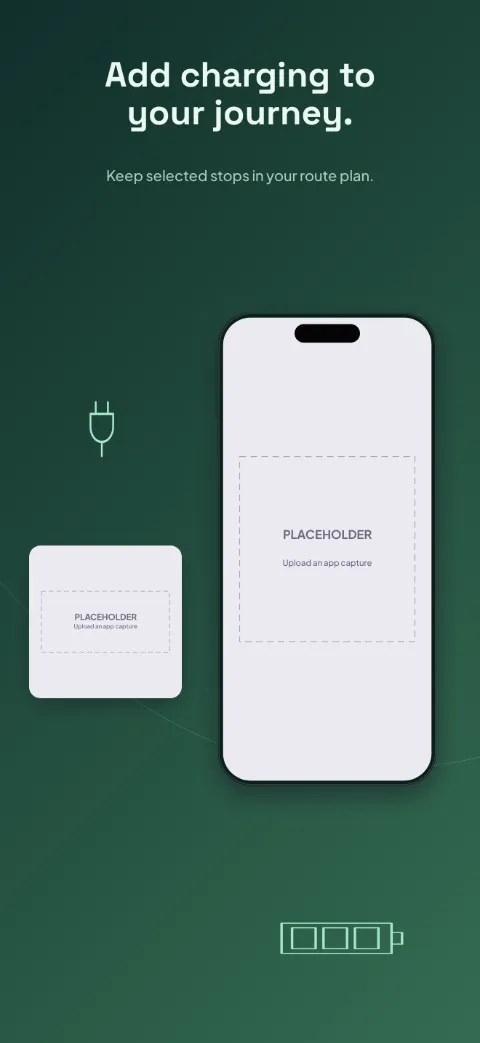
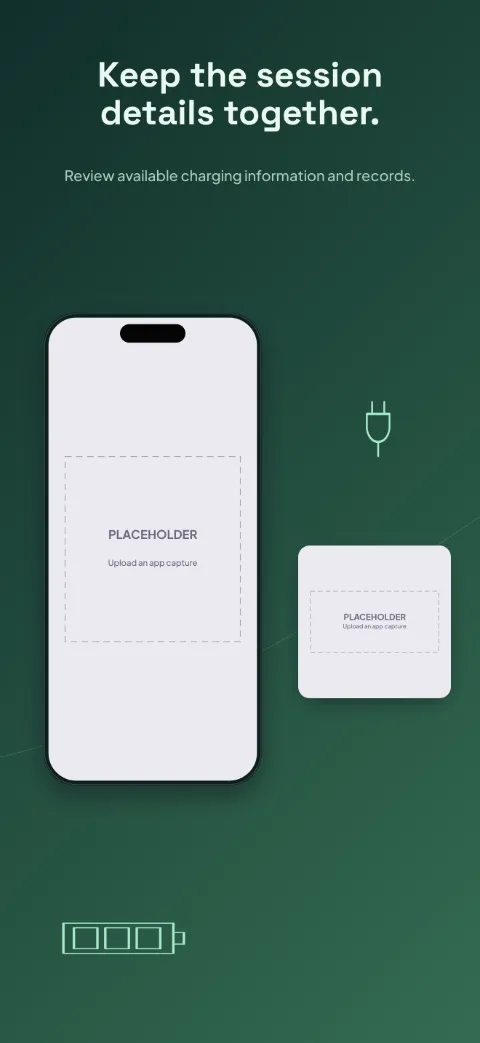
  • Charge Route slide 1 (promise): “Find charging options along the way.” over a dark gradient background with a map screen slot and route path.Charge Route slide 2 (primary feature): “Look for the connection you need.” over a dark gradient background with a filters screen slot and route path.Charge Route slide 3 (secondary feature): “Review the station before you go.” over a dark gradient background with a station screen slot and route path.Charge Route slide 4 (personalisation): “Add charging to your journey.” over a dark gradient background with a route plan screen slot and route path.Charge Route slide 5 (closing): “Keep the session details together.” over a dark gradient background with a charging session screen slot and route path.

    Charge Route

    EV Charging · Panoramic · Dark

    Dark pine and electric mint; one route path runs across all slides with station close-ups.
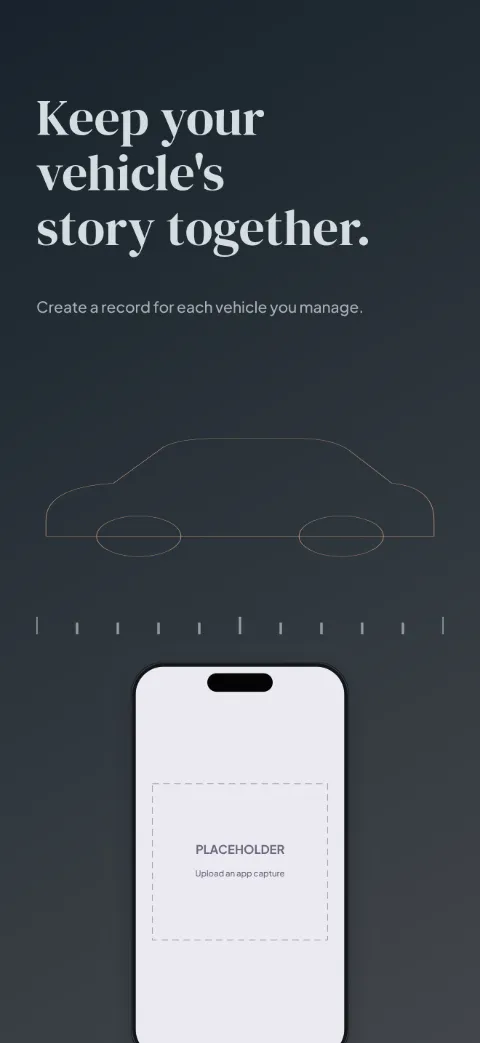
  • Car Journal slide 1 (promise): “Keep your vehicle's story together.” over a dark gradient background with a garage screen slot and vehicle contour.Car Journal slide 2 (primary feature): “Find the details when you need them.” over a dark gradient background with a vehicle detail screen slot and service tool.Car Journal slide 3 (secondary feature): “Remember the work already done.” over a dark gradient background with a service log screen slot and service tool.Car Journal slide 4 (personalisation): “Plan your next maintenance check.” over a dark gradient background with a reminders screen slot and service tool.Car Journal slide 5 (closing): “Review your recorded vehicle costs.” over a dark gradient background with a costs screen slot and service tool.

    Car Journal

    Vehicle Maintenance · Editorial · Dark

    Graphite, silver and muted copper; an editorial hero slide, then service-record cards.
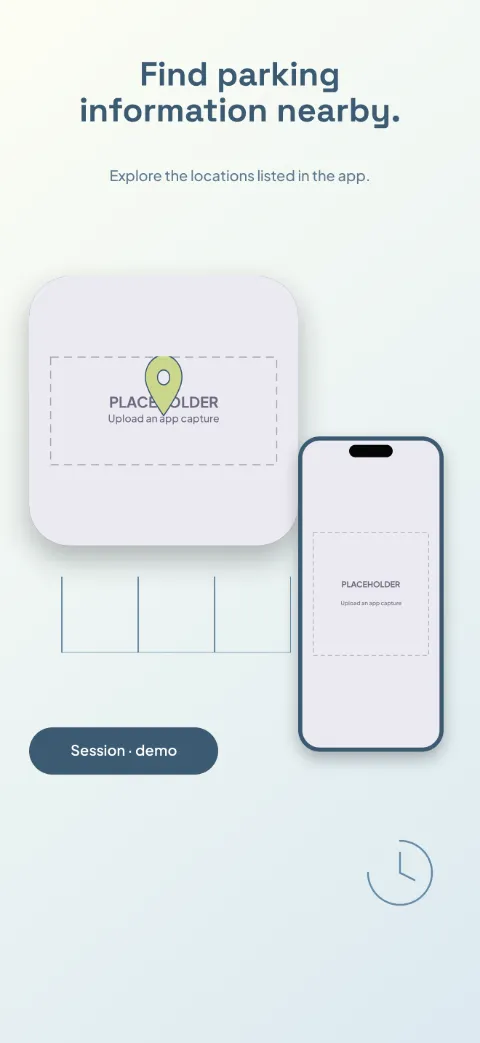
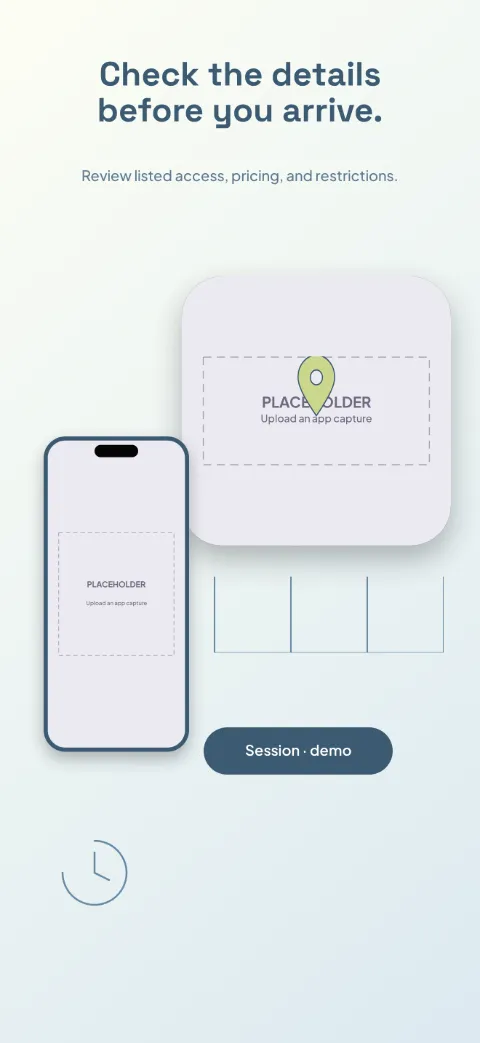
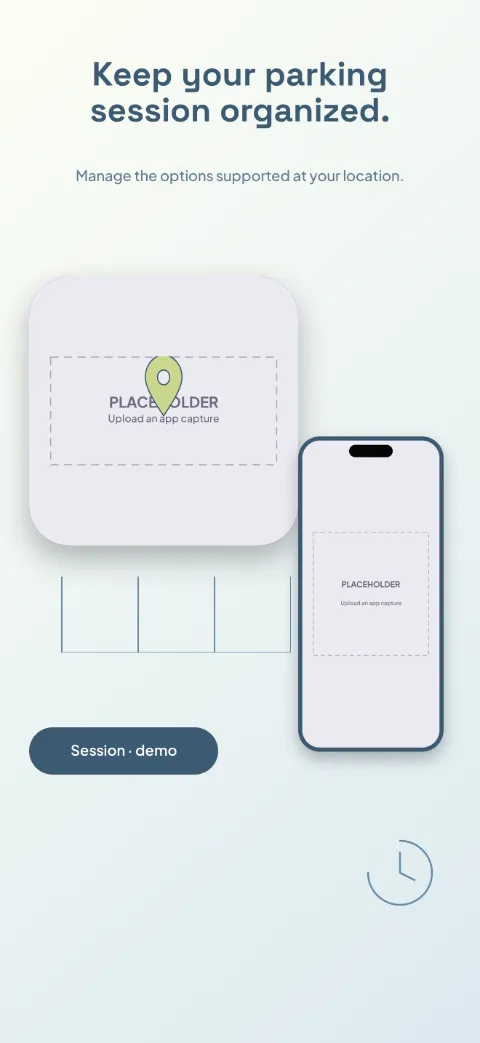
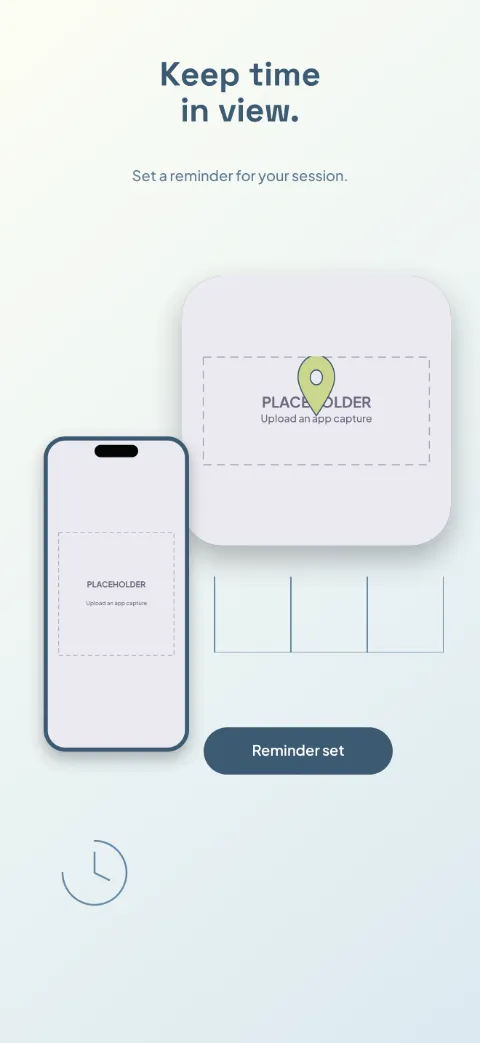
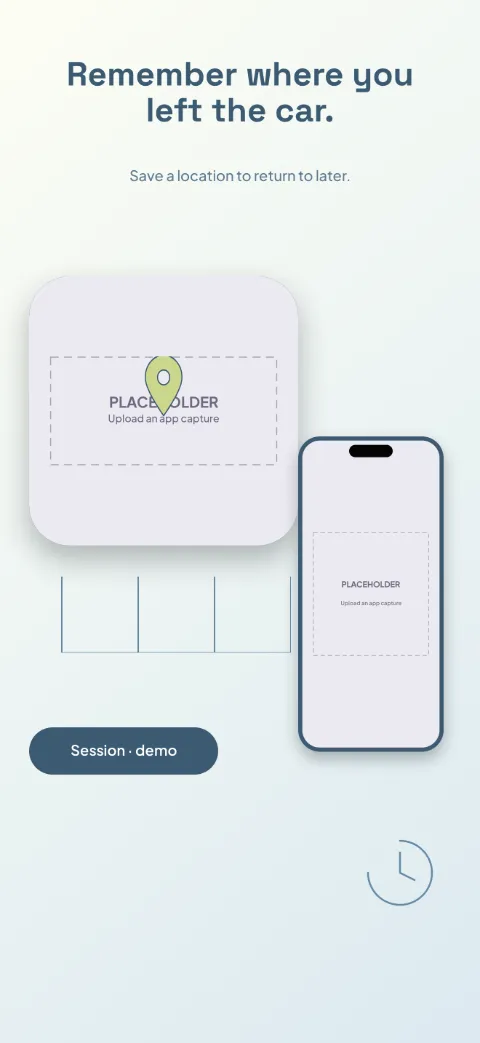
  • Park Simple slide 1 (promise): “Find parking information nearby.” over a light gradient background with a map (map spotlight) screen slot and parking-space lines.Park Simple slide 2 (primary feature): “Check the details before you arrive.” over a light gradient background with a location detail (map spotlight) screen slot and parking-space lines.Park Simple slide 3 (secondary feature): “Keep your parking session organized.” over a light gradient background with a session (map spotlight) screen slot and parking-space lines.Park Simple slide 4 (personalisation): “Keep time in view.” over a light gradient background with a timer (map spotlight) screen slot and parking-space lines.Park Simple slide 5 (closing): “Remember where you left the car.” over a light gradient background with a saved location (map spotlight) screen slot and parking-space lines.

    Park Simple

    Parking · Minimal · Light

    Chalk white, denim blue and muted lime; a map spotlight with compact session cards.
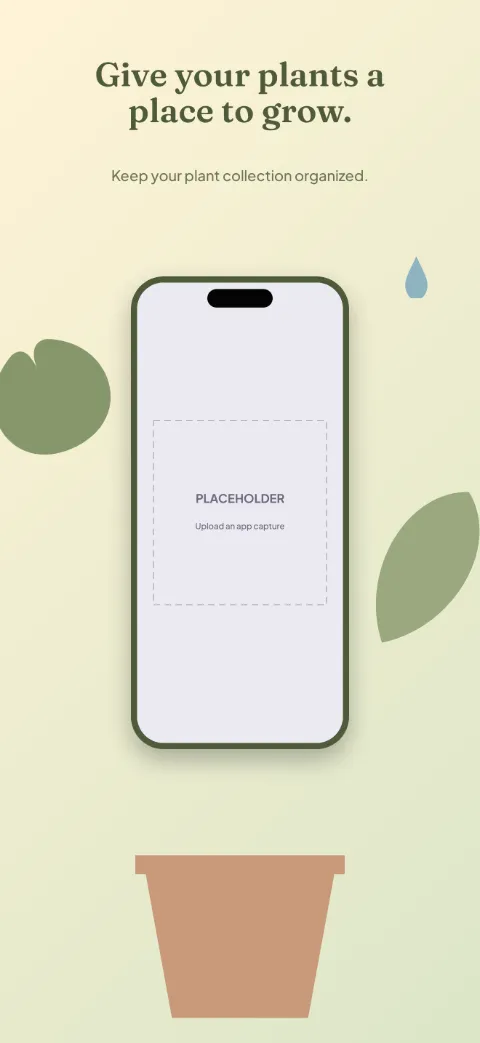
  • Green Corner slide 1 (promise): “Give your plants a place to grow.” over a light gradient background with a collection screen slot and leaf silhouette.Green Corner slide 2 (primary feature): “Get to know each plant.” over a light gradient background with a plant detail screen slot and leaf silhouette.Green Corner slide 3 (secondary feature): “Remember your care routine.” over a light gradient background with a reminders screen slot and leaf silhouette.Green Corner slide 4 (personalisation): “Keep a record of what you notice.” over a light gradient background with a journal screen slot and leaf silhouette.Green Corner slide 5 (closing): “Look back at the growth.” over a light gradient background with a photos screen slot and leaf silhouette.

    Green Corner

    Plant Care · Soft · Light

    Botanical cream, olive and terracotta; original leaves frame each screen like a window box.
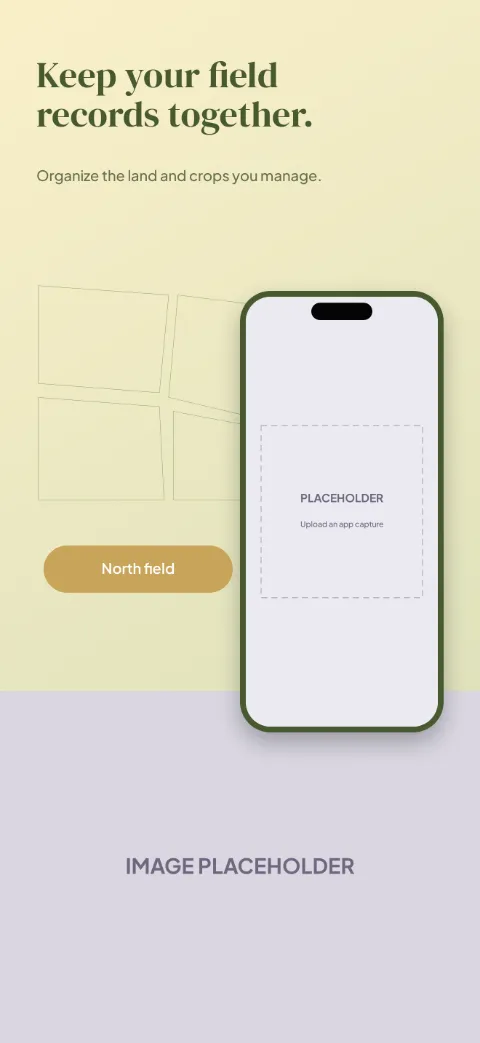
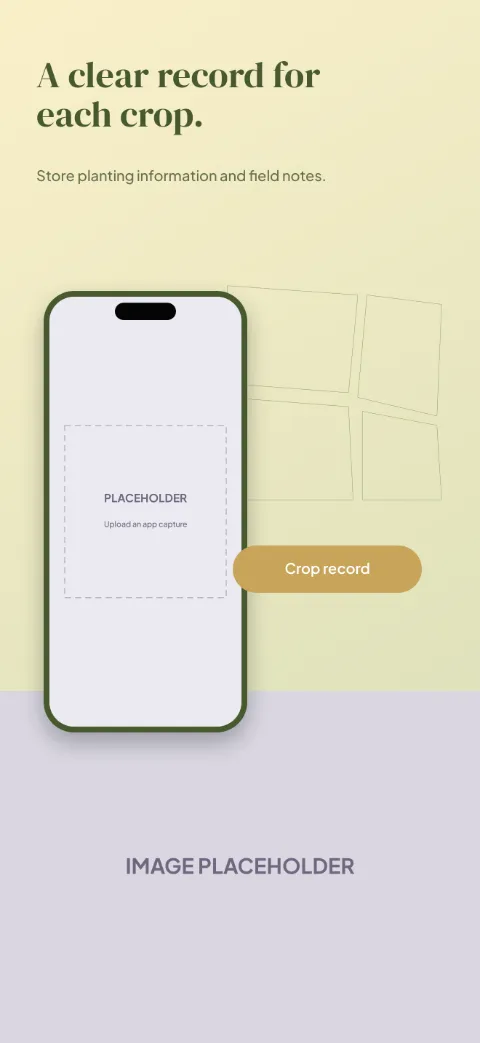
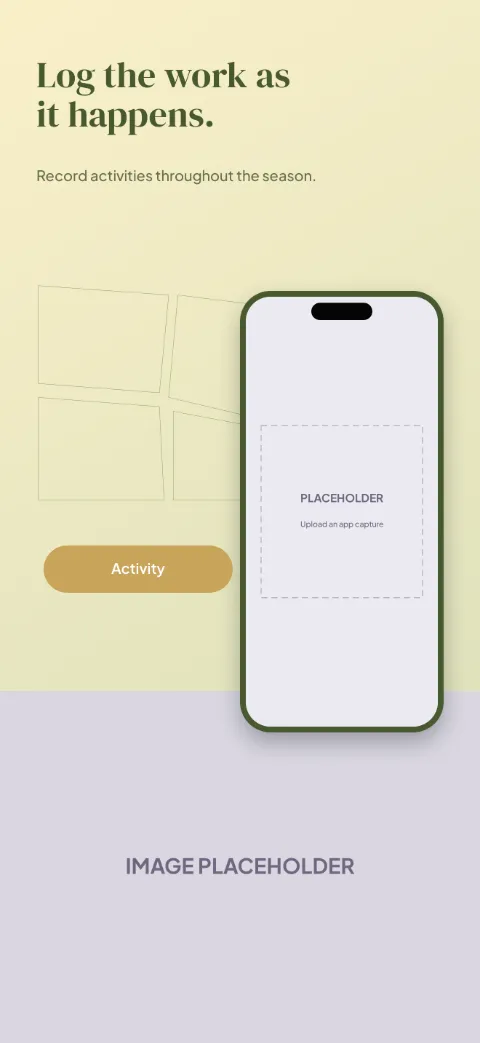
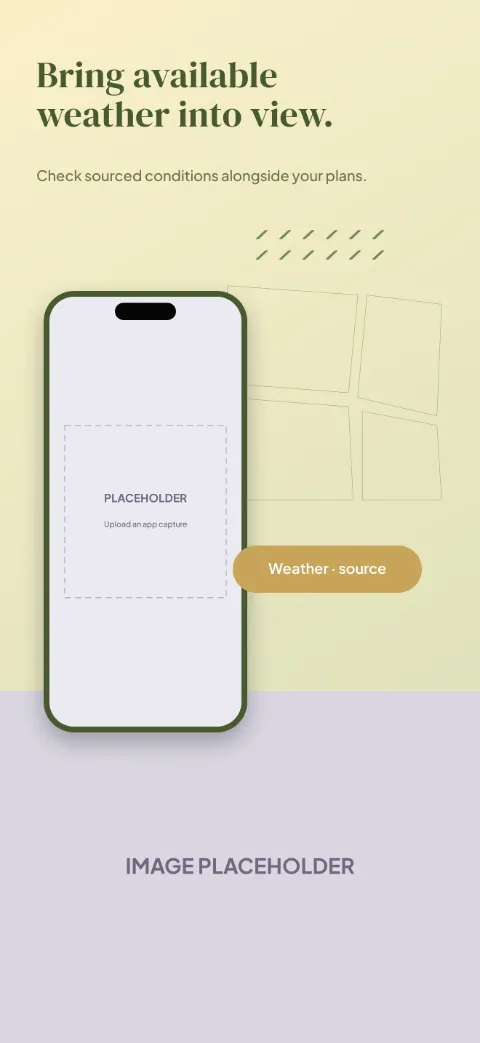
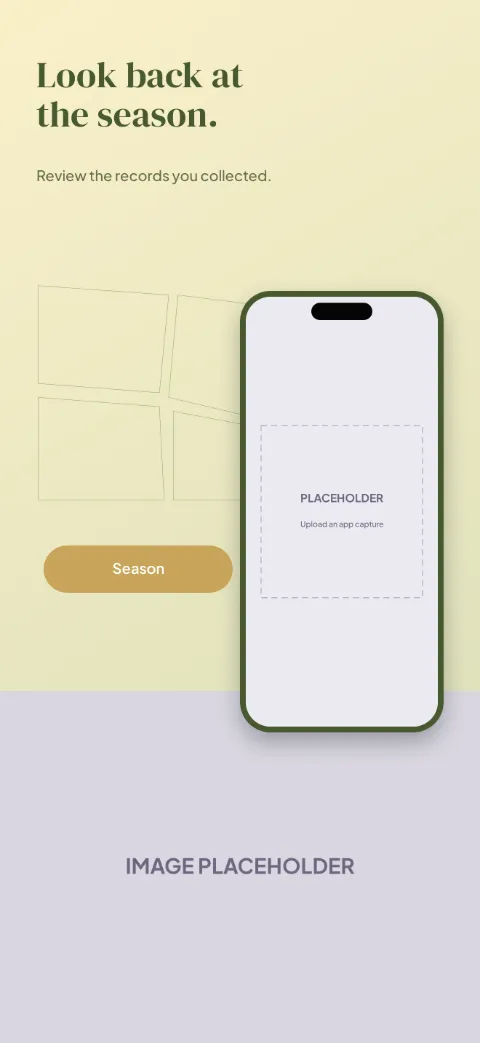
  • Field Notes slide 1 (promise): “Keep your field records together.” over a light gradient background with a fields screen slot and crop rows.Field Notes slide 2 (primary feature): “A clear record for each crop.” over a light gradient background with a crop record screen slot and crop rows.Field Notes slide 3 (secondary feature): “Log the work as it happens.” over a light gradient background with a activity log screen slot and crop rows.Field Notes slide 4 (personalisation): “Bring available weather into view.” over a light gradient background with a weather context screen slot and crop rows.Field Notes slide 5 (closing): “Look back at the season.” over a light gradient background with a season summary screen slot and crop rows.

    Field Notes

    Farming Crop Management · Photographic · Light

    Parchment, field green and ochre; field-map lines over a landscape photo slot, log card beside.
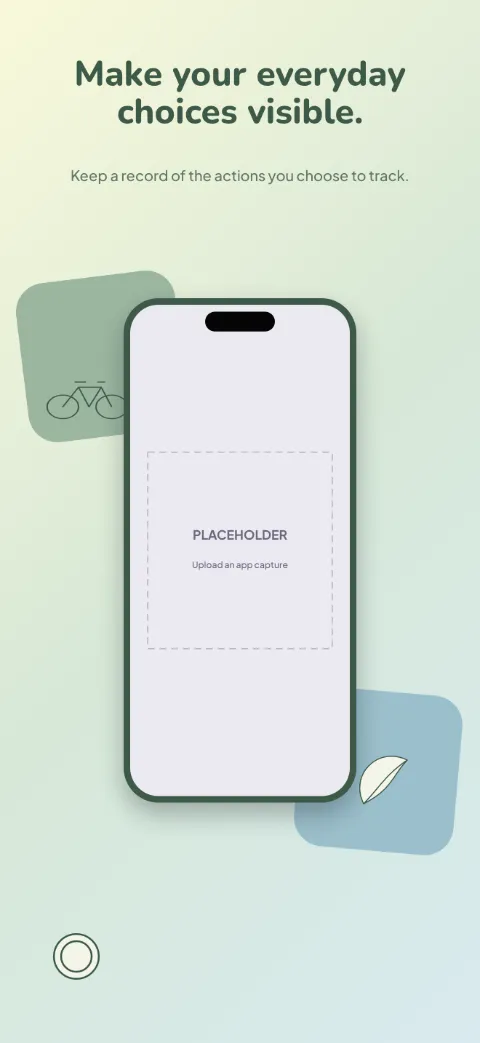
  • Lighter Footprint slide 1 (promise): “Make your everyday choices visible.” over a light gradient background with a actions screen slot and bicycle outline.Lighter Footprint slide 2 (primary feature): “Start with something practical.” over a light gradient background with a logging screen slot and bicycle outline.Lighter Footprint slide 3 (secondary feature): “Understand how estimates are made.” over a light gradient background with a estimates screen slot and bicycle outline.Lighter Footprint slide 4 (personalisation): “Choose your next small goal.” over a light gradient background with a goals screen slot and bicycle outline.Lighter Footprint slide 5 (closing): “See the choices you've recorded.” over a light gradient background with a history screen slot and bicycle outline.

    Lighter Footprint

    Sustainability · Playful · Light

    Off-white, eucalyptus and muted sky; playful modular action cards around the phone.
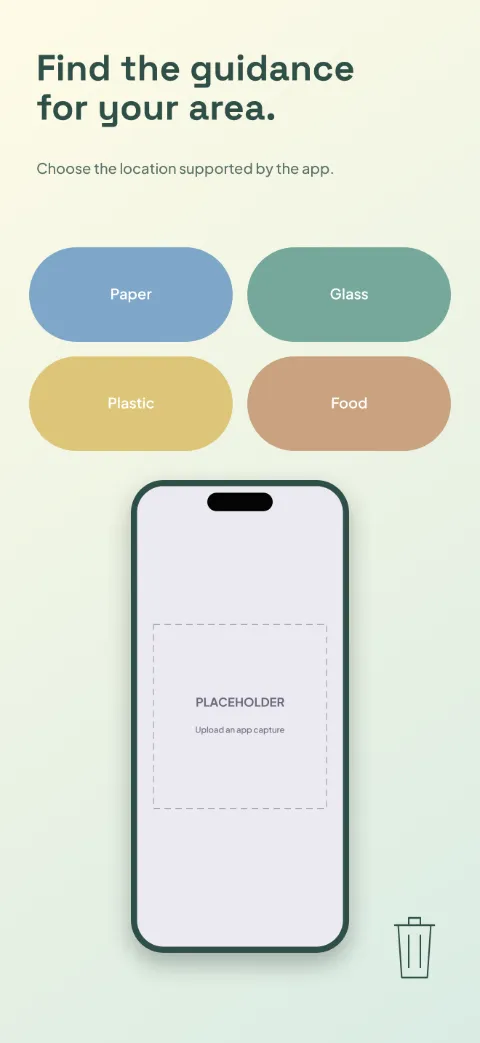
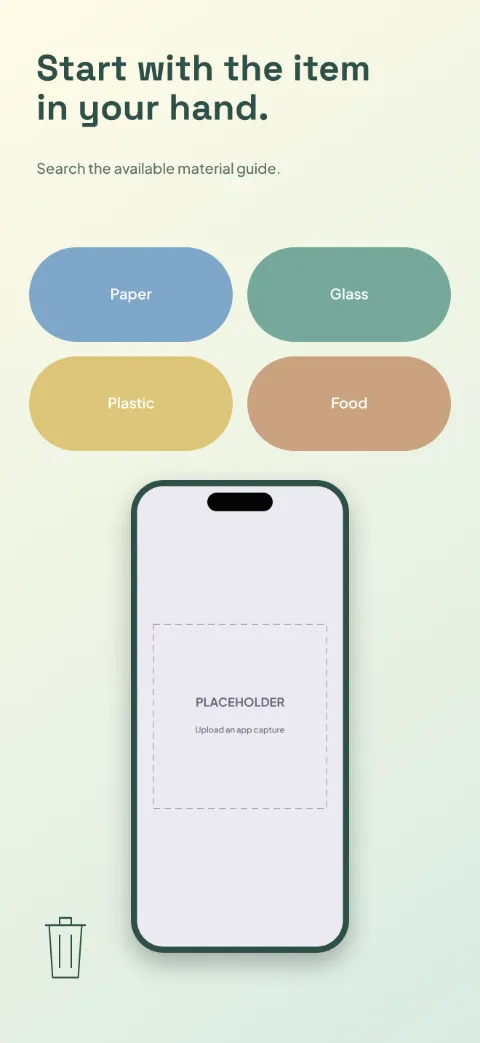
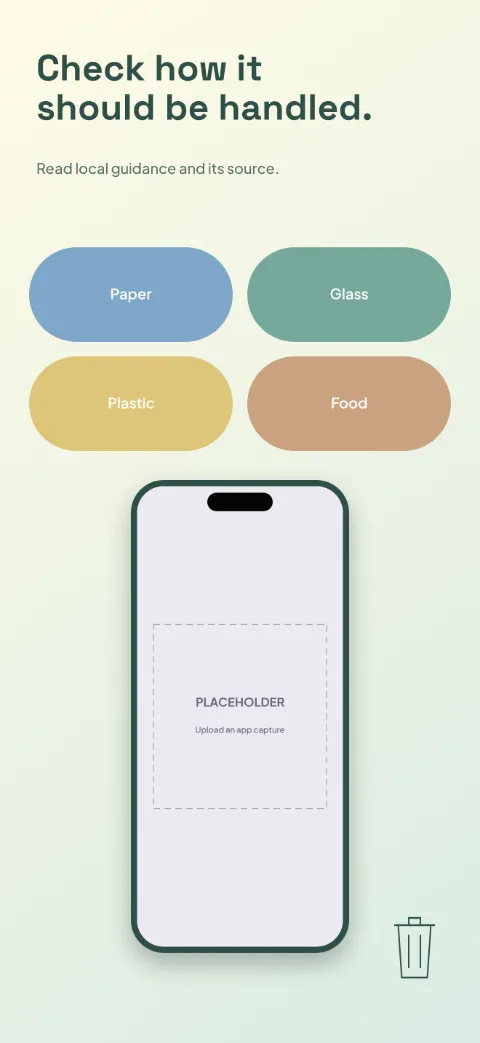
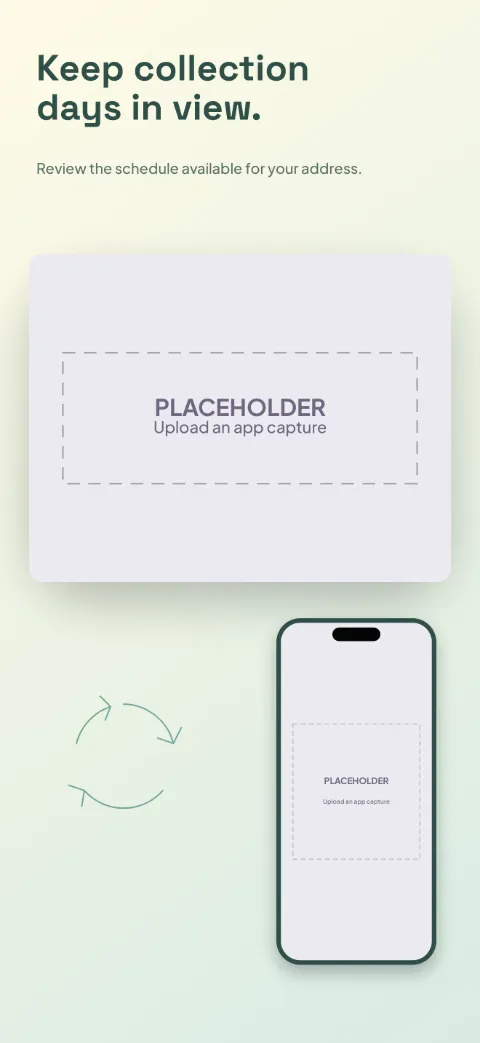
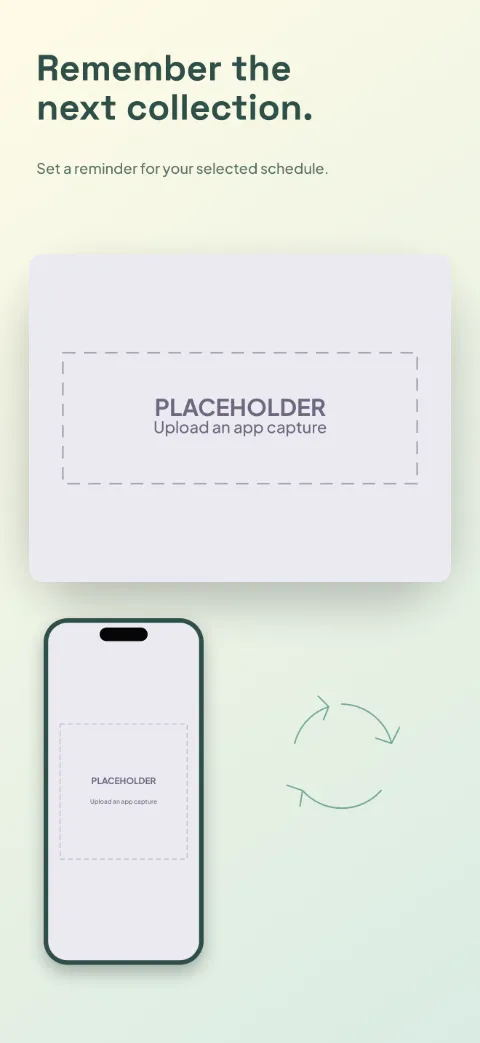
  • Sort Smart slide 1 (promise): “Find the guidance for your area.” over a light gradient background with a local setup screen slot and bin outline.Sort Smart slide 2 (primary feature): “Start with the item in your hand.” over a light gradient background with a material search screen slot and bin outline.Sort Smart slide 3 (secondary feature): “Check how it should be handled.” over a light gradient background with a item guide screen slot and bin outline.Sort Smart slide 4 (personalisation): “Keep collection days in view.” over a light gradient background with a collection calendar (calendar spotlight) screen slot and circular arrows.Sort Smart slide 5 (closing): “Remember the next collection.” over a light gradient background with a reminders (calendar spotlight) screen slot and circular arrows.

    Sort Smart

    Recycling · Bold · Light

    Clear white with blue, green and yellow category blocks; big tiles and schedule spotlights.
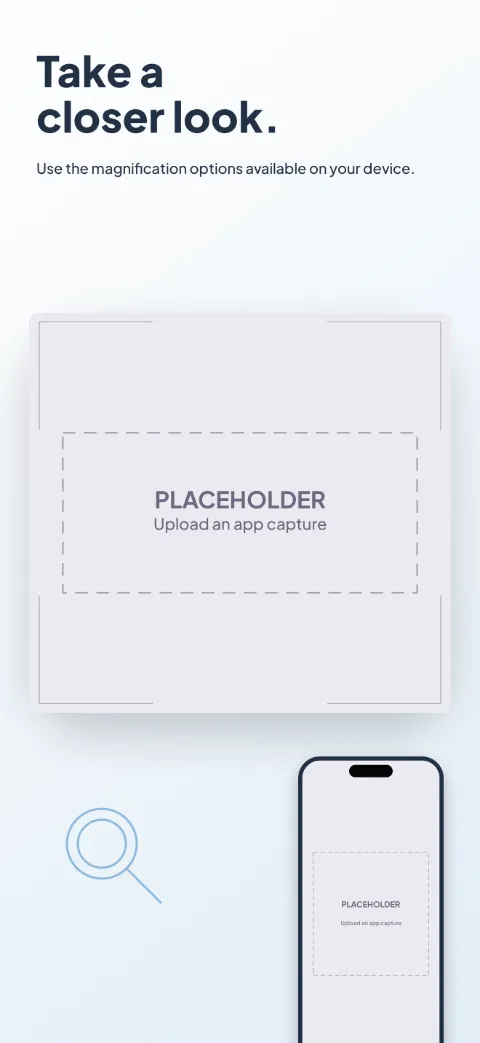
  • Clear Access slide 1 (promise): “Take a closer look.” over a light gradient background with a magnifier (oversized crop) screen slot and focus brackets.Clear Access slide 2 (primary feature): “Choose a view that works for you.” over a light gradient background with a contrast (oversized crop) screen slot and focus brackets.Clear Access slide 3 (secondary feature): “Hold the detail in view.” over a light gradient background with a capture (oversized crop) screen slot and focus brackets.Clear Access slide 4 (personalisation): “Set your reading preferences.” over a light gradient background with a reading options (oversized crop) screen slot and focus brackets.Clear Access slide 5 (closing): “Return to something you saved.” over a light gradient background with a saved images (oversized crop) screen slot and focus brackets.

    Clear Access

    Magnifier Reading · Minimal · Light

    Exceptionally legible black, ivory and clear blue; oversized UI close-ups, minimal decoration.
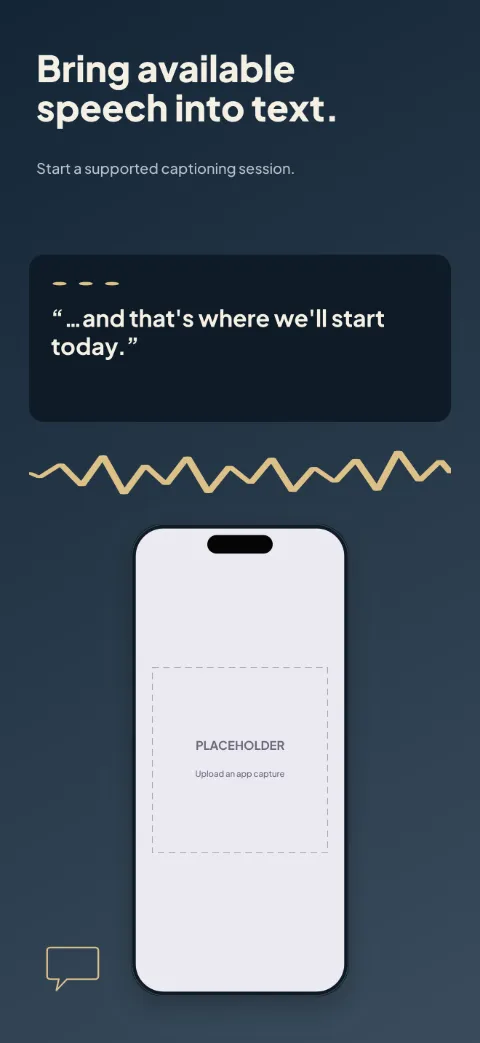
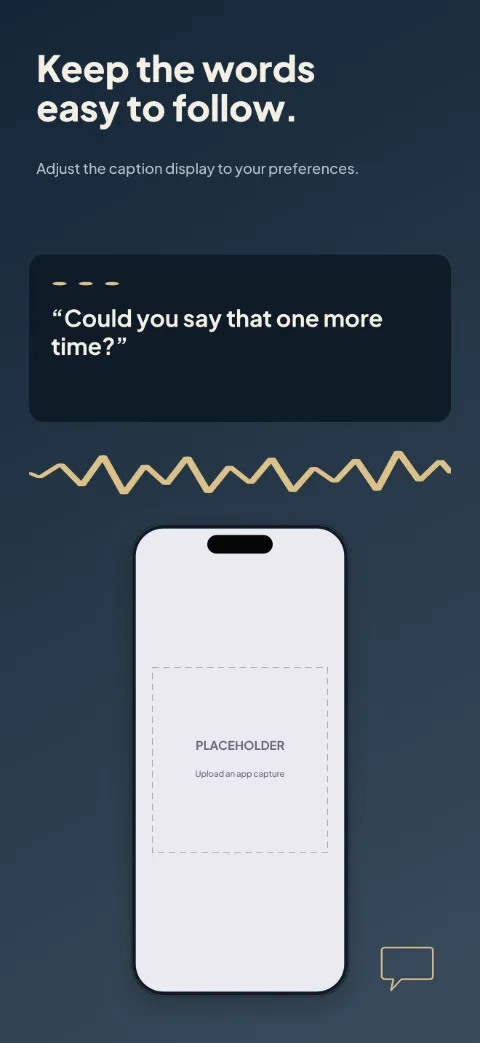
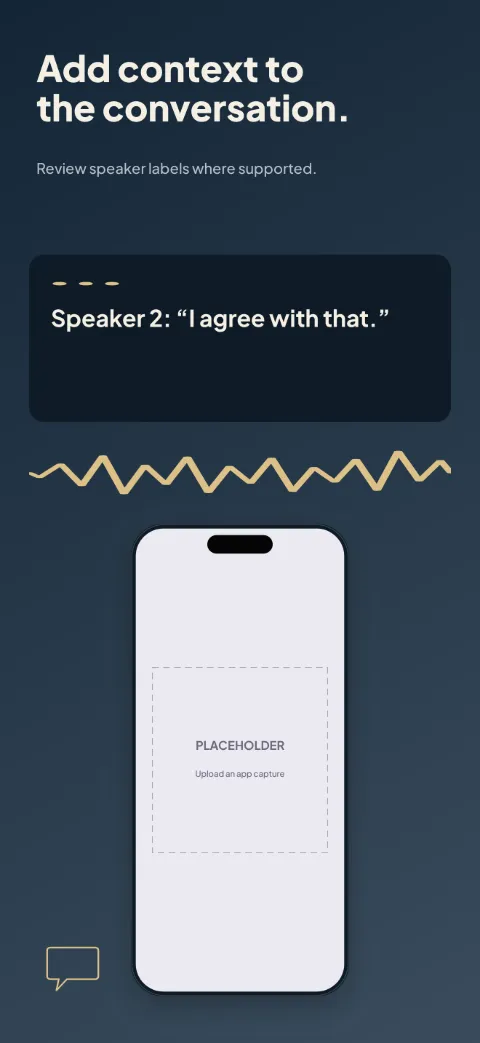
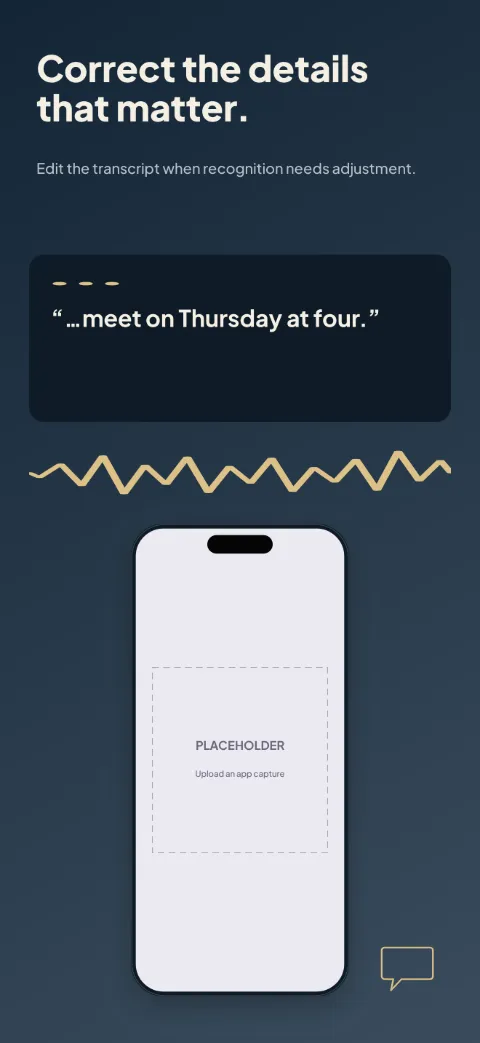
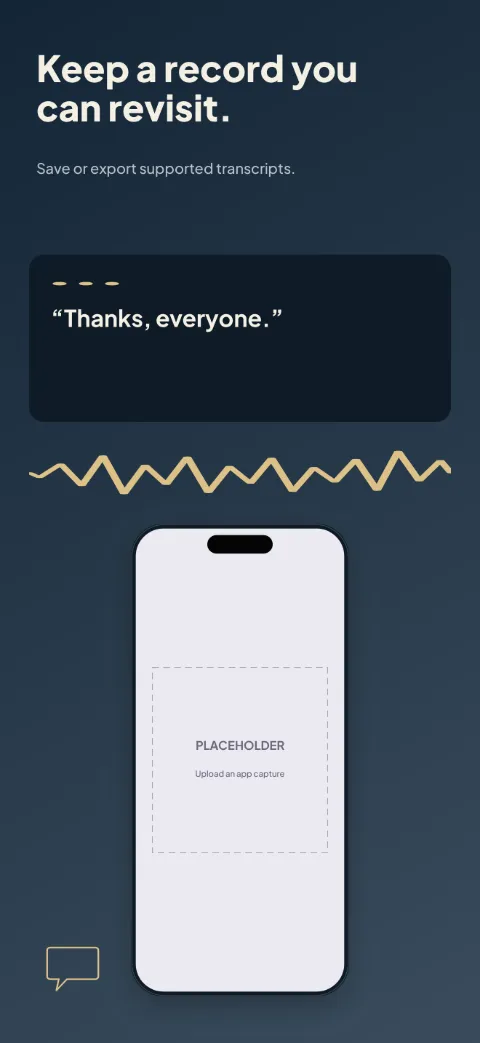
  • Caption Space slide 1 (promise): “Bring available speech into text.” over a dark gradient background with a session screen slot and speaker dots.Caption Space slide 2 (primary feature): “Keep the words easy to follow.” over a dark gradient background with a captions screen slot and speaker dots.Caption Space slide 3 (secondary feature): “Add context to the conversation.” over a dark gradient background with a speaker view screen slot and speaker dots.Caption Space slide 4 (personalisation): “Correct the details that matter.” over a dark gradient background with a corrections screen slot and speaker dots.Caption Space slide 5 (closing): “Keep a record you can revisit.” over a dark gradient background with a transcript screen slot and speaker dots.

    Caption Space

    Captions Transcription · Dark · Dark

    Deep blue and warm white with amber speaker accents; text-first with large caption excerpts.
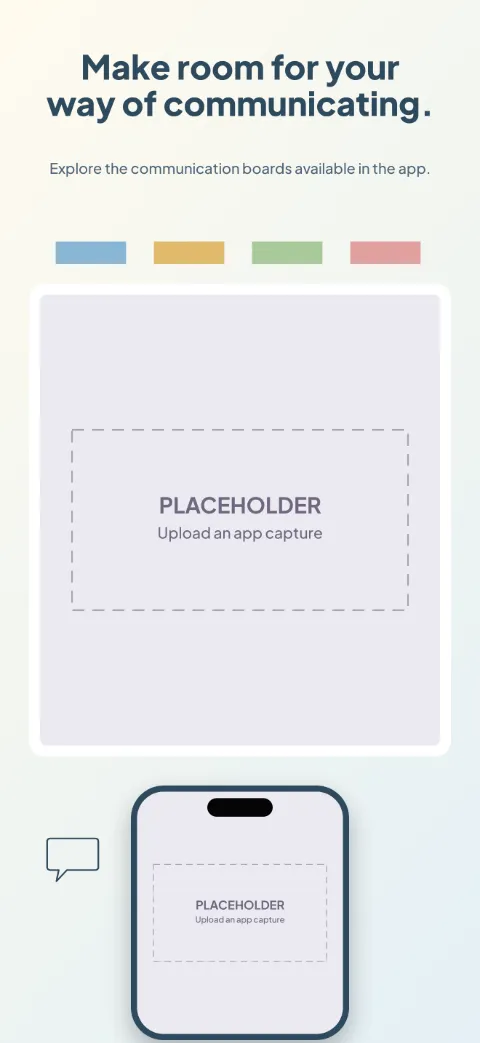
  • My Words slide 1 (promise): “Make room for your way of communicating.” over a light gradient background with a board (board preview) screen slot and category shape 1.My Words slide 2 (primary feature): “Build the phrase you want to share.” over a light gradient background with a phrase builder (board preview) screen slot and category shape 1.My Words slide 3 (secondary feature): “Keep familiar expressions close.” over a light gradient background with a favorites (board preview) screen slot and category shape 1.My Words slide 4 (personalisation): “Arrange a board around your needs.” over a light gradient background with a board editor (board preview) screen slot and category shape 1.My Words slide 5 (closing): “Choose the available voice settings.” over a light gradient background with a voice settings (board preview) screen slot and category shape 1.

    My Words

    Aac Communication · Soft · Light

    Warm white with clear category colours; big board previews and nothing drawn over them.
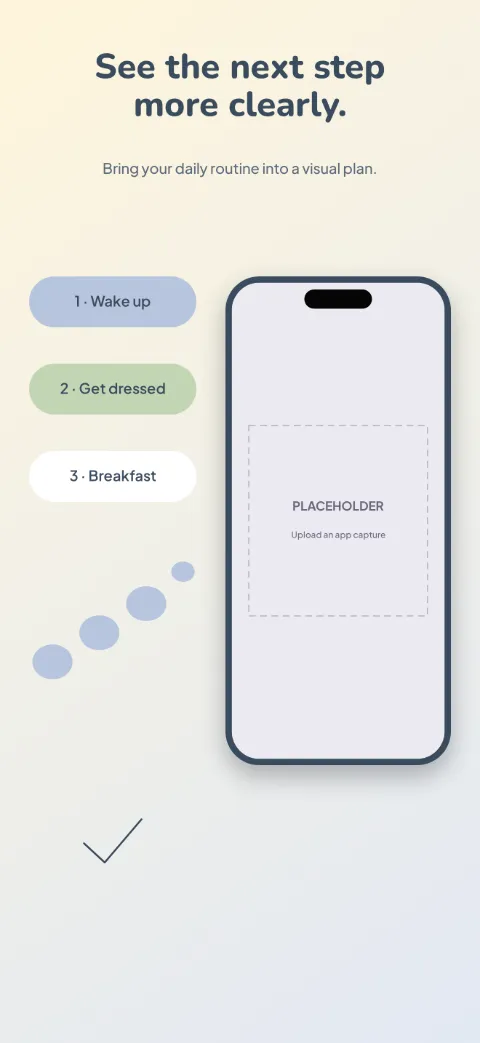
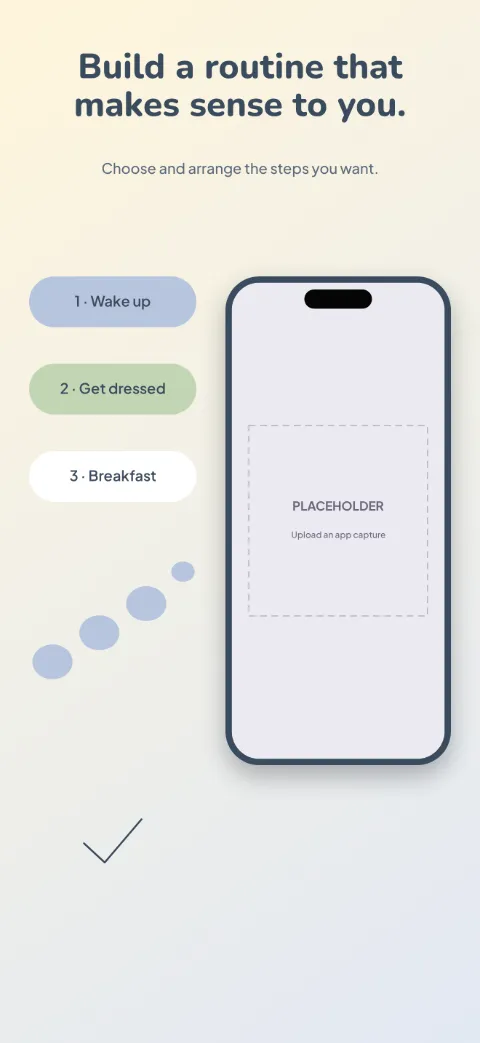
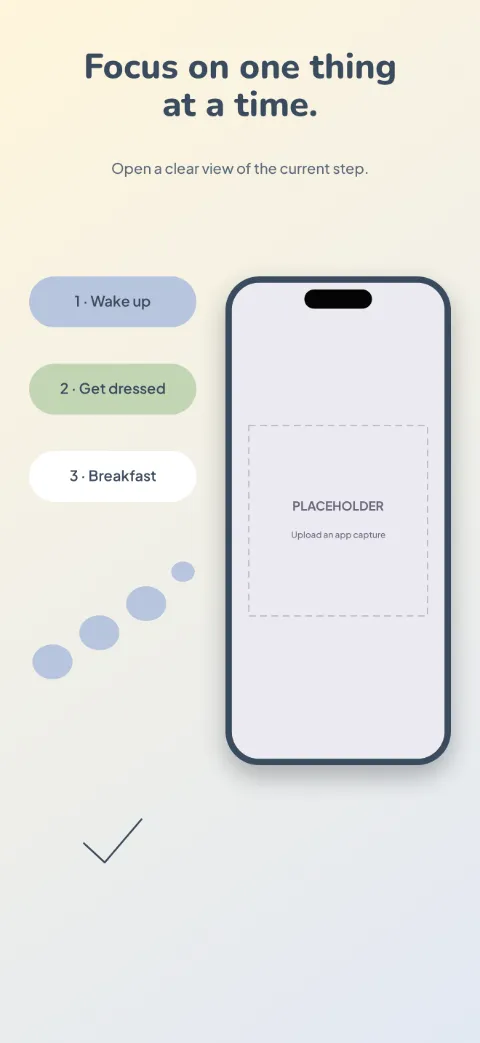
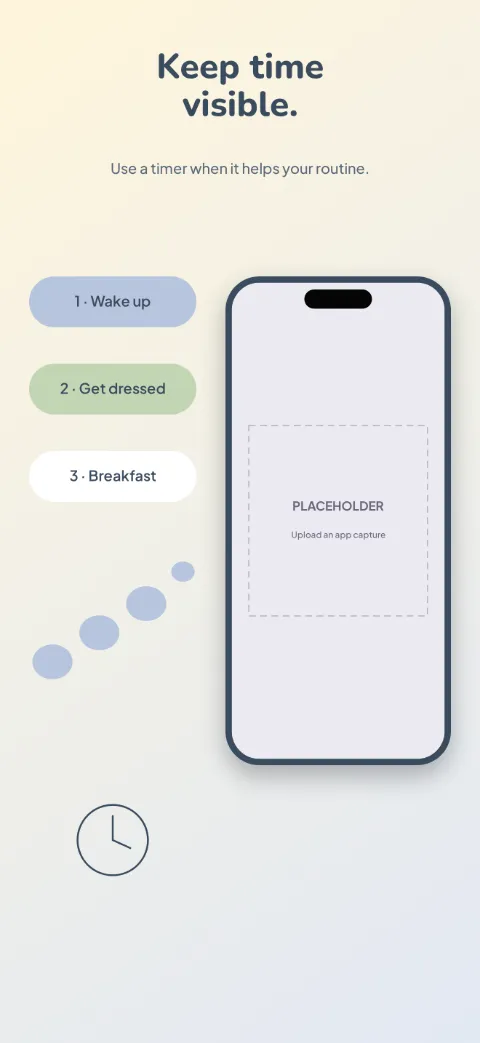
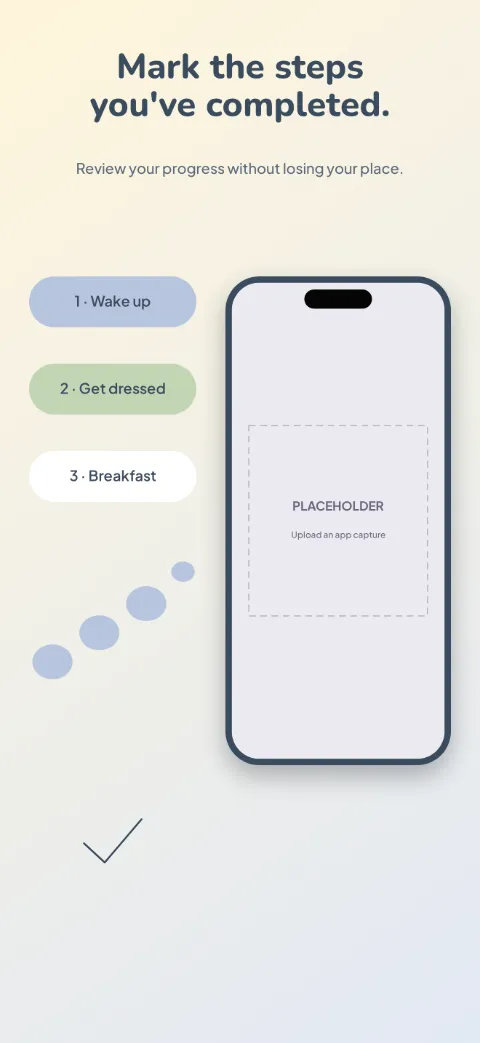
  • Easy Steps slide 1 (promise): “See the next step more clearly.” over a light gradient background with a today screen slot and stepping stones.Easy Steps slide 2 (primary feature): “Build a routine that makes sense to you.” over a light gradient background with a routine builder screen slot and stepping stones.Easy Steps slide 3 (secondary feature): “Focus on one thing at a time.” over a light gradient background with a step detail screen slot and stepping stones.Easy Steps slide 4 (personalisation): “Keep time visible.” over a light gradient background with a timer screen slot and stepping stones.Easy Steps slide 5 (closing): “Mark the steps you've completed.” over a light gradient background with a completion screen slot and stepping stones.

    Easy Steps

    Visual Routines · Soft · Light

    Warm pastel blocks with clear labels and low clutter; numbered routine cards with big gaps.