Food Drink App Screenshot Template — At Your Table
Create a coordinated screenshot campaign for a food drink app: warm tomato and cream, editable delivery route and bowl, and five layouts for restaurants, filters, menu, basket and tracking.
- 5 slides · 5 screenshot slots · 1 photo slot
- Editable headlines, descriptions, background and 3 SVG decoration types
- Verified: iPhone 6.9″ portrait master (1320 × 2868 px).
- No account needed — opens in your browser; nothing is uploaded.
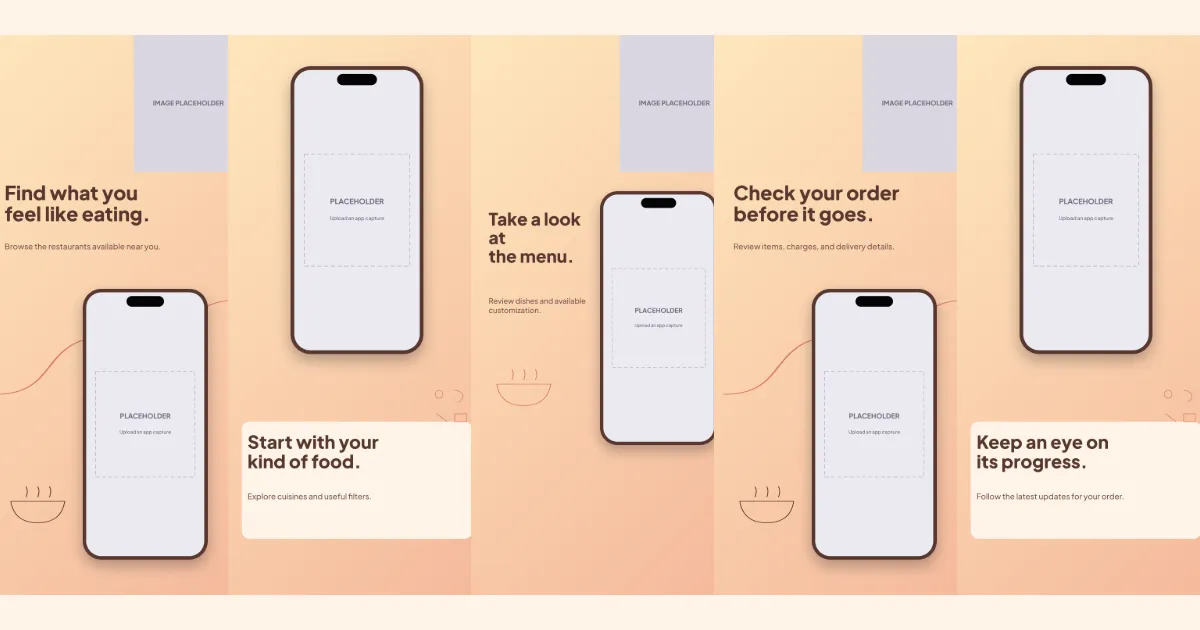
All five slides, in order
Swipe or use the slide links
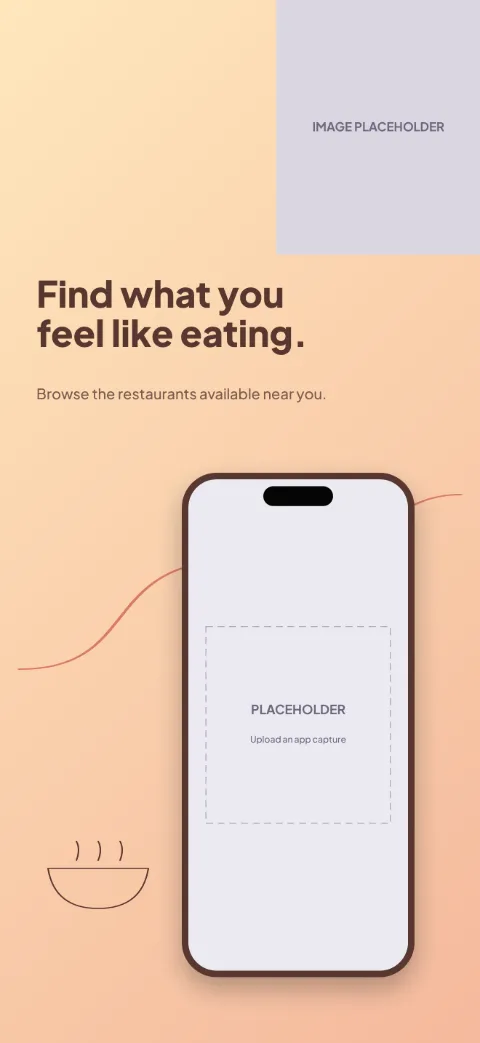
1 · Promise
Find what you feel like eating.
Browse the restaurants available near you.
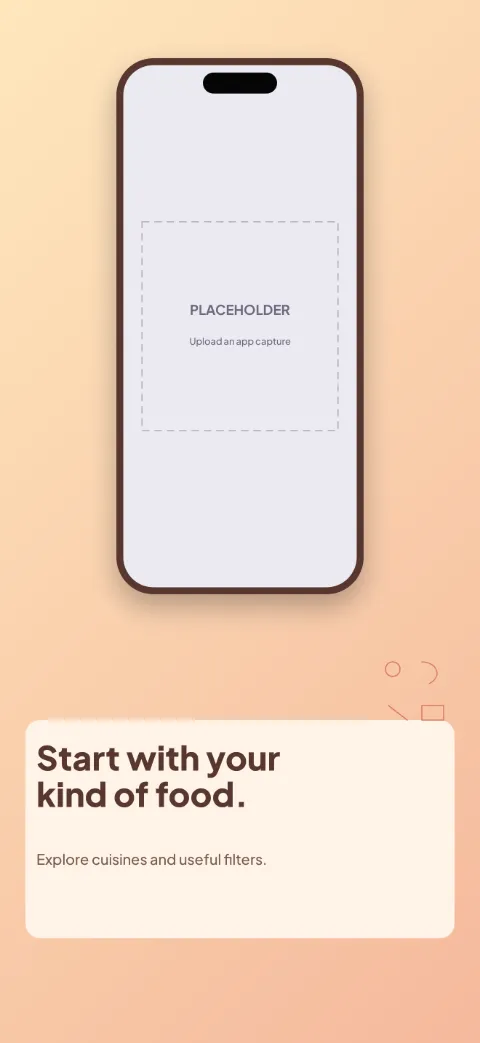
2 · Primary feature
Start with your kind of food.
Explore cuisines and useful filters.
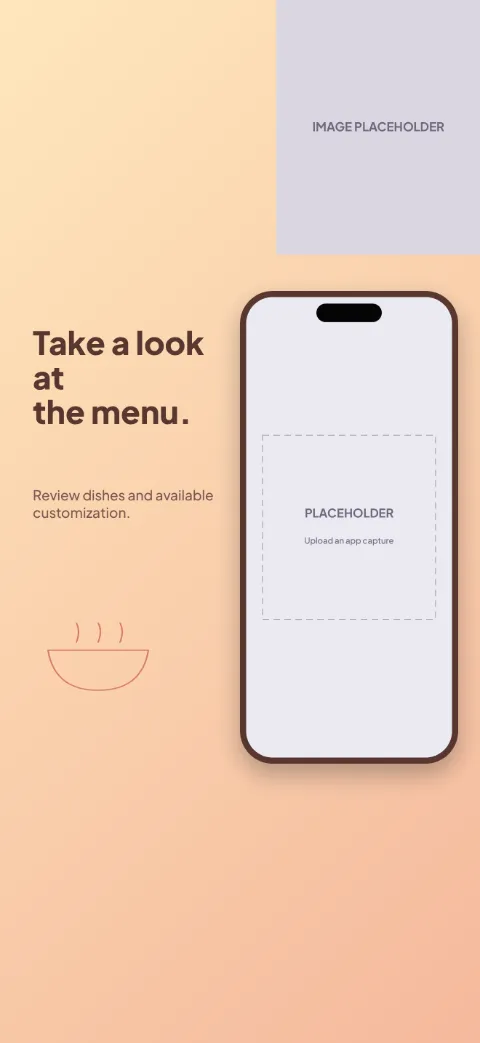
3 · Secondary feature
Take a look at the menu.
Review dishes and available customization.
4 · Personalisation
Check your order before it goes.
Review items, charges, and delivery details.
5 · Closing
Keep an eye on its progress.
Follow the latest updates for your order.
The story the slides tell
Alternating split (L2): text top, bottom and side in turn beside the phone; add your own or licensed food photos.
- Slide one — promise: shows restaurants with a photo slot, decorated with delivery route and bowl. Example copy: “Find what you feel like eating.” / “Browse the restaurants available near you.”
- Slide two — primary feature: shows filters, decorated with ingredient doodles. Example copy: “Start with your kind of food.” / “Explore cuisines and useful filters.”
- Slide three — secondary feature: shows menu with a photo slot, decorated with bowl. Example copy: “Take a look at the menu.” / “Review dishes and available customization.”
- Slide four — personalisation: shows basket with a photo slot, decorated with delivery route and bowl. Example copy: “Check your order before it goes.” / “Review items, charges, and delivery details.”
- Slide five — closing: shows tracking, decorated with ingredient doodles. Example copy: “Keep an eye on its progress.” / “Follow the latest updates for your order.”
How to use At Your Table
- Open the template in Screenshot Studio. “Use this template” opens a new-project dialog in your browser; nothing is saved until you choose Create.
- Upload and map your app screenshots. Slots are named Restaurants, Filters, Menu, Basket, Tracking.
- Edit the headlines and supporting descriptions. Click any text on the canvas or use the copy table for every language.
- Apply your colours, fonts and target sizes. Brand kits and per-size adjustments keep the master layout intact.
- Preview, validate and export. Validation flags empty slots, overflowing text and missing fonts before the PNG export.
Advice for this template
- Use a restaurants screen for slide one, a filters screen for slide two, a menu screen for slide three, then basket and tracking screens for slides four and five.
- Photo slots (food (your own or licensed)) are empty: add your own or licensed images. No stock photography is bundled.
Questions
- Which app screens work best in this template?
- In order: restaurants, filters, menu, basket and tracking. Each slide has a named screenshot slot so captures map by position.
- Can I replace the device frame?
- Yes. Each screenshot slot can switch between the generic drawn frame styles (including frameless cards). Realistic manufacturer device artwork is not bundled.
- Can I change the gradient colors?
- Yes. The background is an ordinary editable gradient; the template also offers a matching solid colour and an alternate light/dark treatment.
- Can I use this design for both platforms?
- Yes. Projects can target App Store and Google Play sizes together. The master layout is 1320 × 2868; other sizes are resized proportionally, and you can adjust any size individually.
- Which parts remain editable?
- Every headline and description, screenshot slot, background and SVG decoration is an ordinary named layer you can edit, recolour, move, hide or delete.
Related templates
Start from At Your Table
Opens a new project in your browser with all five slides editable. Your existing projects are not changed.
Use this template